
Samsung releases stable One UI 8.5 for Galaxy M55, A16 5G, and A17 5G.
The stable One UI 8.5 update, along with the May 2026 security patch, has officially rolled out to the Galaxy M55, A16 5G, and A17 5G trio, with a size of up to 3GB.
Samsung has officially released the stable One UI 8.5 update for three mid-range and entry-level smartphones: the Galaxy M55, Galaxy A16 5G, and Galaxy A17 5G. Notably, this update not only brings new features but also includes the May 2026 Android security patch, enhancing device security.
Detailed One UI 8.5 update roadmap for each device model.
According to technical data, each device model will receive different firmware codes and installation file sizes depending on its hardware configuration. Below is a detailed summary of update information for the devices:
| Machine line | Firmware Code | Capacity | Market deployment |
|---|---|---|---|
| Galaxy M55 | M556BXXU5DZE3 | ~3.0 GB | India |
| Galaxy A16 5G | A166PXXU7DZE2 | ~2.3 GB | India, Indonesia |
| Galaxy A17 5G | A176BXXU5CZE9 | ~2.4 GB | Vietnam, India, Nepal, France, Bulgaria |
Major improvements on the Galaxy M55
Leading the list in terms of size is the Galaxy M55 with an update package weighing approximately 3GB. The firmware version, M556BXXU5DZE3, is currently being released first in the Indian market. With this size, the update promises to bring significant changes to system performance and optimize the user experience on the One UI 8.5 platform.
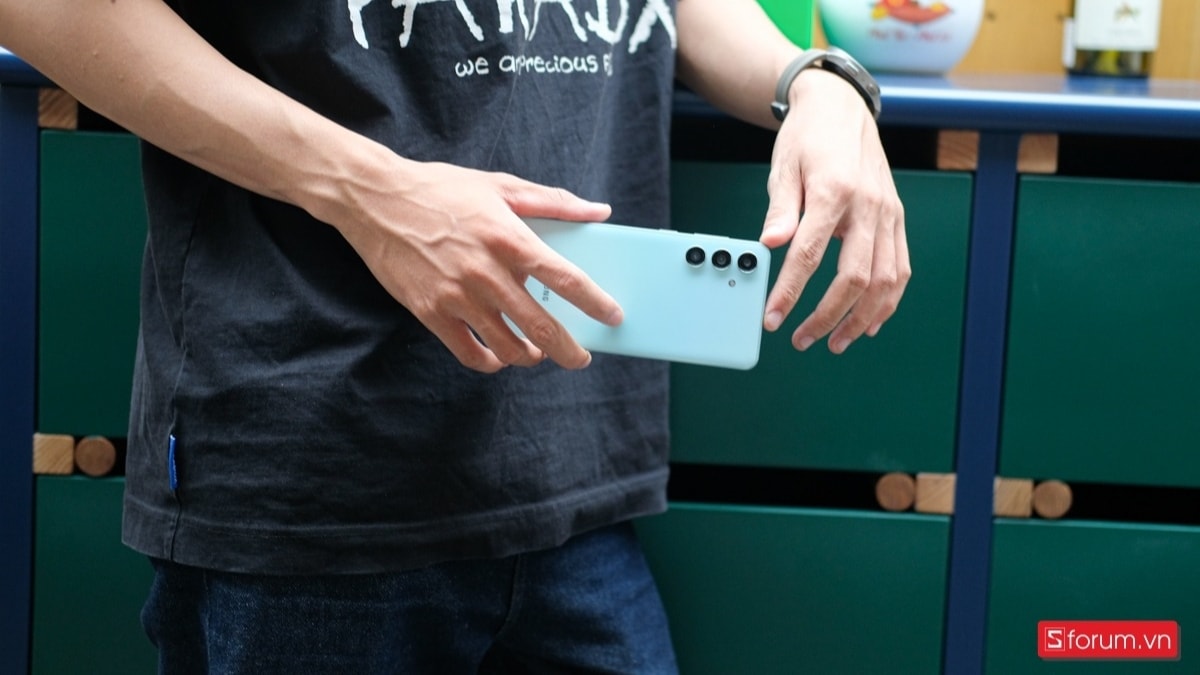
Galaxy A16 5G and Galaxy A17 5G receive new security patch.
Besides the Galaxy M55, the Galaxy A16 5G model has also received firmware update A166PXXU7DZE2, which is lighter in size, approximately 2.3GB. Currently, users in regions such as India and Indonesia can upgrade to experience smoother performance and the latest security features.
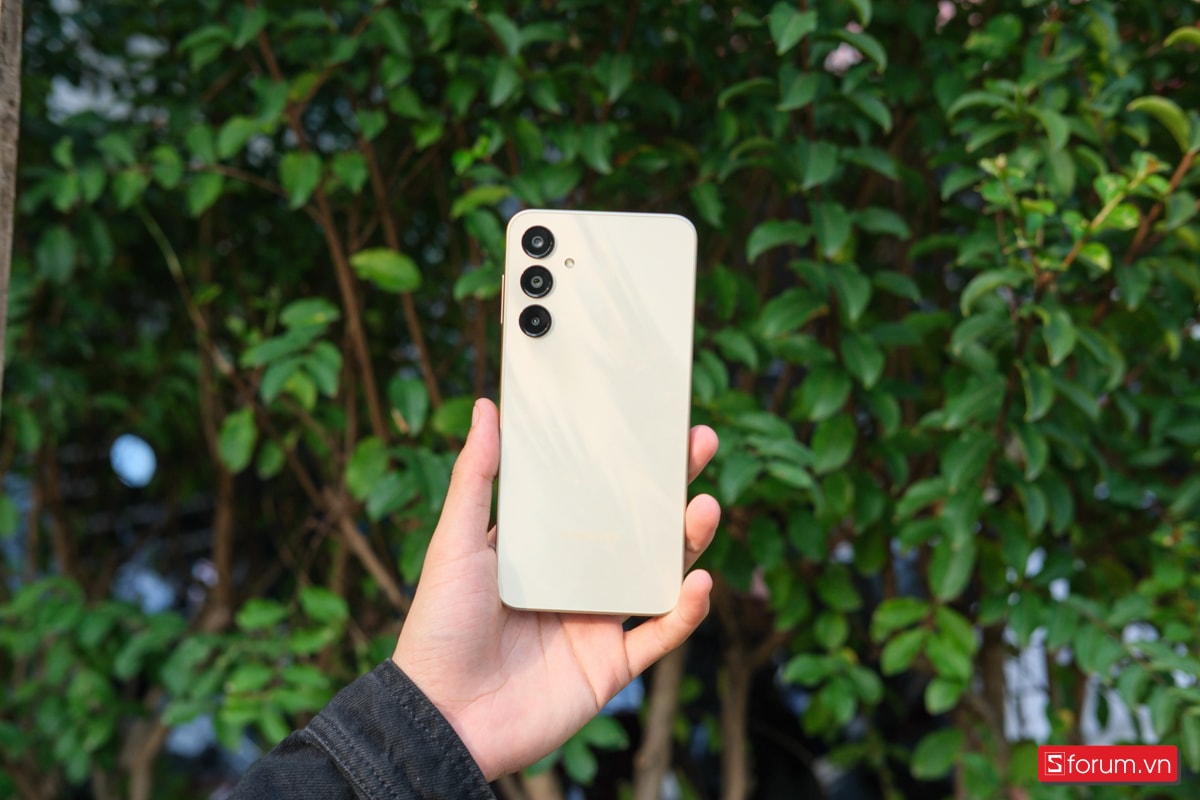
In particular, there's good news for users in Vietnam as the Galaxy A17 5G is now on the list of devices prioritized for early updates. The update, code A176BXXU5CZE9, weighing approximately 2.4GB, is being widely rolled out in Vietnam and several other countries such as Nepal, France, and Bulgaria.

Instructions for checking for and installing updates
To ensure a safe upgrade process, Samsung recommends that users connect their device to a stable Wi-Fi network and ensure the battery level is above 50% before beginning. Although the system will send an automatic notification, users can manually check by following these steps:
- Step 1: Access the applicationSetting(Settings).
- Step 2: Select the itemUpdate the software.(Software Update)
- Step 3: Click onDownload and install(Download and install).
Samsung's swift rollout of the stable One UI 8.5, along with the latest security patch, to its mainstream devices demonstrates the company's commitment to long-term software support. This not only improves performance but also protects user data from potential security threats.


