
Comparing Lenovo ThinkPad X1 Carbon Gen 14 OLED and IPS: Which is the better choice?
The Lenovo ThinkPad X1 Carbon Gen 14 OLED version is lighter and offers an excellent display, while the IPS version completely dominates in battery life, exceeding 23 hours.
Choosing a display for the high-end Lenovo ThinkPad X1 Carbon Gen 14 business laptop isn't simply about changing the display quality. In fact, the decision to choose an OLED or IPS panel will directly affect the casing material, overall weight, and especially the device's battery life.
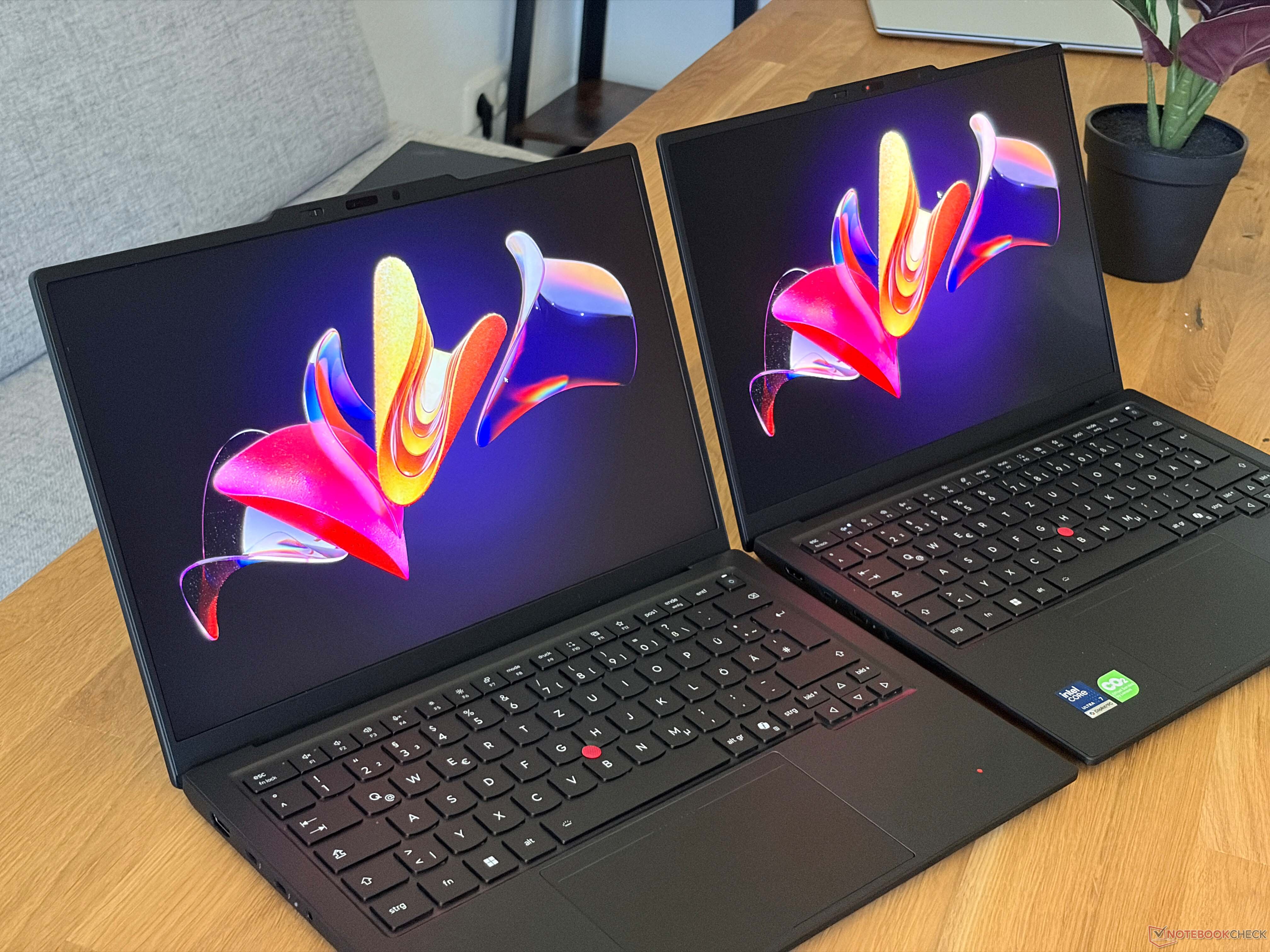
Design and weight: The display panel determines the casing material.
Lenovo offers significant mechanical modifications depending on the chosen screen configuration. OLED screen versions (both touch and non-touch) feature a magnesium alloy bottom bracket, optimizing weight. Conversely, IPS touch screen variants utilize an aluminum bottom bracket.
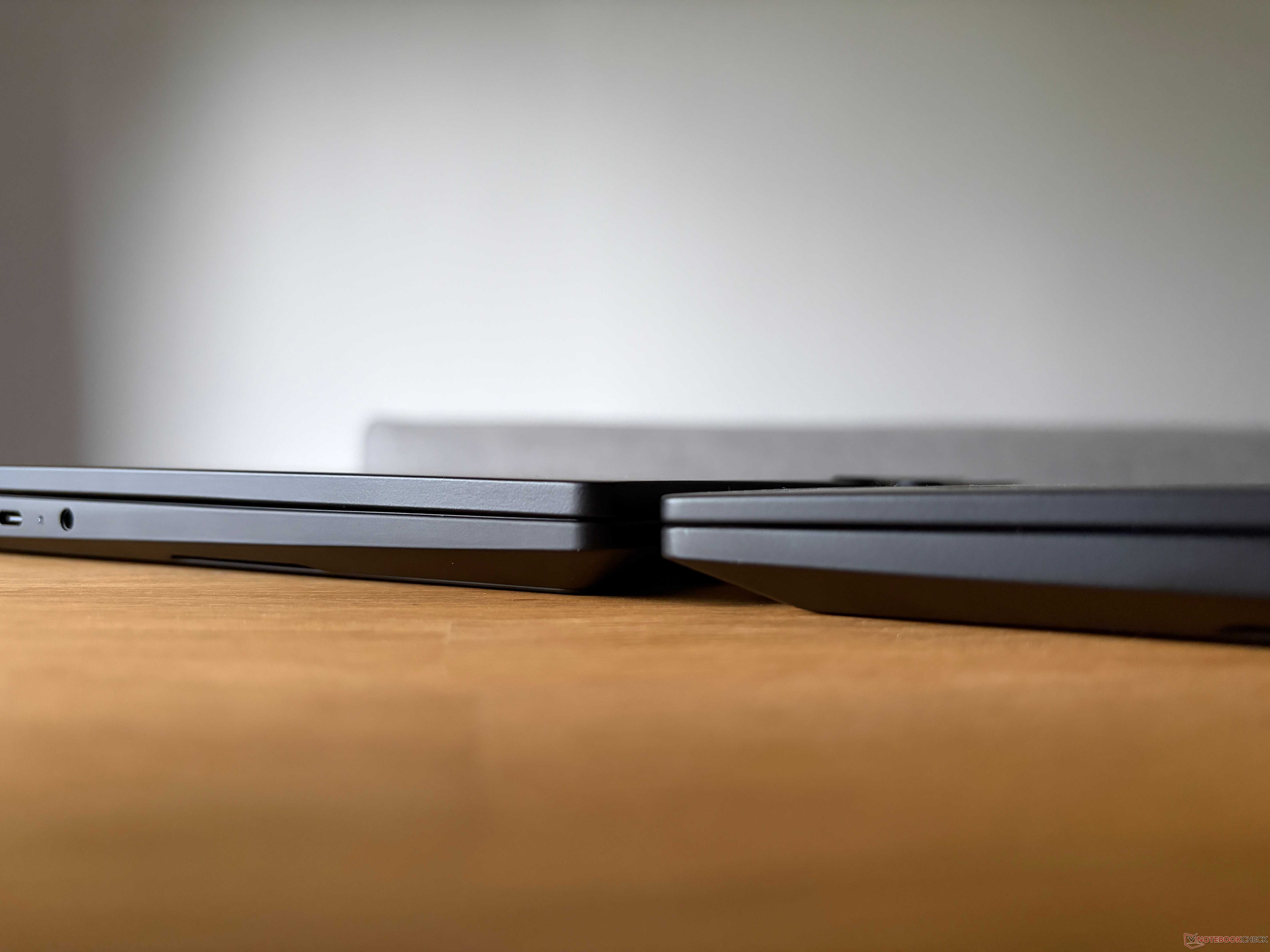
This difference in materials results in a very noticeable weight difference. The non-touch matte OLED screen version boasts an impressive weight of just 989 grams, true to the manufacturer's promise of being under 1 kg. Meanwhile, the IPS version weighs 1.14 kg, which is about 150 grams heavier. Additionally, the magnesium body on the OLED version offers slightly greater rigidity, contributing to a somewhat improved typing experience.
Display quality: 2.8K OLED 120Hz screen versus IPS Full HD 60Hz screen.
In terms of display capabilities, the matte, anti-glare OLED version boasts a resolution of 2880 x 1800 pixels and a refresh rate of 120 Hz. This panel offers a distinct advantage in deep blacks, extremely high reflectivity, super-fast response times, and support for HDR content with high brightness. The only drawback is the presence of PWM flicker, which, even at the high 1200 Hz frequency, can still cause eye strain for sensitive users.
Conversely, the IPS touchscreen version boasts a resolution of 1920 x 1200 pixels with a refresh rate of only 60 Hz. While the image quality is quite good and doesn't cause eye strain, the 60 Hz refresh rate is considered a regrettable drawback for a high-end device released at this time.
| Specifications | OLED display (2880 x 1800, 120Hz) | IPS display (1920 x 1200, 60Hz) |
|---|---|---|
| Maximum brightness (SDR) | 532 cd/m² | 540 cd/m² |
| sRGB / DCI-P3 color coverage | 100% / 99.9% | 99.1% / 69.8% |
| Black Level | 0 cd/m² (Absolute) | 0.3 cd/m² |
| Response time (Black/White) | 0.49 ms | 17.7 ms |
| PWM frequency | 1200 Hz | No PWM |
Both panels achieved very high color accuracy after calibration, making them well-suited for professional image processing. However, when displaying bright content, both screens exhibited slight graininess, with the OLED version showing it a little more noticeably.
Battery life: The IPS display completely dominates.
Although OLED screens win in terms of visual experience, the IPS version has a clear advantage in terms of energy efficiency. In a Wi-Fi web browsing test at 150 nits brightness, the IPS touchscreen version achieved an impressive result of over 23.2 hours of continuous operation.
Under the same test conditions (with the refresh rate set to 60 Hz), the OLED version only lasted 13.5 hours. The difference of nearly 10 hours is significant for users who travel frequently. When the screen brightness was pushed to maximum, the IPS version still achieved 14.2 hours, compared to only 7.6 hours for the OLED version.
Which is the best option?
The clear distinction between the two versions forces users to make trade-offs depending on their actual needs:
- You should choose the OLED version if:You prioritize ultra-lightweight devices (under 1 kg), frequently work with graphics, love high-resolution 2.8K displays with a 120Hz refresh rate, and are willing to sacrifice battery life.
- You should choose the IPS version if:You need a laptop with extremely long battery life to work all day without charging, free from eye strain caused by PWM, and not too concerned about its weight being slightly over 150 grams.
Overall, a 120Hz matte IPS display would probably be the ideal balance for most business users, but Lenovo currently doesn't offer this option on the ThinkPad X1 Carbon Gen 14.


