Fix Windows errors effectively with 5 readily available system tools.
Don't rush to reinstall the operating system. Explore Task Manager, PowerShell, and other powerful utilities built into Microsoft to diagnose and fix problems yourself.
When Windows encounters problems, many users often think of reinstalling the operating system or searching for third-party software. However, Microsoft has built in many powerful tools capable of diagnosing and resolving most common issues, from sluggish performance to serious system errors.
Mastering these utilities not only saves time but also allows users to professionally control and optimize their computers. Below are 5 of the most important troubleshooting tools available on all modern versions of Windows.
Task Manager: Quick System Performance Diagnostics
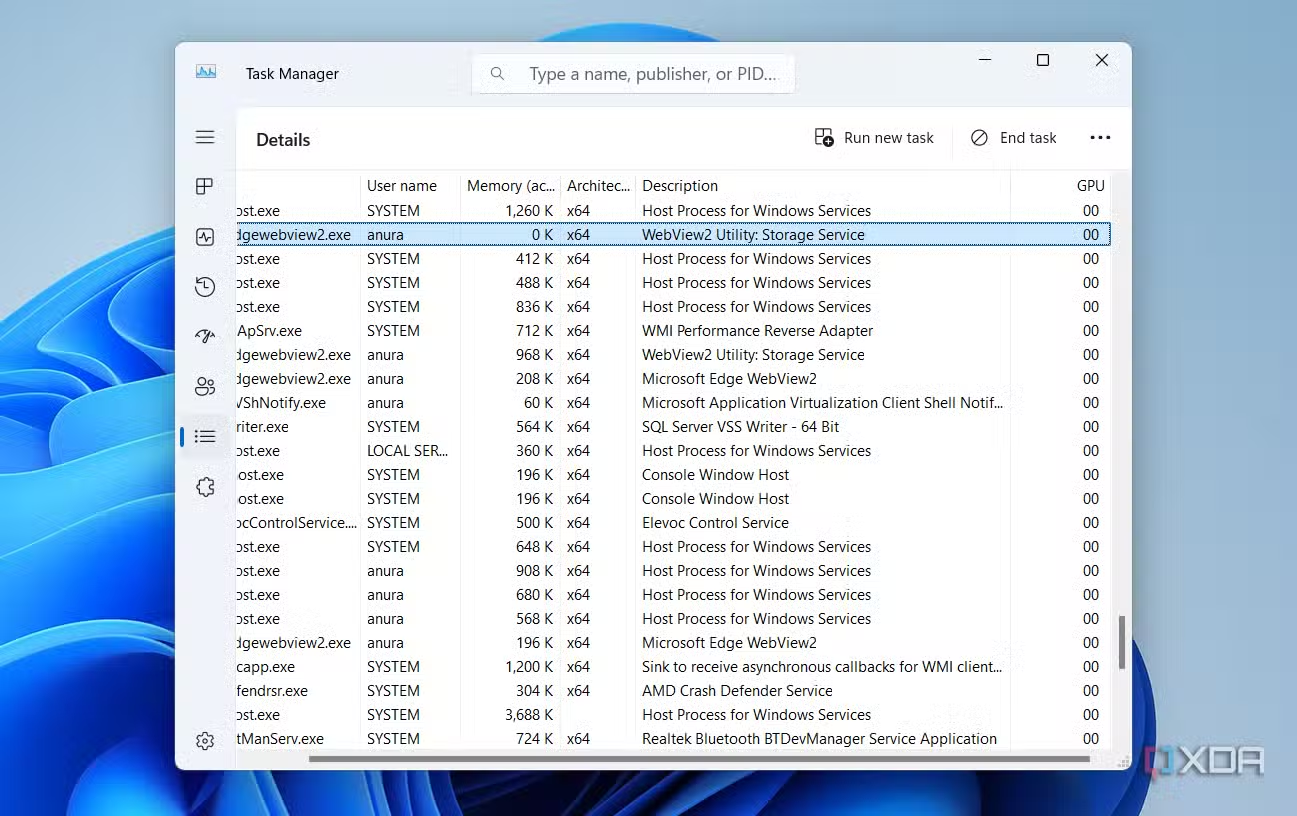
Task Manager is the first tool users should think of when their computer is running slowly or an application crashes. It provides a real-time overview of critical system resources such as CPU, memory (RAM), disk, and network.
The Task Manager interface makes it easy to identify applications or background processes that are consuming too many resources and impacting overall performance. One of its most useful features is the ability to force-close unresponsive programs, helping the system quickly return to a stable state.
Additionally, users can customize the display of more detailed columns such as GPU, CPU Time, and Power Throttling for a deeper analysis, especially useful when running demanding graphics applications or games.
Resource Monitor: Deeper analysis of resources
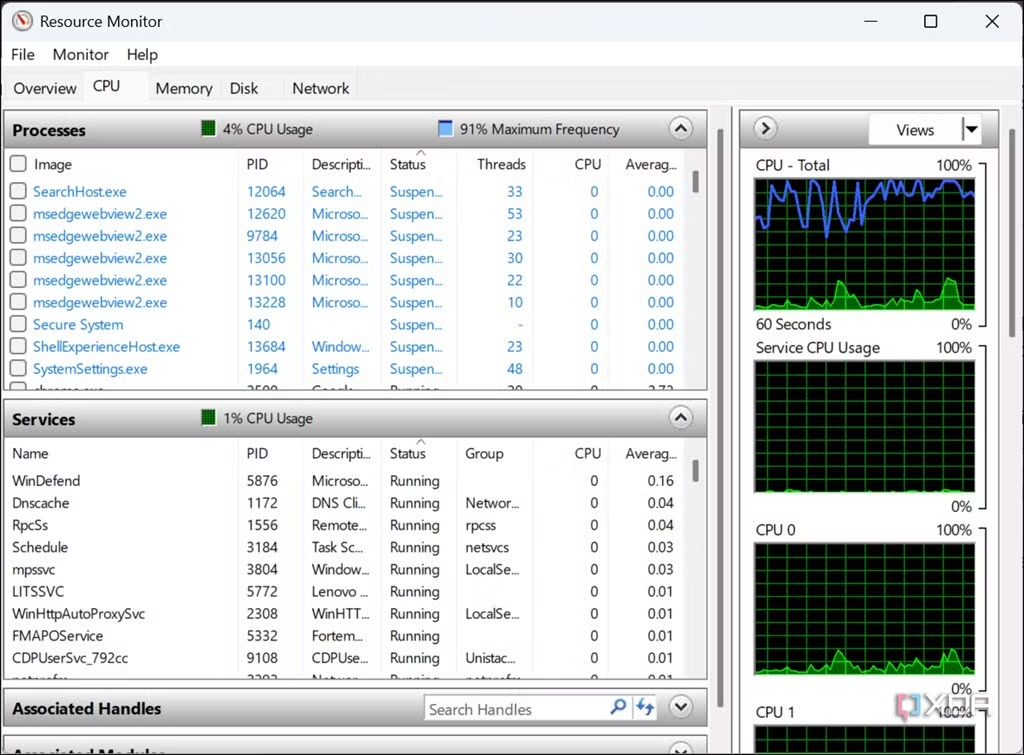
If Task Manager doesn't provide enough information, Resource Monitor is the next step. This tool offers a more detailed and in-depth view of how applications and services are interacting with your computer's hardware.
Resource Monitor breaks down resource usage into separate tabs: CPU, Memory, Disk, and Network. It displays real-time data at a high level of detail, such as which processes are writing/reading data on the disk or which programs are sending and receiving data over the network. This level of detail is crucial for identifying performance bottlenecks that Task Manager might overlook.
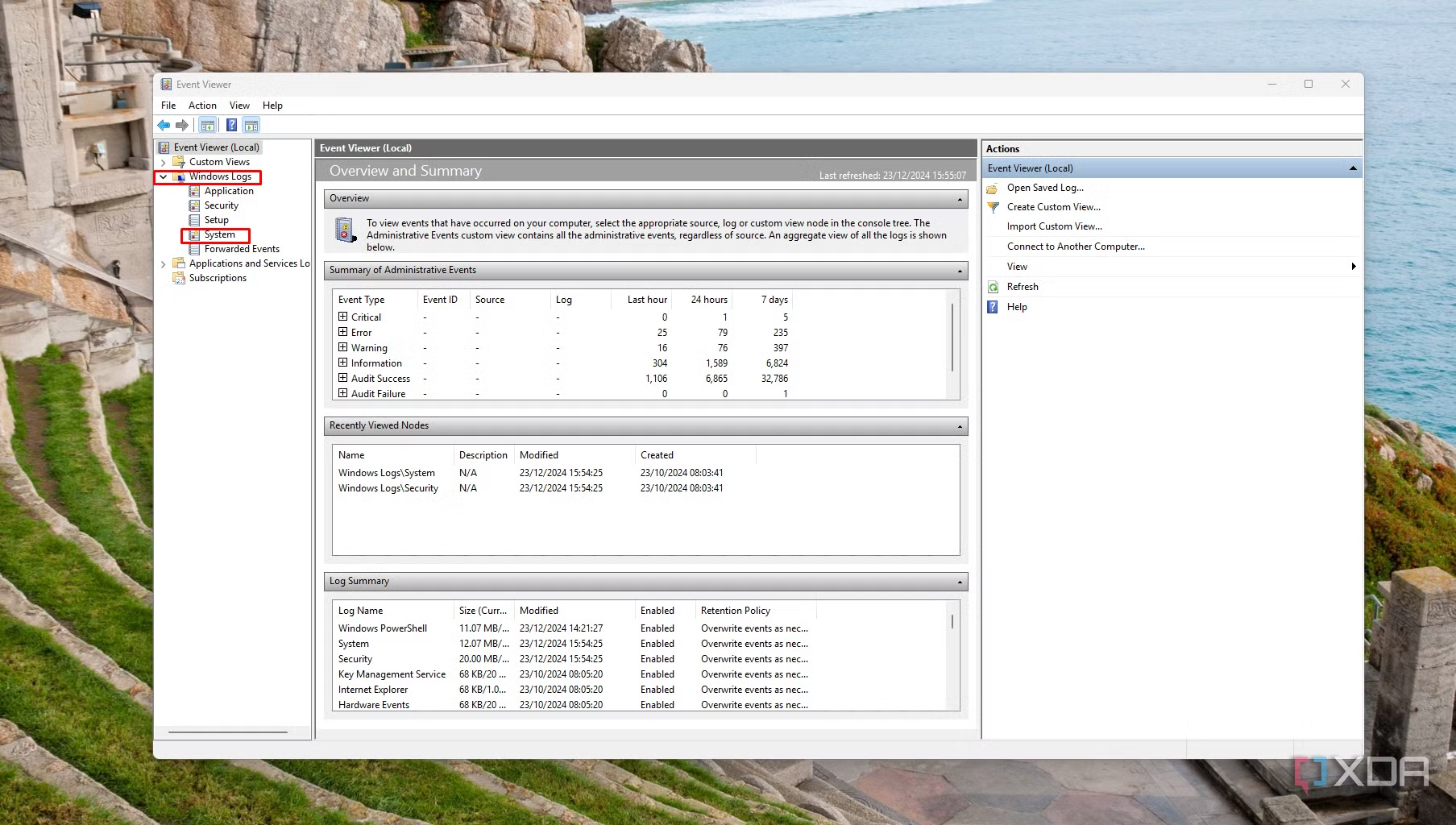
Event Viewer: Tracing the root cause of errors
All important Windows activity, from installing updates and security alerts to critical errors, is recorded in Event Viewer. This is an indispensable tool when investigating the causes of complex issues such as the Blue Screen of Death (BSOD) or random computer restarts.
Event Viewer aggregates logs from across the system into a single interface, categorizing events by severity as Errors, Warnings, and Information. When an incident occurs, users can check the system logs at that time for related error messages, often specifying which driver or hardware component caused the problem.
Command Prompt: The classic command-line interface
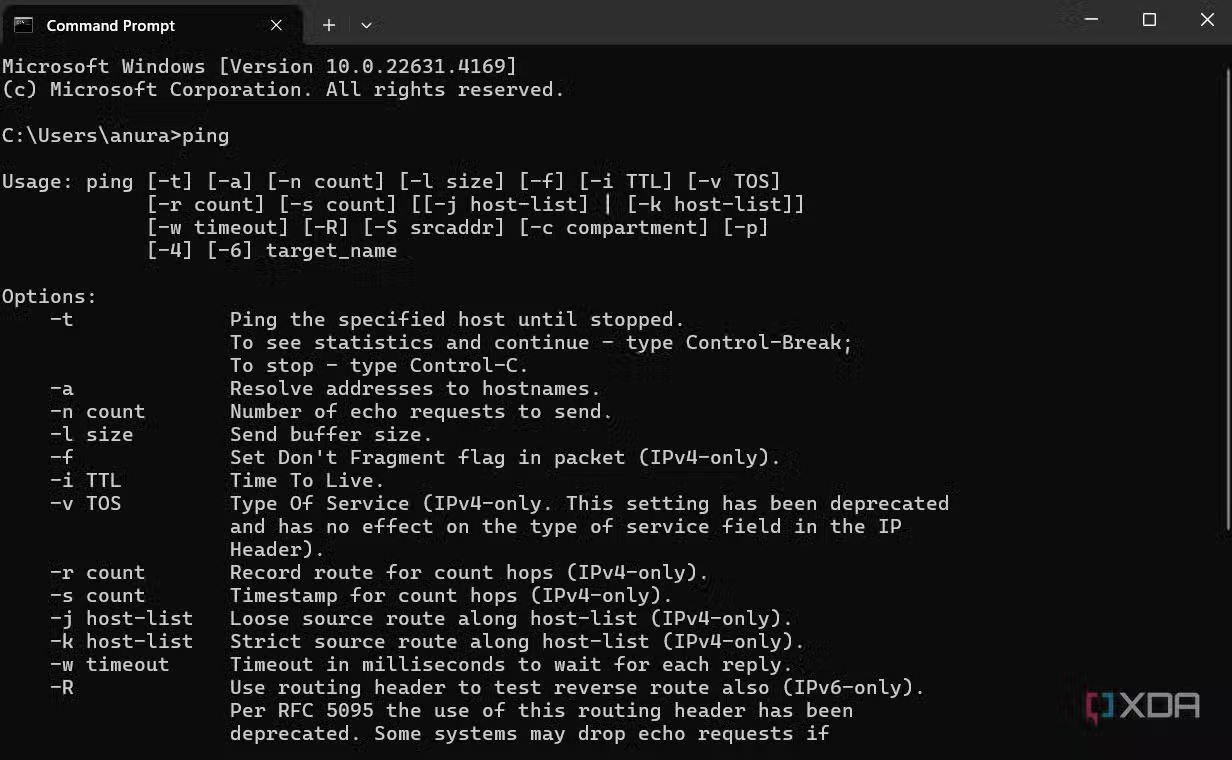
Command Prompt provides direct access to the Windows command-line interface, allowing for the execution of powerful commands for diagnosing and repairing the system. While it may seem outdated, it remains an extremely effective tool for technical tasks.
For example, the commandsfc /scannowIt can scan and automatically repair corrupted system files, a common cause of instability. The commandchkdskThese are used to check and fix logical errors on the hard drive. For network issues, commands such asipconfigandpingIt is a basic but effective diagnostic tool.
PowerShell: Advanced System Automation and Management
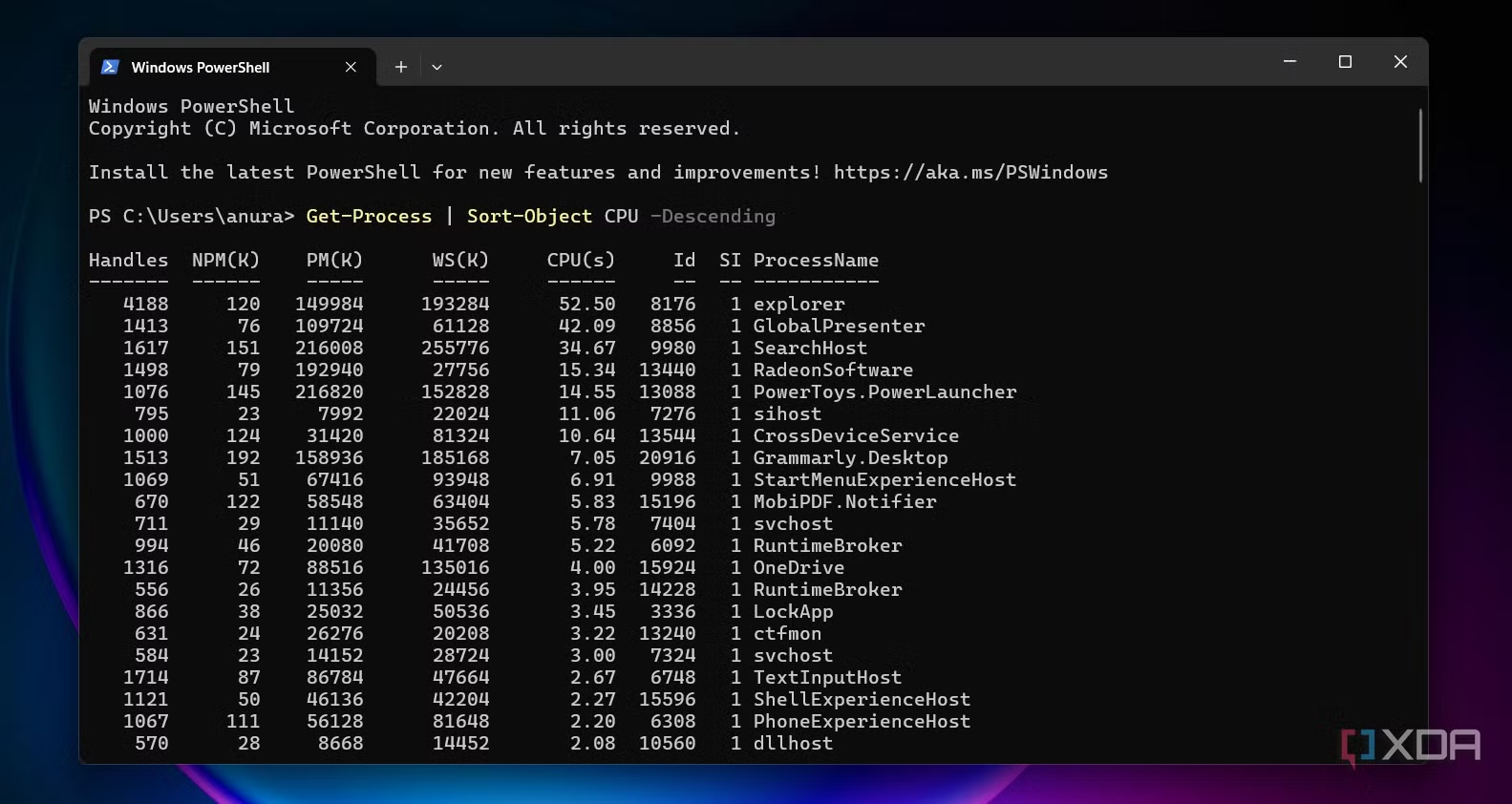
PowerShell is a significant successor and evolution of Command Prompt. It's not just a command-line interface, but also a powerful scripting environment designed for system administrators and advanced users.
With PowerShell, you can automate complex administrative tasks, manage system settings across multiple computers simultaneously, and access detailed system information that graphical tools cannot display. Its scripting language allows you to write code to efficiently troubleshoot, manage updates, and configure the system. Even for beginners, the open-source community provides thousands of ready-made scripts to address a wide variety of problems.