
Why shouldn't you put your computer in 'sleep' mode?
The "sleep mode" on computers is often seen as a convenient feature, saving power and allowing the computer to start up faster when returning to work. However, few people know that overuse of this mode can cause unwanted consequences for your computer.
We're in the habit of closing our laptops and heading out without much thought. But have you ever wondered what consequences regularly putting your Windows computer into sleep mode might have?
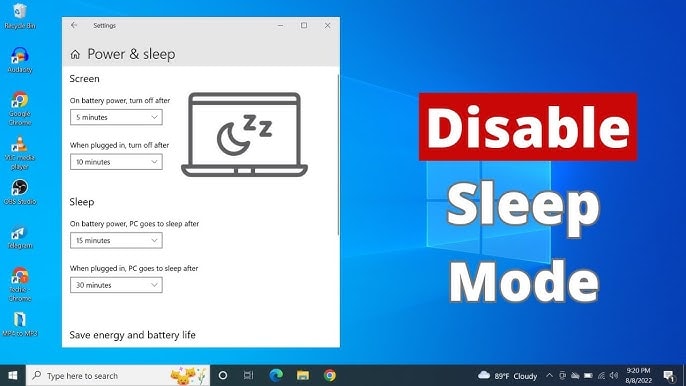
Although sleep mode helps your computer start up faster when you return to work, in the long run, it can cause some worrying problems such as reduced component lifespan and unnecessary power consumption.
That's why you shouldn't leave your computer in sleep mode. Instead, shut it down completely or use hibernate mode if you need to resume work after a long period. This not only protects the hardware but also helps keep the system stable and running more smoothly.
1. The habit of using "sleep" mode can reduce system performance.
If you consistently leave your computer in "sleep" mode instead of completely shutting it down or restarting it, system performance may be affected over time.
Although the computer's hardware isn't immediately affected, in the long run, keeping it in "sleep" mode too often is the same as never restarting the computer. This can lead to a range of problems such as:
- Reduced performance due to memory usage:When a computer isn't restarted regularly, system memory can become full because background processes aren't fully released. This slows down processing speed and affects overall performance.
- Software and application errors:Some programs may not function properly after multiple consecutive "sleep" sessions, causing lag or application crashes.
- System update interruption:Windows operating systems often require a restart to install important updates. If you simply put your computer into "sleep" mode, security patches or performance enhancements may not be installed correctly, increasing the risk of system errors or security vulnerabilities.
To avoid these problems, shutting down your computer at least once a day is a good habit. This helps the system free up memory, close frozen processes, and ensures that the computer always runs smoothly at optimal performance.
2. Sleep mode can drain the battery faster.
Sleep mode isn't exactly an ideal solution, especially on laptops. Even in sleep mode, your computer still consumes power, which might not be a concern for desktops, but it's a major issue for laptops.
Many people leave home with a fully charged laptop in their backpack, but by the time they arrive, half the battery is gone, even though the laptop hasn't been used.
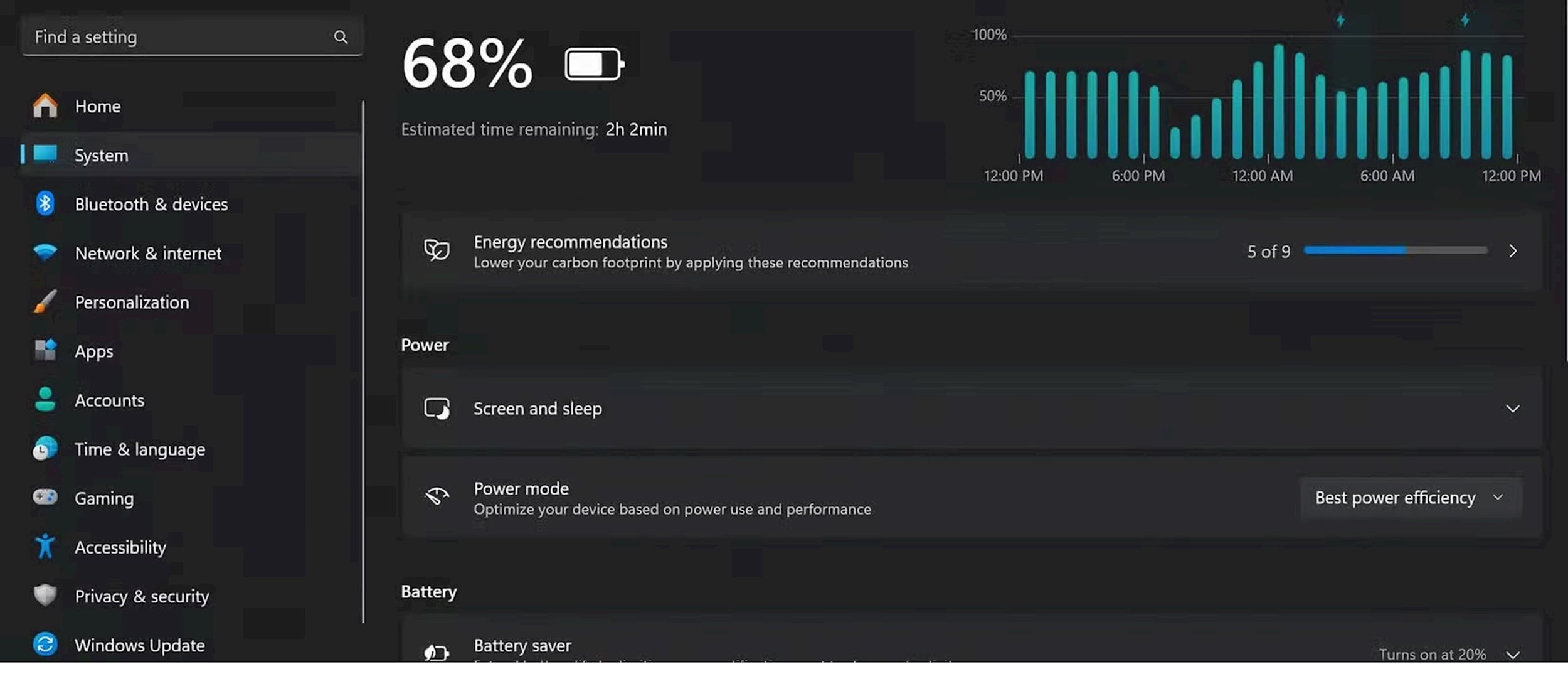
Windows' "sleep" mode doesn't actually shut down the computer completely; it keeps data in RAM to help it restart faster. This means the battery continues to drain even when you're not using the device.
Depending on the capacity and lifespan of your laptop's battery, sleep mode can significantly drain the battery if it's not plugged in. If you frequently leave your laptop in sleep mode for extended periods, it might be time to consider shutting it down completely or putting it into hibernation mode for more efficient battery saving.
3. Sleep mode can interrupt system processes.
Unlike shutdown mode, which ensures that running processes completely finish before the computer shuts down, sleep mode simply saves the current state to RAM so you can resume your work as soon as you turn the computer back on. However, this isn't always suitable for every application.

Some programs, especially specialized software like AutoCAD, or applications for graphic editing, video editing, and 3D design, can malfunction if put into "sleep" mode without being properly closed. This can result in corrupted files, faulty installations, or even the software crashing when you reopen it.
Although modern hardware and software are good enough to handle these situations in the short term, if you continuously leave your computer in "sleep" mode without shutting it down or restarting it for extended periods, problems will start to appear.
The system may become sluggish, experience unexpected errors, and in the long run, overall performance may be affected. Therefore, consider shutting down or restarting your computer regularly to keep it stable and running smoothly.
4. Sleep mode can put stress on the hardware.
While sleep mode doesn't directly damage hardware, it can put unnecessary stress on the system. Laptops typically run hotter in sleep mode than when turned off or in hibernation mode. This is especially dangerous if you keep your laptop in a bag or backpack, as the accumulated heat can reduce the lifespan of internal components.
The memory system also operates continuously, and while this doesn't directly harm the hardware, it can cause software errors or instability.
In the long run, you may encounter problems such as rapid battery drain, decreased performance, app crashes, or even unexpected shutdowns.
5. Modern computers boot up quickly.The "sleep" mode is no longer so necessary.
One of the main reasons many people use "sleep" mode is to have their computer ready to operate immediately when they press the power button, open the laptop lid, press a key, or move the mouse.
But the reality is, with most modern computers using SSDs, booting from a completely shut-down state only takes about 10 seconds, which is almost negligible.
SSDs are the "silent heroes" in this story. Besides their fast boot speeds, they also offer greater durability, better performance, and are more energy-efficient than traditional HDDs.
If you're using an older computer, upgrading to an SSD is one of the most worthwhile improvements. Even with slower SATA SSDs, you'll still see a significant improvement in boot times without having to invest in high-end models.
In addition, Windows has a Fast Startup feature that speeds up the boot process. Furthermore, if you want to continue your unfinished work without worrying about battery drain or software errors, "hibernation" mode is a much more reliable alternative.
In short, while "sleep mode" sounds convenient, Windows' implementation of this feature isn't perfect. If used only occasionally for short periods, it doesn't cause many problems.
However, if you make "sleep mode" a daily habit, it can have many negative impacts on performance, battery life, and user experience. Therefore, think carefully before relying on "sleep mode" as the default shutdown solution for your computer.


