
Why do laptops perform better when plugged in?
Many people notice that laptops run smoothly when plugged in but slow down significantly as soon as they switch to battery power. This isn't necessarily a device defect, but rather stems from how manufacturers optimize performance and battery life.
Why do laptops often perform better when plugged in?
If you've ever played games, edited videos, or handled demanding tasks on a laptop, you may have noticed that the machine performs stably and powerfully when plugged in.
However, as soon as you unplug the charger and switch to battery power, performance can decrease significantly, and you may even experience stuttering, lag, or slower processing speeds.
In fact, in most cases, this is not a sign that the laptop is malfunctioning. The main cause lies in the battery's power supply.
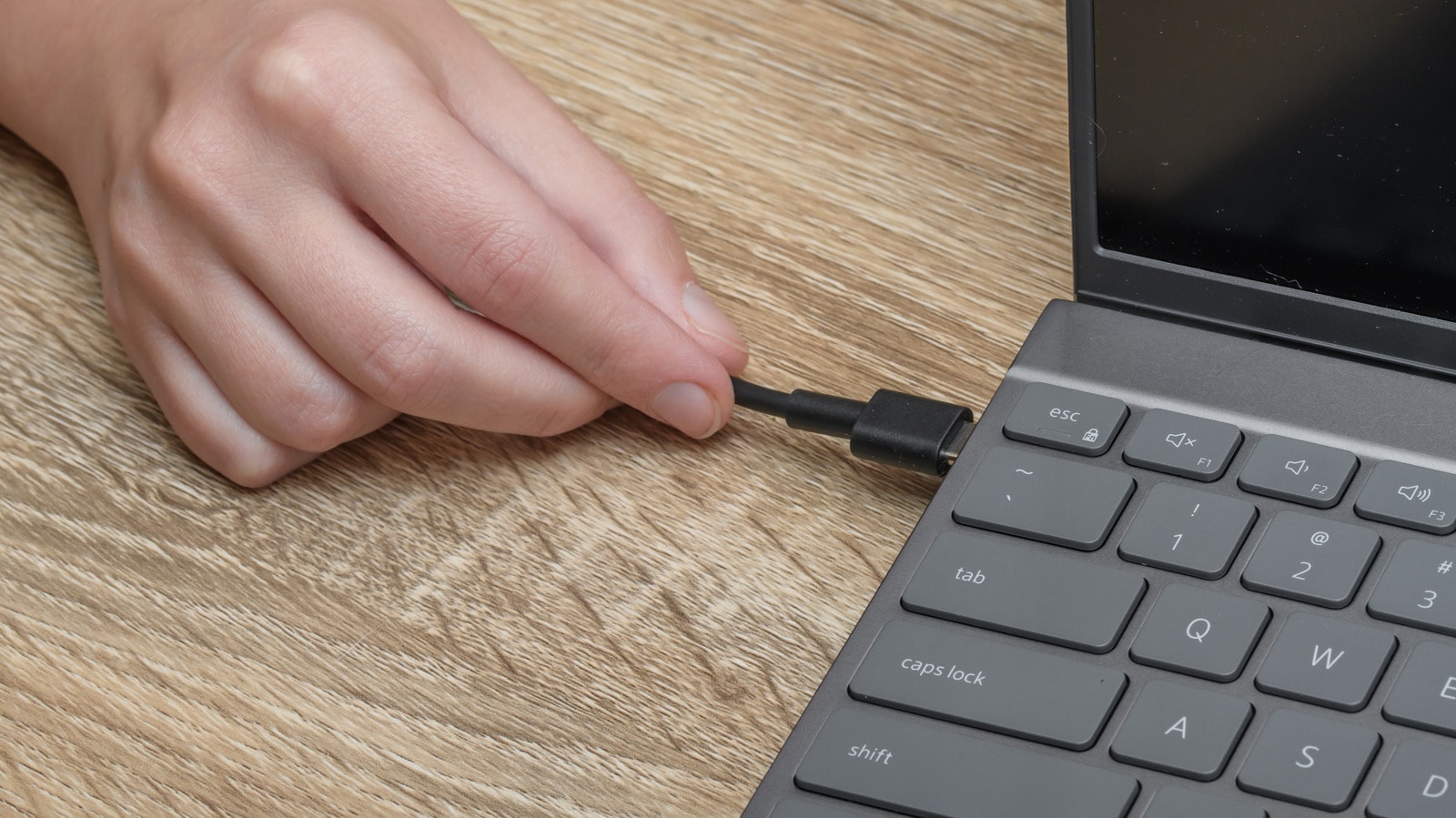
Modern processors (CPUs) and graphics chips (GPUs) can consume a large amount of power when operating at maximum capacity. When plugged in, laptops are powered directly from the power adapter, allowing them to maintain high performance for extended periods.
Conversely, when using battery power, the system will automatically reduce the CPU and GPU clock speeds to limit power consumption and extend battery life. This mechanism is designed to protect the battery and prevent it from draining too quickly.
Gaming laptops are most noticeably affected.
The phenomenon of performance degradation when using battery power is particularly noticeable on high-performance gaming laptops or workstations.
For example, a gaming laptop might consume up to 200 W of power when running demanding games at the highest graphics settings. Meanwhile, the laptop's battery is typically only capable of providing around 70-90 W of power.
Due to insufficient power to maintain maximum performance, the system is forced to reduce the operating speed of the CPU and GPU. As a result, the frame rate (FPS) drops sharply, processing times are extended, and the user experience is no longer as smooth as when plugged in.
Tests show that performance can be reduced by half.
The tech channel Jerrod's Tech conducted numerous tests on gaming laptop models using the Cinebench 2024 performance benchmarking tool.
The tests were conducted at the highest performance mode allowed by the manufacturer, without overclocking, voltage reduction, or changes to advanced power settings.
The results show a significant performance drop when laptops are running on battery power. In particular, the multi-core CPU performance scores on many models dropped by half or more compared to when plugged into a power source.
This suggests that the performance reduction when using battery power is a deliberate design choice, not a hardware defect.
Performance can be improved by changing the power mode.
For typical office tasks like web browsing, word processing, or video viewing, laptops rarely consume more than 70W of power. Therefore, if the machine slows down noticeably as soon as it's unplugged, the cause could be that the operating system is automatically switching to power-saving mode.
Users can adjust power settings to prioritize higher performance.
On Windows, open Settings > select System > go to Power & Battery > find Power Mode > select Best Performance when using battery.
This setting allows the CPU and GPU to perform better when not plugged in, but in return, battery life will be reduced.
On a MacBook, open System Settings > select Battery > under Low Power Mode, select Never.
For some high-end MacBook Pro models using chips like the M1 Max, M4 Pro, or M5 Max, Apple also offers High Power Mode.
When this mode is activated, the device will prioritize maximum battery performance, suitable for demanding tasks such as video editing, graphic design, or processing large amounts of data. However, the cooling fan may work harder, and the battery will drain faster.
Don't overlook the battery status.
The performance drop when unplugged isn't always due to power settings. In many cases, the cause may stem from a degraded battery itself.
Laptop batteries typically have an average lifespan of 2 to 5 years, depending on usage intensity and maintenance. After this time, their ability to store and supply power will significantly decrease.
If your laptop has been in use for many years and frequently experiences significant performance drops, short battery life, or unexpected shutdowns, checking its battery health is essential.
In cases where the battery is severely degraded, replacing it with a new one can help restore stable power supply and improve performance when using the laptop without needing to plug it in.
It's normal for laptops to run slower when using battery power, a common phenomenon on most devices today. The main reason is that the system automatically reduces performance to save energy and extend battery life.
However, users can still optimize performance by adjusting the power settings appropriately or checking the battery status if the device has been used for a long time.


