
What is WebGL and why is it mandatory to use this technology in the web version of CapCut?
WebGL allows browsers to harness the power of the GPU for smooth graphics processing. This is a key factor in enabling CapCut web to handle complex video editing tasks.
WebGL (Web Graphics Library) is a graphics technology that allows browsers to render 2D and 3D images by directly leveraging the power of the graphics processing unit (GPU). Instead of relying solely on the CPU as before, WebGL enables websites to perform complex graphics tasks similar to those found in video games or professional video editing software.
How WebGL works in a browser.
WebGL is built on OpenGL ES, a popular graphics standard on mobile devices. The biggest strength of this technology is its ability to run directly within modern browsers like Chrome, Microsoft Edge, or Firefox without needing to install any additional plugins.
When you access a website with smooth 3D effects or sophisticated image filters, WebGL is the component behind processing those data streams. It allows you to leverage the graphics acceleration hardware available on your computer, creating a faster and more optimized user experience.
Why does CapCut require WebGL for video editing?
Essentially, the web version of CapCut is a sophisticated video editing software that runs directly in your browser. Video processing requires significant system resources for specific tasks such as:
- Display a stable, real-time video preview.
- Apply complex color effects, blurring, and transition effects.
- Simultaneously processing multiple layers of images, text, and animations.
- The renderer continuously outputs frames whenever the user interacts with the timeline.
Without WebGL, all these calculations would be handled by the CPU, making the computer sluggish and overloaded. WebGL acts as a "bridge," pushing graphics calculations to the GPU, resulting in smoother editing, faster effect processing, and significantly reducing the load on the system.
Common errors when WebGL is not working
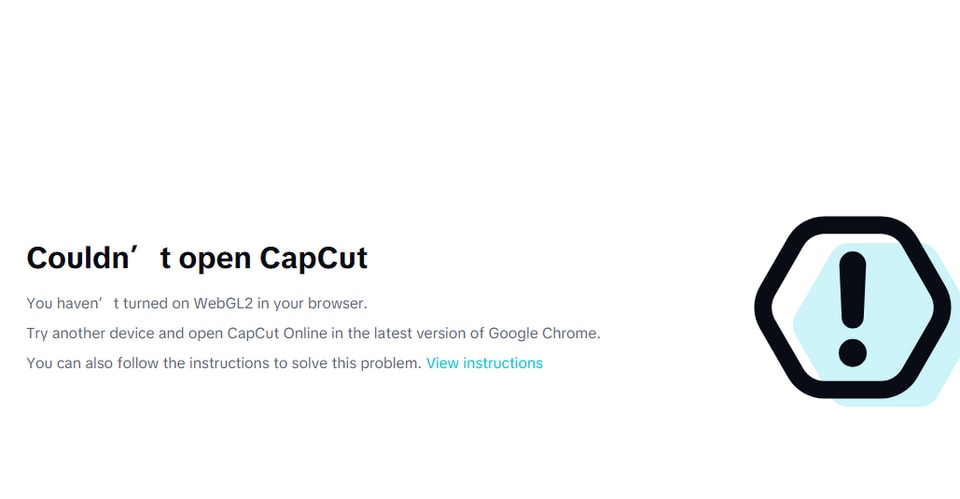
If the browser disables WebGL or the GPU driver is outdated, CapCut will be unable to access the accelerated hardware. This leads to common issues such as:
- The application reports an error upon startup or fails to open the project.
- The video preview screen is black or doesn't display any image while editing.
- Extremely low performance, with frequent lag issues.
Overall, the presence of WebGL is blurring the lines between web applications and traditional installed software. This technology's support allows resource-intensive platforms like CapCut to function efficiently, transforming the browser into a powerful content creation tool.


