
Windows 11 December Update: A series of notable AI features.
The latest Insider update for Windows 11 focuses heavily on artificial intelligence, integrating Copilot more deeply into the taskbar, File Explorer, and Settings, revealing Microsoft's future strategy.
Microsoft released significant updates for Windows 11 in the first half of December through the Windows Insider program, bringing many notable improvements, especially the extensive integration of artificial intelligence (AI) into the operating system. New builds for both version 25H2 and 26H1 were sent to the Canary, Dev, and Beta channels, clearly showing Microsoft's future development direction.
AI is becoming central to the Windows experience.
The biggest focus of this update is to integrate AI into the core of the operating system, transforming Windows into a smarter and more interactive platform.
Deep integration of AI into the system.
With build 26220.7344, Microsoft introduced the Model Context Protocol (MCP), an open standard that enables AI agents, applications, and services to communicate seamlessly with each other. It also includes two key AI connectors:
- File Explorer Connector:Copilot+ allows AI agents to connect with File Explorer to manage and search files using natural language, and even search images based on content on PCs.
- Windows Settings Connector:It helps users quickly search for and change system settings through natural language commands.
The Settings app on the Canary channel also integrates an AI agent similar to that on the PC version of Copilot+, making it easier for users to search for and adjust settings. Language support for this feature has also been expanded, including German, Spanish, Japanese, and many others.
Smarter taskbar with Copilot
On the Dev and Beta channels, users can now replace the traditional search bar with an "Ask Copilot" option. When enabled, this feature provides an enhanced AI-powered search experience for finding files, settings, and apps, and accesses tools like Copilot Vision and Voice.
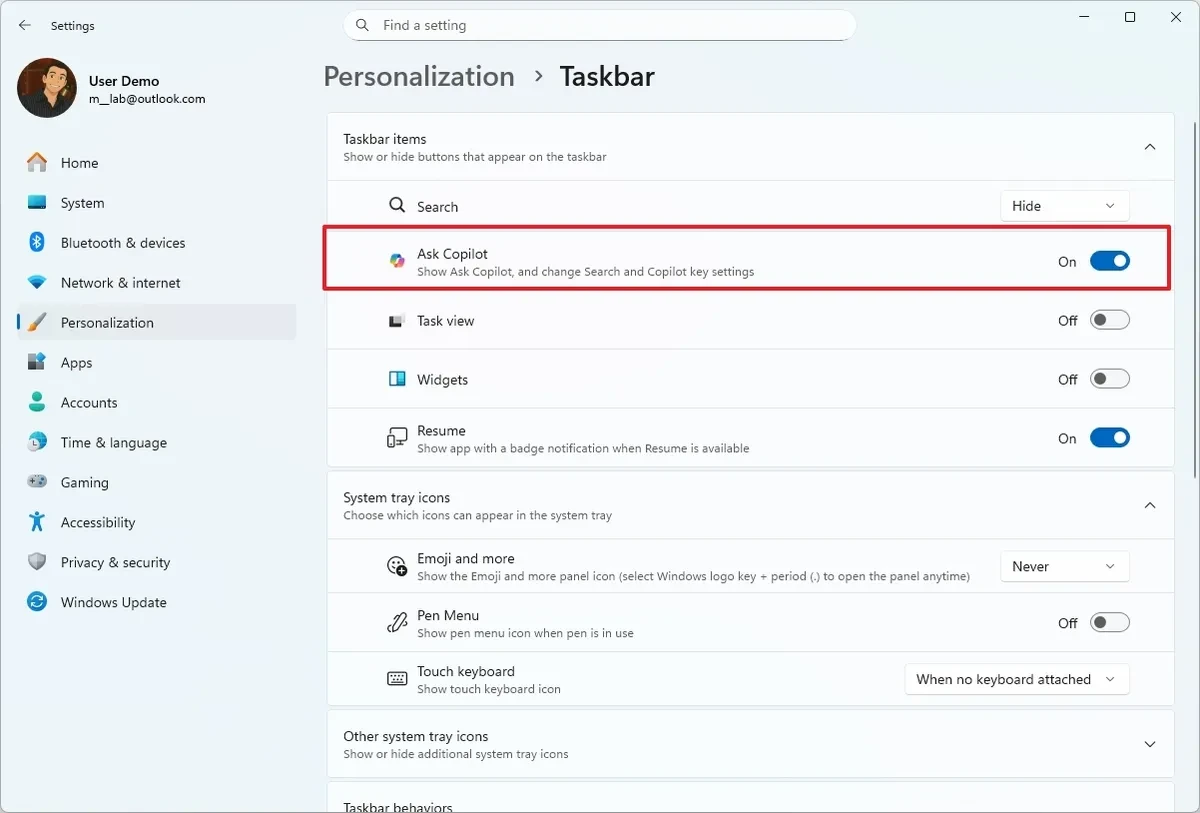
Notably, Microsoft also introduced AI agent previews on the taskbar. This feature allows agents to display as applications, providing live updates on task progress. Along with this is Agent Launchers, a new framework that makes it easy to register and launch AI agents from various access points within the operating system.
The user interface and experience have been refined.
In addition to AI upgrades, Microsoft is also continuously improving the interface and daily user experience on Windows 11.
Improvements to File Explorer and Settings
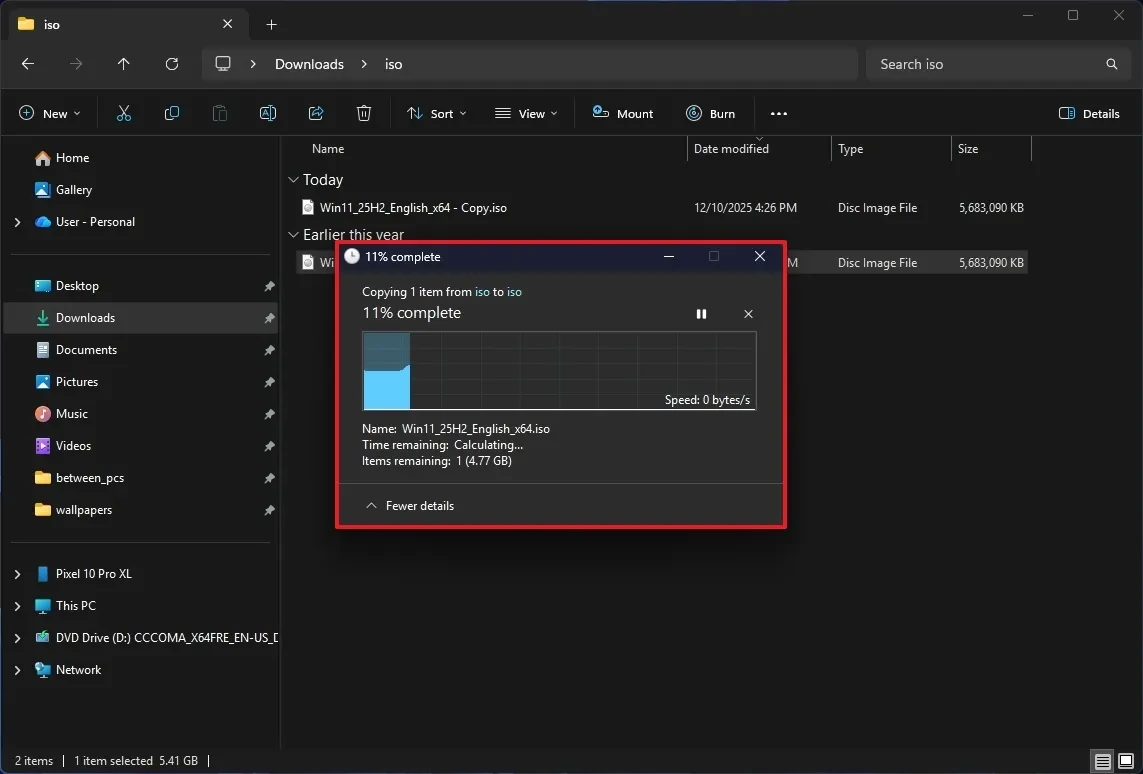
File Explorer on the Canary channel has received a more comprehensive dark mode upgrade, applied to copy, move, delete dialog boxes, and the progress bar. On Copilot+ PCs, the search box also clearly displays that it is AI-powered. Additionally, the context menu when hovering over a file has been updated with quick options such as "Open file location" and "Ask Copilot".
Microsoft continues to move settings from the Control Panel to the Settings app. In this update, options for "Keyboard repeat" and "Cursor blink speed" have been integrated into Settings, making management more centralized and modern.
Mobile device management and new options
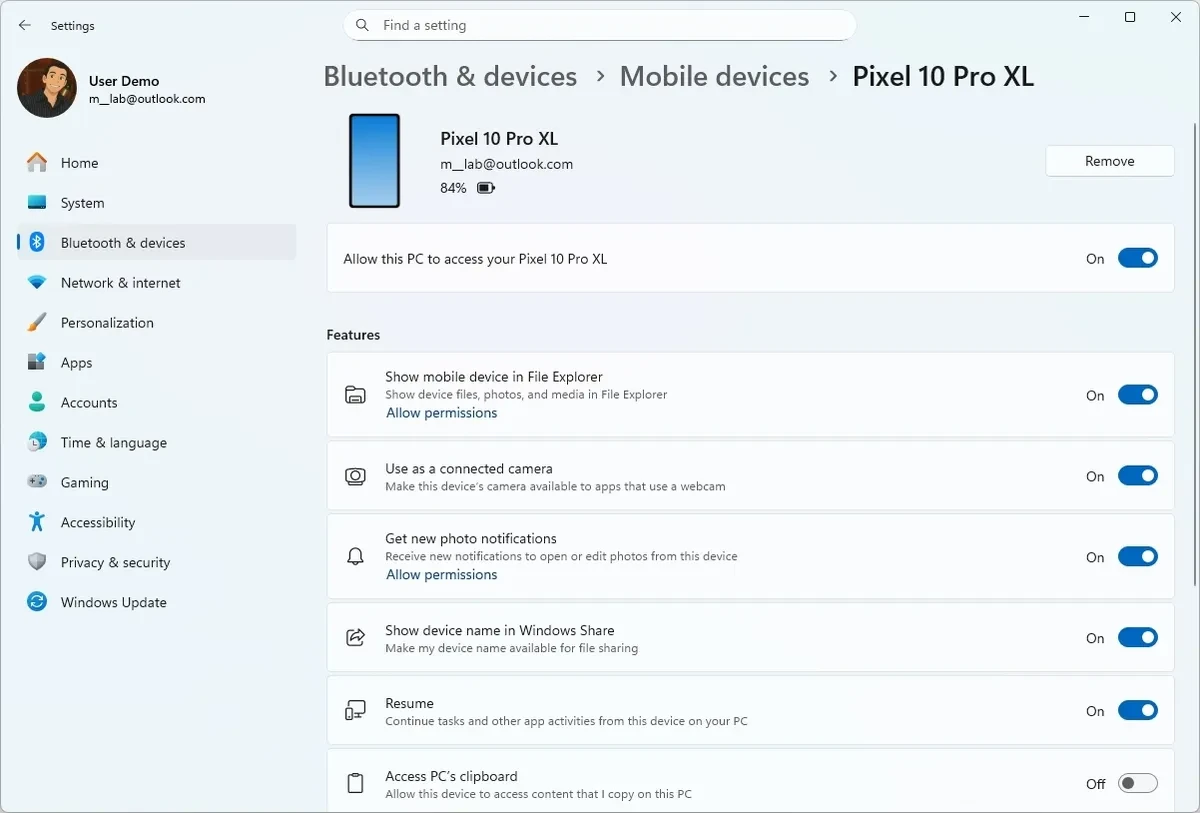
Mobile device management has been integrated directly into the Settings app under "Bluetooth & devices," eliminating the need to open an external website as before. Users also have the option to disable the Drag Tray feature in "Nearby Sharing" if they don't need it.
Upgrades for gamers and professional users.
The update also brings improvements specifically tailored to certain user groups.
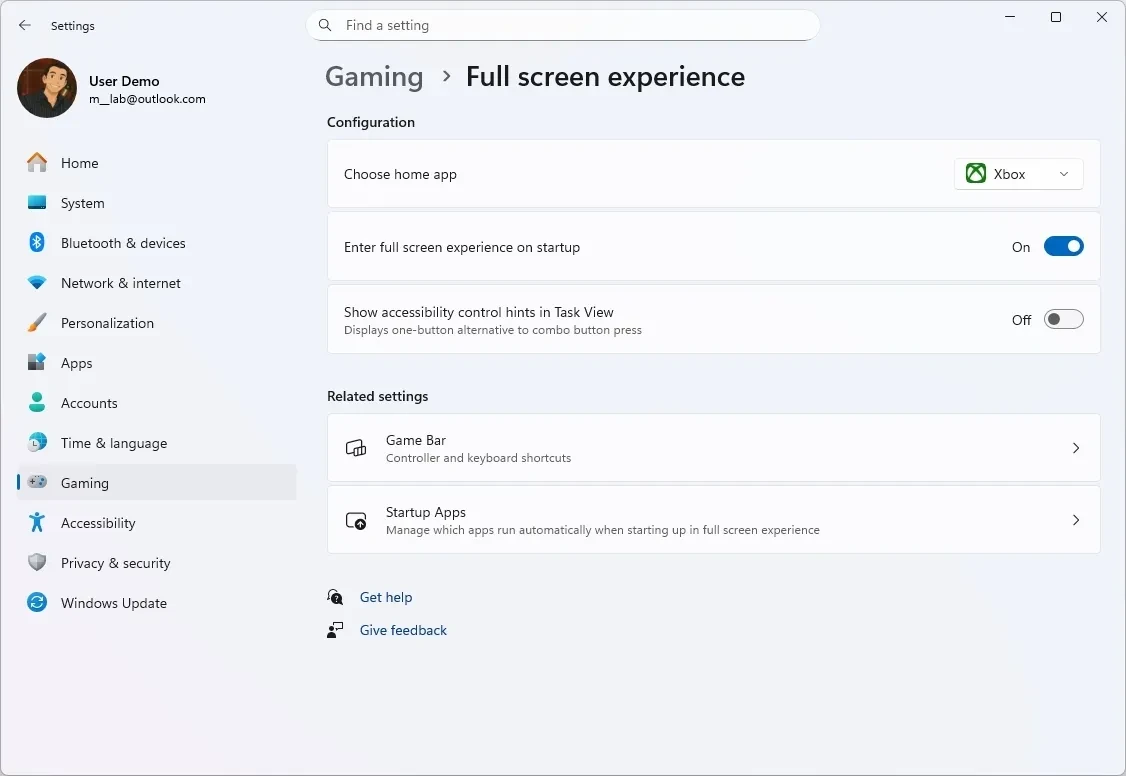
On the Canary Channel, the Xbox Full Screen Experience (FSE) feature has been expanded to more handheld gaming devices, delivering a console-like experience. Users can enable this feature in the Gaming settings.
For developers and musicians, the new Windows MIDI Services have been rolled out on the Beta and Dev channels. This service includes a new API, full support for both MIDI 1.0 and MIDI 2.0, and many other improvements.
Other notable improvements
Several other upgrades have also been implemented to improve the operating system:
- Unified Update Orchestration Platform (UOP):A new platform helps developers build a more consistent app update experience through the Settings app.
- Quick Machine Recovery:The Quick Recovery feature is enabled by default on Windows 11 Home and Pro, which automatically searches for solutions when problems occur.
- Windows Studio Effects:Expanding support to include more camera types, including USB webcams, is no longer limited to built-in cameras.
- Narrator and Voice Access:The Narrator feature offers deeper personalization options, while the Voice Access setup process is simplified for easy user introduction.
Microsoft announced that the Windows Insider program will be temporarily suspended and no further builds will be available until January of next year.


