
Windows 11 after 3 years: 7 design weaknesses still persist.
Released over three years ago, Windows 11 still suffers from numerous interface and user experience issues, from an inflexible taskbar to inconsistent dark mode.
More than three years after its launch, Windows 11 still has many design and user experience issues that Microsoft hasn't fully addressed. Despite improvements, the operating system still has inherent weaknesses that are frustrating, from changes to the taskbar and Start menu to inconsistencies in the overall interface.
The taskbar has lost its flexibility.
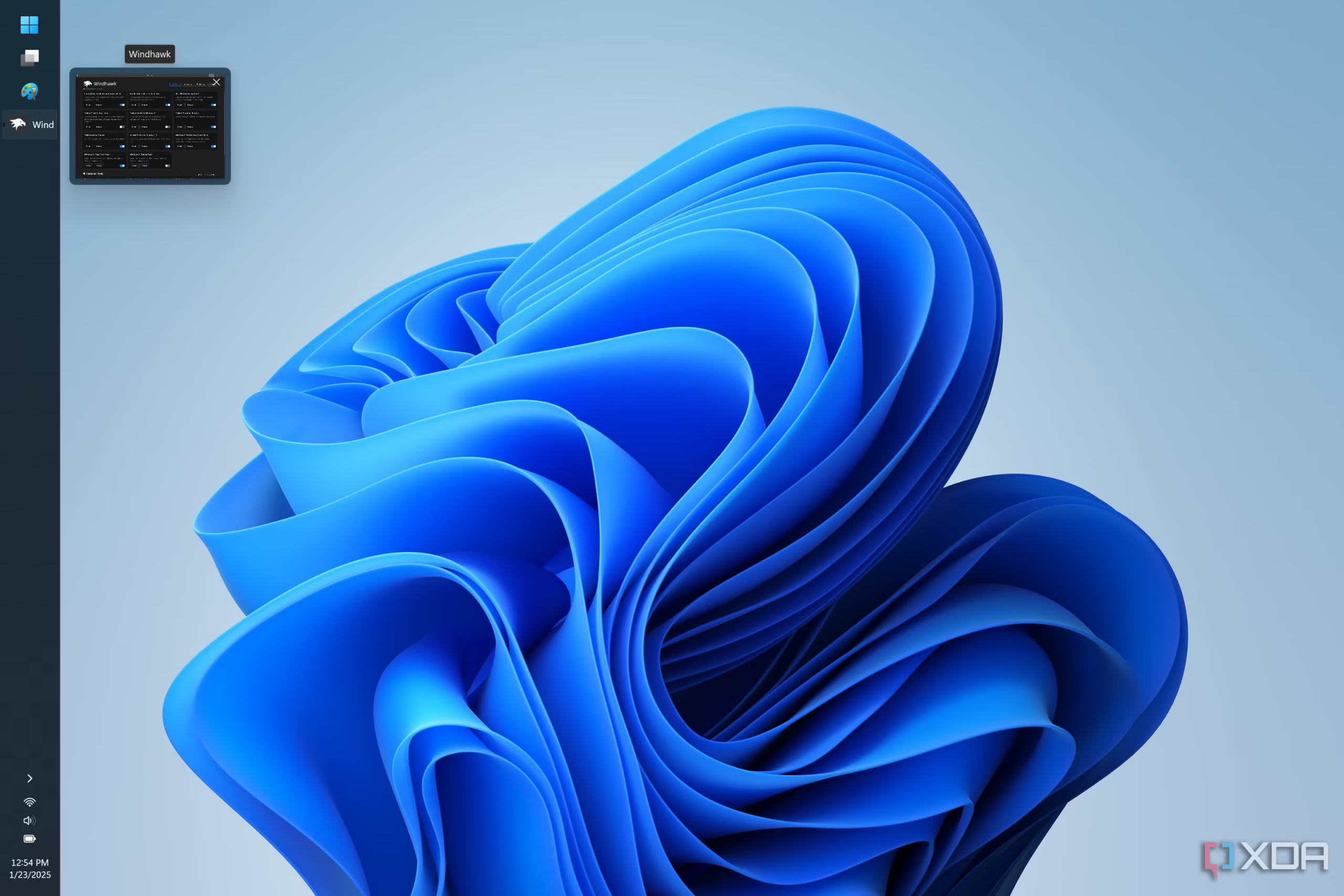
One of the most controversial changes in Windows 11 was the removal of the ability to move or resize the taskbar. Users can no longer place the taskbar at the top or sides of the screen as in previous versions of Windows. While it's possible to align icons to the left, the lack of these customization options has diminished the flexibility many users have come to expect. Third-party applications like Windhawk or Start11 can address this issue, but it's a fundamental feature that Microsoft should have maintained.
Wasted space in the Start Menu
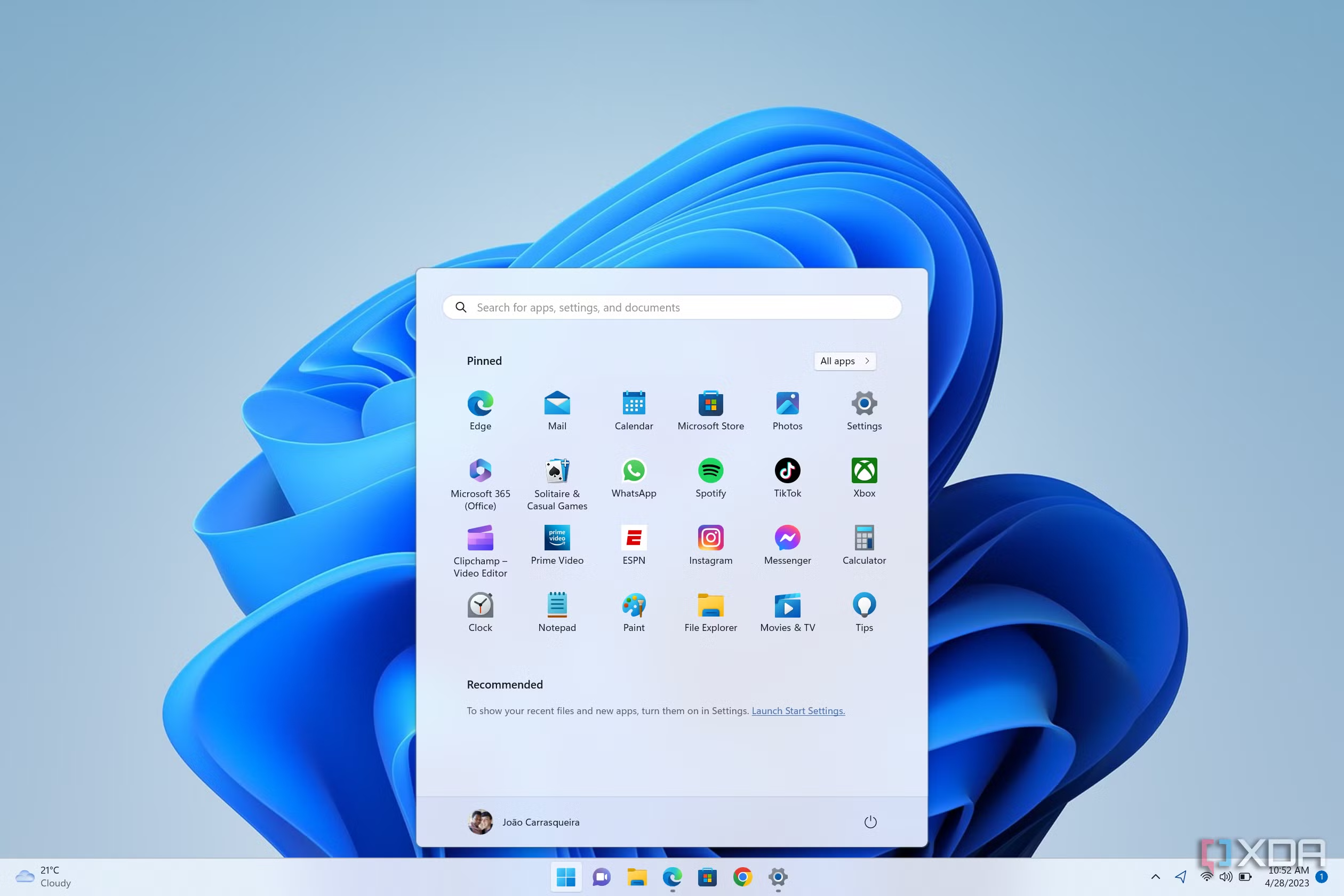
The Windows 11 Start Menu features a "Recommended" section, displaying frequently used apps, recent files, and even app advertisements. The biggest problem is that even when users disable all suggestions, this area remains and takes up significant space, instead of being used to display more pinned apps. This creates wasted space, reducing the effectiveness of the Start Menu.
The tab feature in File Explorer is not yet complete.
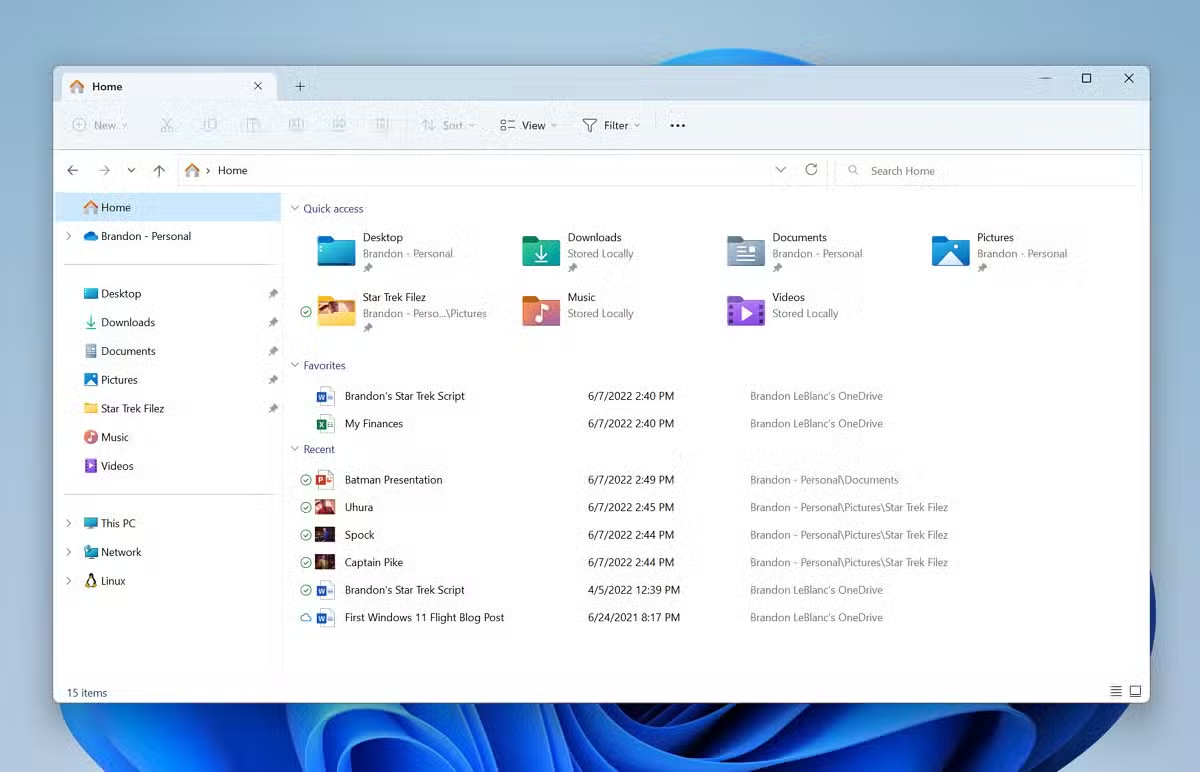
The addition of tabs to File Explorer is a welcome improvement, making it easier to manage multiple folders simultaneously. However, the implementation of this feature has limitations. When a user opens a folder from an external application, such as Windows Search or a web browser, the folder opens in a new File Explorer window instead of a new tab. This inconsistency diminishes the usefulness of the tab feature, forcing users to open them manually.
Unwanted feature offers
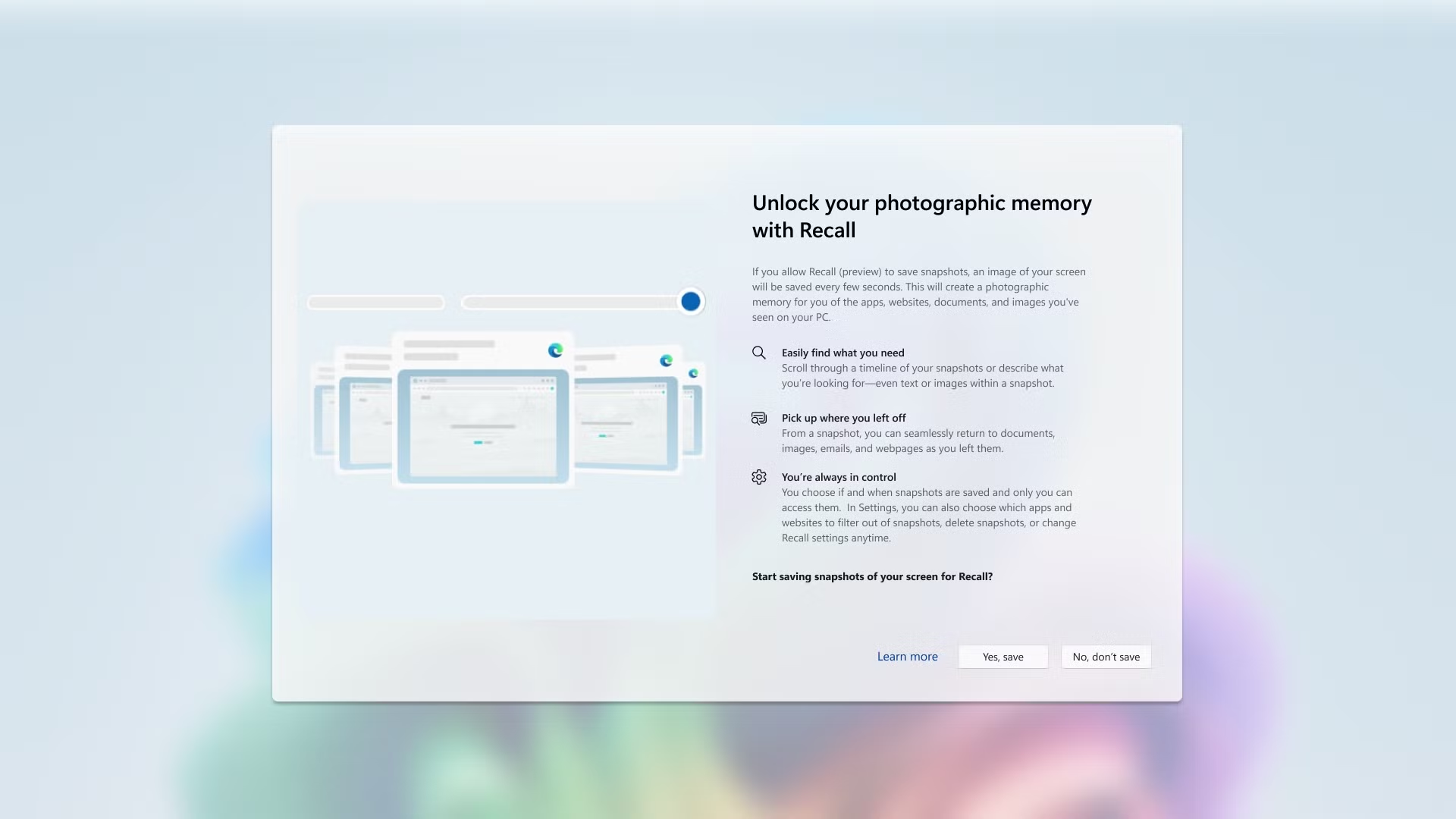
The initial setup process of Windows 11 frequently displays ads and suggestions for services such as Game Pass, Microsoft 365, Phone Link, and OneDrive backup. Notably, Microsoft even encourages users to back up files to OneDrive right from the start. Even if users skip these steps, the operating system may display these prompts again later, sometimes after updates. Constantly promoting features that users have declined shows a lack of respect for their choices.
Dark Mode: A Persistent Inconsistency
Although Dark Mode was introduced in Windows 10, its implementation in Windows 11 is still inconsistent. Many core components of the operating system still display a bright interface even when Dark Mode is activated. Areas such as the Control Panel, the Properties dialog box in File Explorer, Device Manager, and many other elements are not yet fully compatible, creating an inconsistent and unpleasant visual experience.
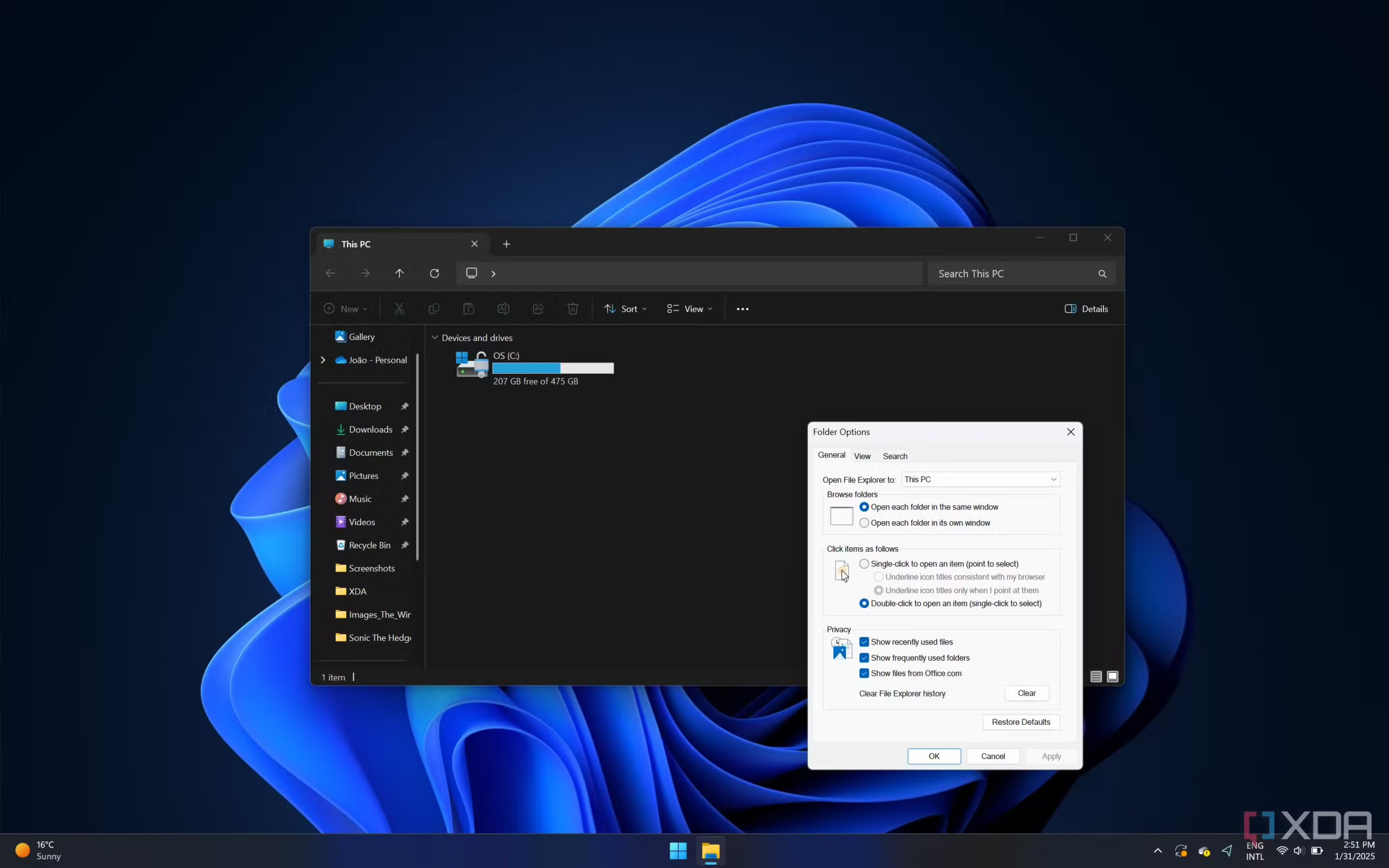
A patchwork interface combining old and new elements.
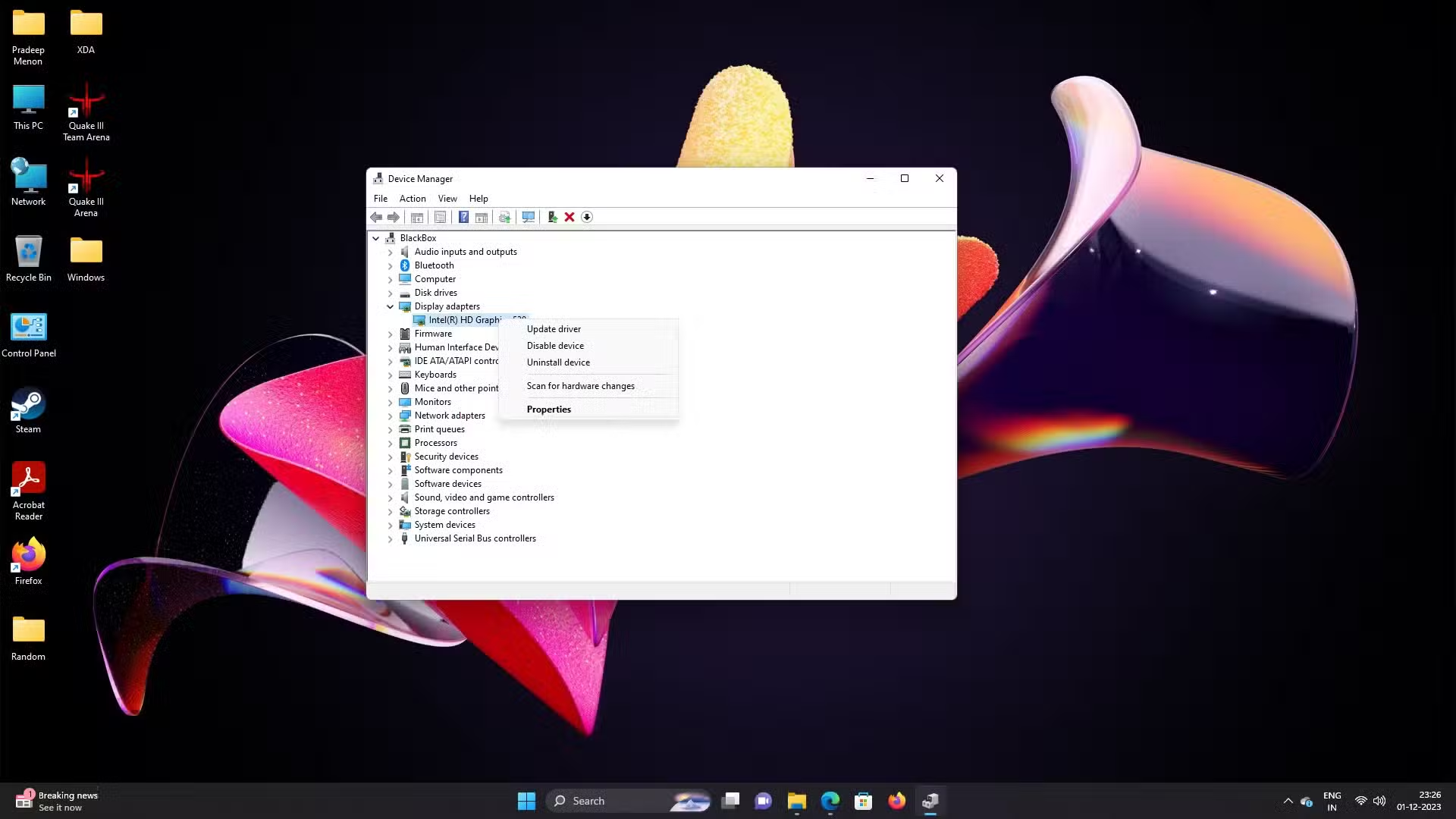
The issue with dark mode is also related to a larger reality: Windows 11 still contains too many outdated user interface (UI) elements. System tools like Device Manager, Disk Management, and Control Panel retain designs from years, even decades ago. Even updated components like Task Manager and File Explorer still show traces of the old design language. This patchwork makes Windows 11 lack a unified and modern experience.
Challenges on handheld gaming devices
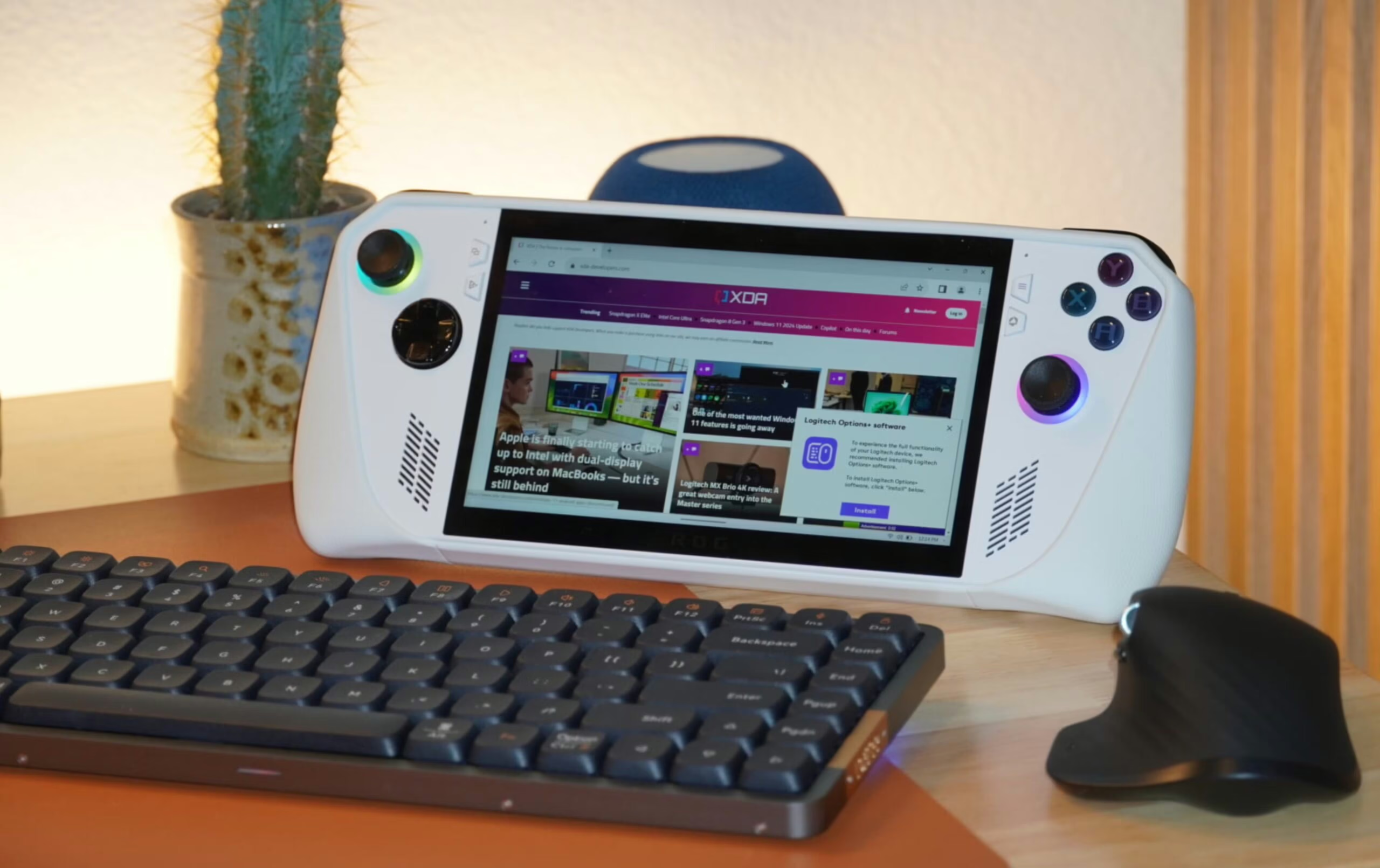
The explosion of handheld PC gaming devices like the Steam Deck has highlighted the limitations of Windows on this form factor. The traditional desktop interface is not optimized for small screens and controller control. While Microsoft has made some improvements to the Xbox app, the overall experience remains inadequate. Manufacturers often have to develop their own launchers to overcome these issues, leading to inconsistencies and users frequently being redirected back to the cumbersome desktop screen.
Microsoft's priorities
Persistent issues suggest that Microsoft seems to be prioritizing new features like Copilot+ and AI over refining and perfecting the core elements of the operating system. While new features are constantly being added, fundamental problems affecting users' daily experiences remain unresolved. This raises questions about the future direction of Windows and whether Microsoft is listening to its long-standing user community.


