
Windows Recall: The 'Black Box' of Windows 11 and its Security Risks
Microsoft's Recall feature records all screen activity for search purposes, but security vulnerabilities and ineffective filters can expose sensitive data.
Controversial features of Windows 11
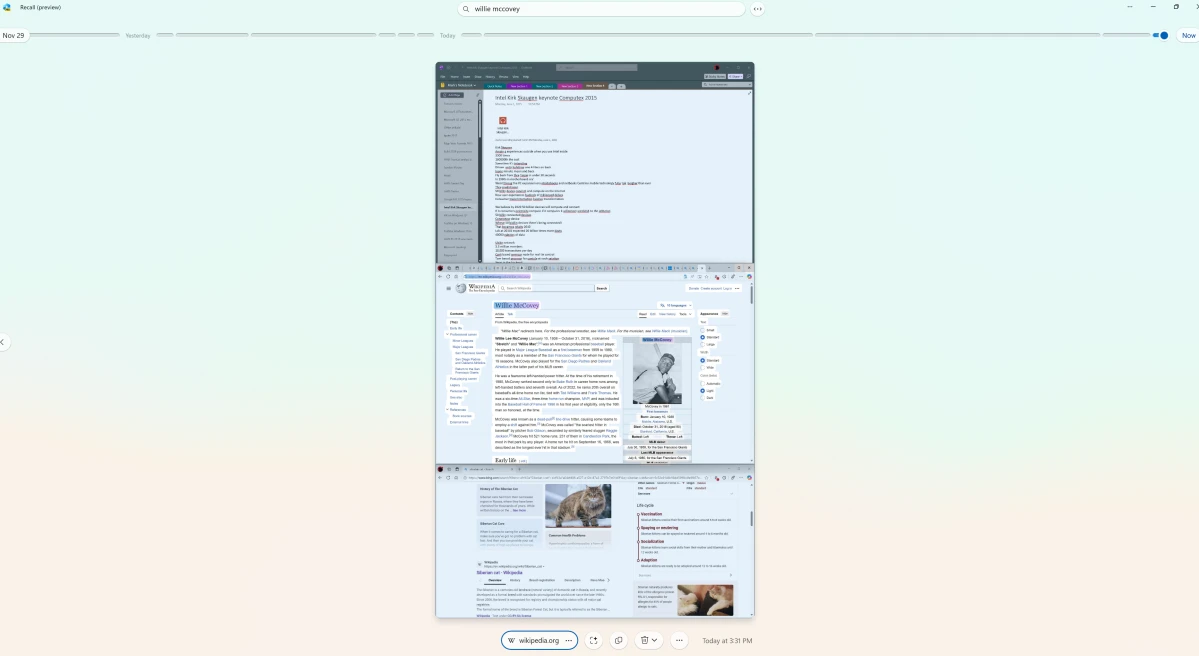
Microsoft introduced Recall, a groundbreaking feature in Windows 11 for Copilot+ PCs, which records and allows users to search for all screen activity. However, since its launch, this feature has sparked significant controversy regarding privacy and data security issues.
Essentially, Recall takes screenshots of your screen every few seconds and stores them locally. This data is then processed by AI so you can easily find previous websites, documents, or tasks using keywords. After initial criticism regarding security, Microsoft temporarily withdrew and reintegrated the feature in Windows 11 version 24H2 with additional protection measures.
How Windows Recall 'remembers' all your actions
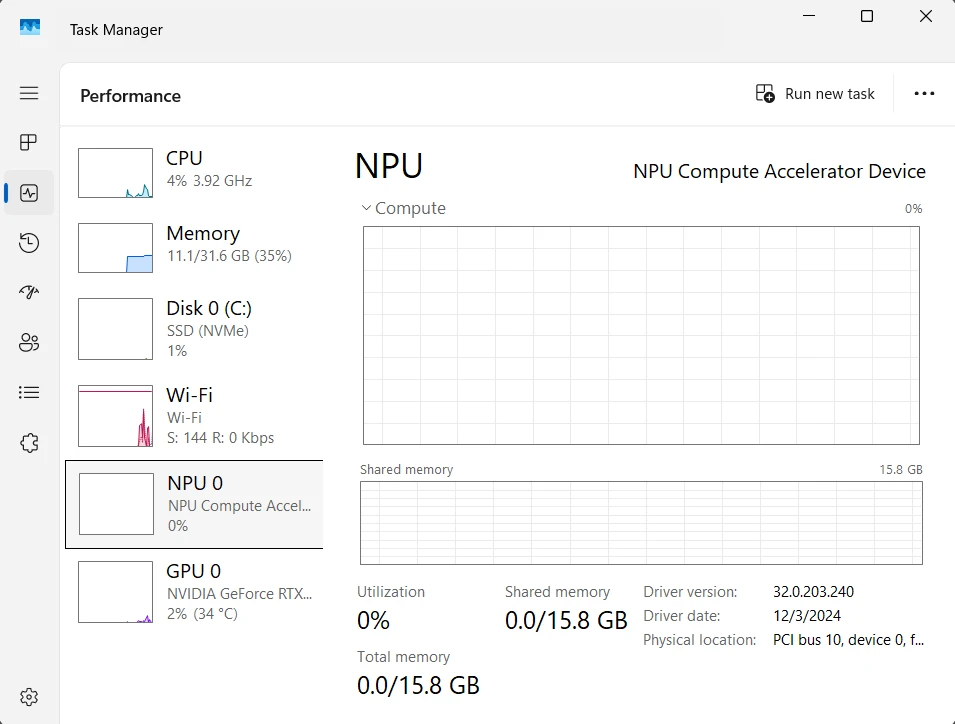
Recall is an optional feature and is only available on Copilot+ PCs equipped with a Neural Processing Unit (NPU), a minimum of 16GB of RAM, and disk encryption. Users must actively enable the feature in the "Data Protection and Security" section of Settings.
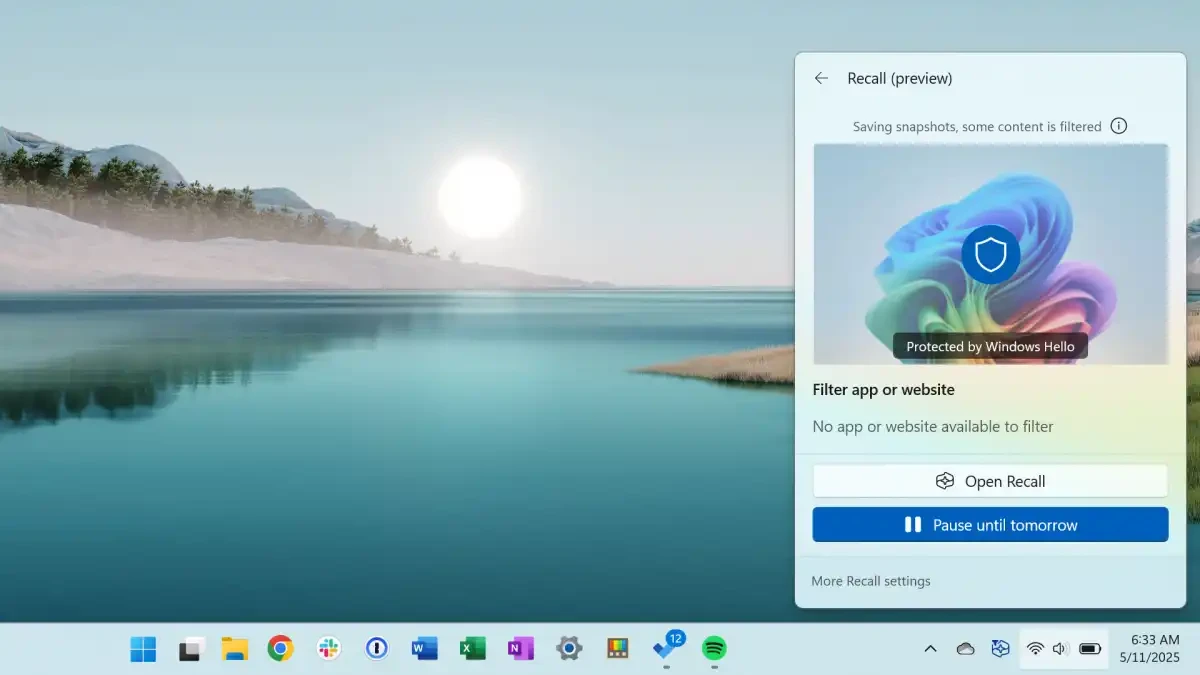
Once enabled, the system checks the screen content every five seconds and creates new records if there are any changes. This can generate hundreds of files, taking up several gigabytes of storage space in just one workday. Users can access this data through a visual timeline or by searching using keywords. For example, searching for "orange sofa" might bring up a shopping website you previously viewed.
The vulnerabilities behind the security shell.
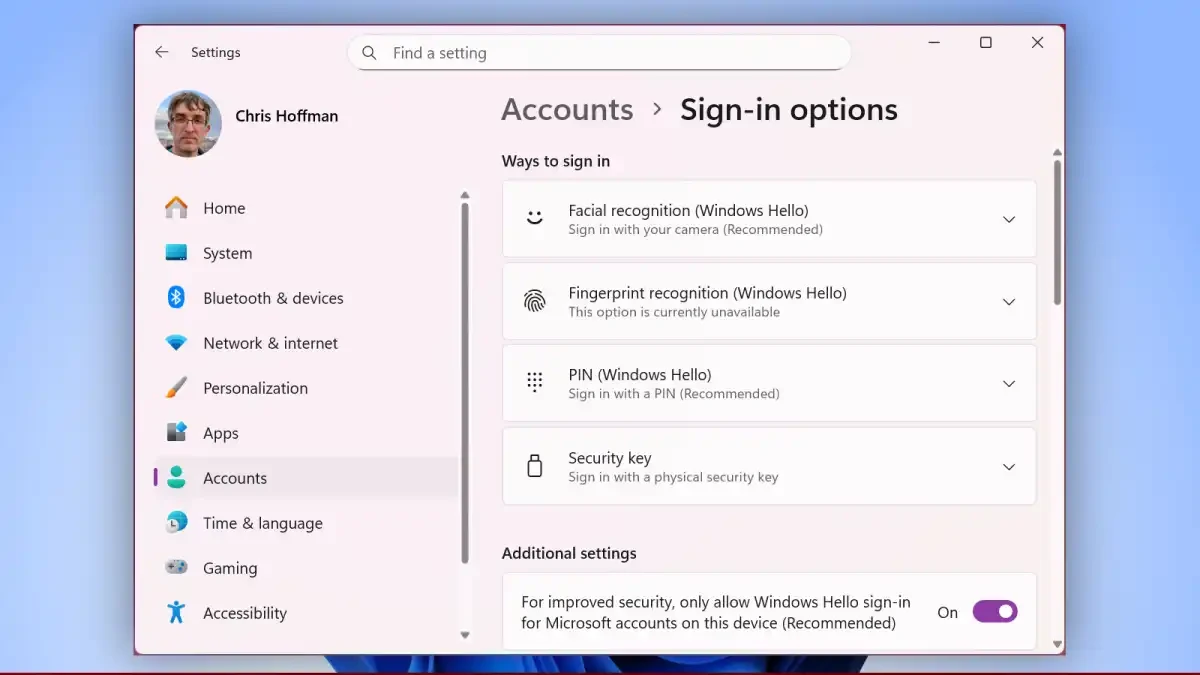
Microsoft asserts that Recall data is stored entirely on the user's computer and is not sent to cloud servers. To enhance security, Windows requires authentication via Windows Hello (PIN, fingerprint, or facial recognition) to access data. Additionally, data is protected in a secure area called the VBS Enclave, separate from other programs.
However, these measures still have weaknesses. Experts have pointed out that if an attacker gains physical access or remotely controls a computer via software like Teamviewer, they can simply enter a PIN to access the entire Recall history, bypassing biometric authentication steps.
When sensitive data filters are not working
Microsoft has integrated a filter designed to automatically remove sensitive information such as passwords or credit card numbers from records. However, in practice, this filter doesn't work consistently. While passwords on bank login pages are often hidden, usernames can still be recorded. Similarly, credit card numbers in unprotected emails or text documents are stored intact. This creates a risk of exposing important financial and personal data.
Practical benefits in work and creativity.
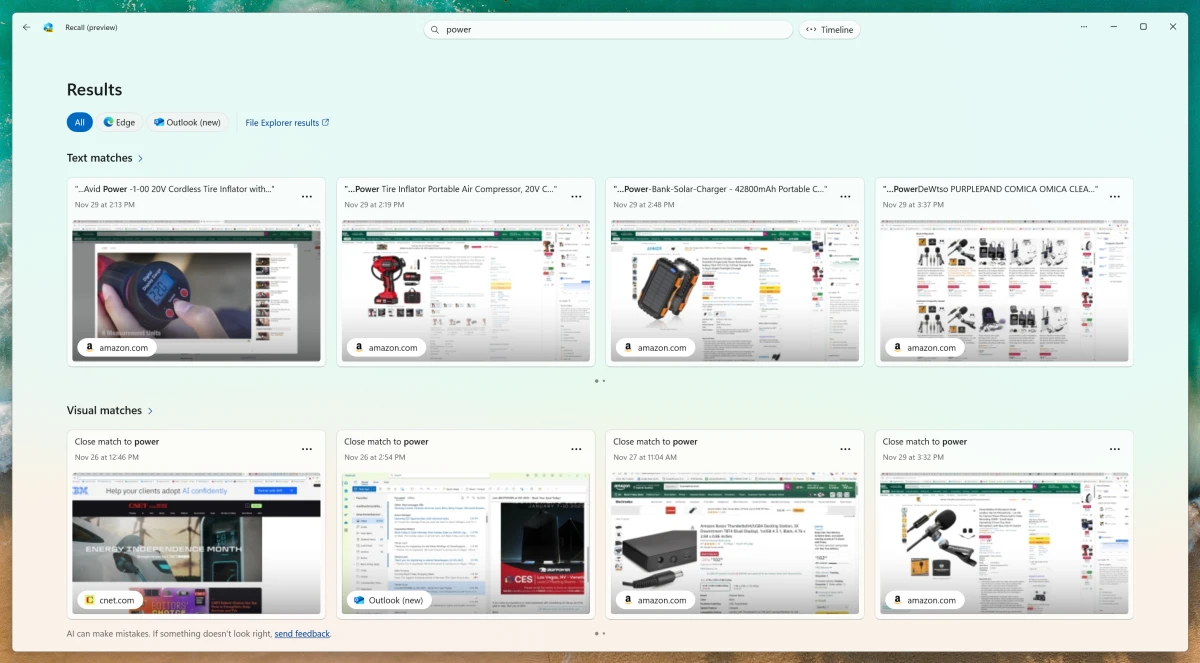
Despite the risks, Recall offers undeniable benefits, especially in a work environment. This feature makes it easy for users to retrieve information when working with multiple applications and projects simultaneously. Instead of sifting through complex browser history, a simple keyword is enough to reopen the desired website. For creative professionals like designers, Recall helps quickly find previously viewed reference images, replacing manual note-taking.
Mastering Windows Recall: Customize and Disable It
Users have full control over Recall and can pause or disable it completely at any time in the Settings. For enterprise environments, administrators have more powerful options:
- Group Policy:Windows Pro and Enterprise versions allow you to completely disable Recall through the "Allow activation of Recall" policy.
- Registry Editor:Windows Home users can create a new DWORD value named “AllowRecallEnablement” in the “HKEY_LOCAL_MACHINE\SOFTWARE\Policies\Microsoft\Windows\WindowsAI” directory and set its value to 0.
- PowerShell:The command “Disable-WindowsOptionalFeature -Online -FeatureName 'Recall' -Remove” also completely removes this feature from the system.
Weighing the benefits and risks: Should you use Recall?
The fact that Microsoft had to adapt Recall to comply with Europe's General Data Protection Regulation (GDPR), making it an optional feature, highlights the importance of legal compliance. Users must actively consent before the system begins recording their activity.
In summary, Recall is a powerful tool but comes with significant security vulnerabilities. The convenience of recording everything means the risk of losing control of sensitive data. In a business environment, these concerns outweigh the benefits. Therefore, at present, users should carefully consider and only use Recall after fully understanding the risks and implementing necessary protective measures.


