
YouTube on Android is experiencing an error: The YouTube playback speed feature is not working.
YouTube users on Android are currently unable to adjust video playback speed because the YouTube playback speed feature is not working.
Quick summary:
The video playback speed adjustment feature on YouTube Android is malfunctioning, only playing at 1x speed.
The bug appears in both the official version (20.28.39) and the beta version (20.29.39).
Changes to the playback speed are not saved after the video exits.
YouTube Music is not affected.
YouTube has acknowledged the bug and is investigating; there is no specific timeframe for a fix yet.
YouTube on Android is experiencing an error: The YouTube playback speed feature is not working.
YouTube users on Android devices are experiencing a bug that is rendering changing video playback speed ineffective. Since Tuesday afternoon, when attempting to select a speed other than the default 1x, the system is not remembering the settings. Even after adjusting the slider or selecting available speed levels, exiting and returning to the video still reverts to the original 1x speed.
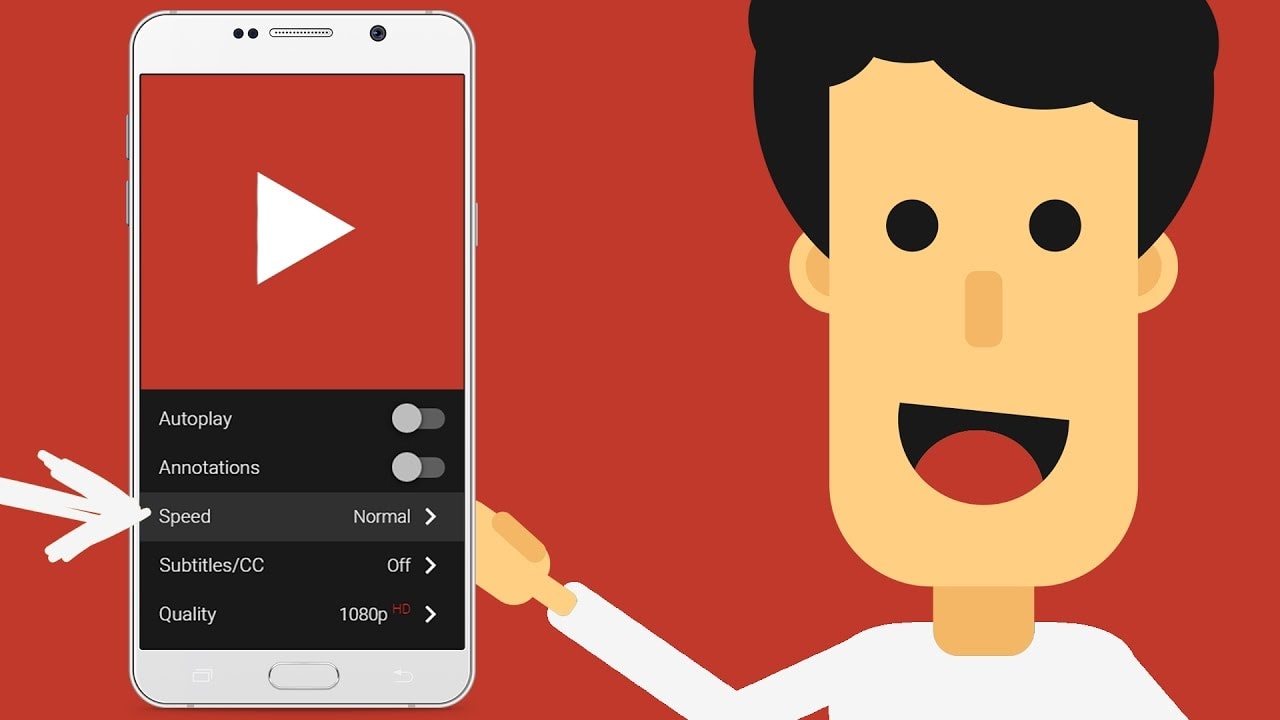
The bug appears in both the official and beta versions.
The issue was reported on both versions of YouTube for Android:
Stable version: 20.28.39
Beta version: 20.29.39
YouTube Music is unaffected, and the podcast playback speed adjustment feature still works normally.
Response from YouTube
YouTube has confirmed this error:
“We are aware that some users are experiencing issues adjusting video playback speed on Android devices. Our technical team is actively investigating. We will provide an update when more information becomes available.”
There is currently no specific timeframe for fixing the bug. Android users are awaiting the earliest possible patch from Google.


