
5 helpful tips when buying a used mobile phone.
Are you considering buying a used mobile phone to save money? Don't miss these 5 helpful tips to choose a quality device, avoid risks, and optimize your user experience.
It's undeniable that smartphones aren't cheap for many people. While many are opting for cheaper models on the market, even those "budget-friendly" options sometimes exceed the financial means of many consumers.
However, there is another way for users to save money while still owning a phone they like: buying a used phone.
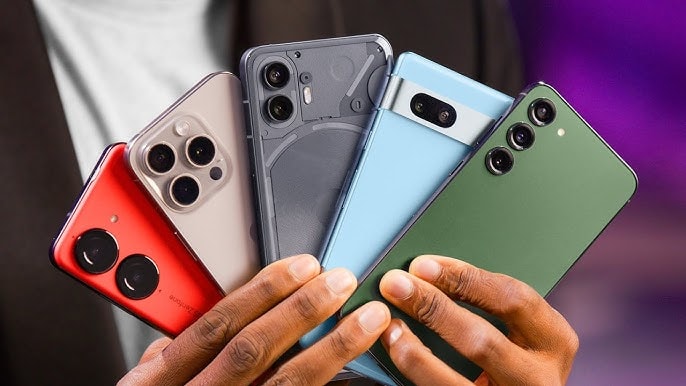
Of course, when it comes to used phones, many people still feel apprehensive. Buying a device that has been previously used often comes with concerns: "Is it faulty? Is it durable? Why did the previous owner get rid of it?" These are perfectly legitimate questions.
But that's not entirely true; if you know where to buy and how to check, you can absolutely buy a quality phone at a reasonable price.
1. Carefully research the reputation of the seller.
The first crucial step when buying a used phone isn't choosing a model or configuration, but thoroughly researching where you intend to buy it. In the world of used technology, the seller's reputation is your first line of defense.
Make sure the seller has been operating in the market for a while. Check their reviews on reliable platforms to ensure they have a good customer service history. Also, don't hesitate to ask about the warranty policy; most reputable stores will offer at least a 12-month warranty.
There are many e-commerce platforms and stores selling mobile devices, but not all of them are trustworthy. Always check seller ratings and carefully read reviews from previous customers before buying.
Pay attention to the quality classification system the seller uses for the equipment, such as letter grading (A, B, C) or by condition description. This will help you know exactly what condition the product you are receiving is in.
2. Check the IMEI: An essential step before deciding to buy.
After you've chosen a phone you like from a reputable seller, the next step isn't to pay immediately, but to check the device's IMEI – a small but extremely important step to avoid buying a stolen or network-locked phone.
The IMEI (International Mobile Equipment Identity) is a unique identifier for each phone, and you can easily check it by dialing *#06# on your device's keypad. Reputable resellers will usually assist you in checking if this IMEI number is listed as stolen, locked, or has any carrier restrictions.
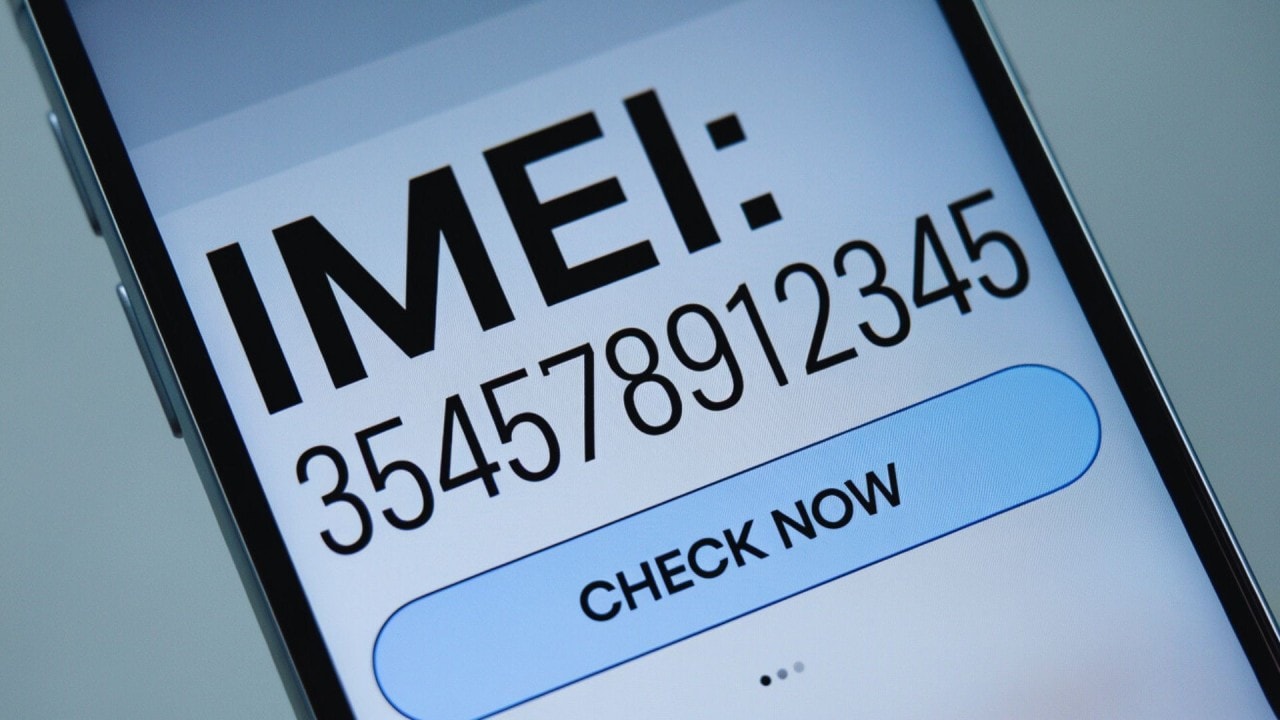
Whether you're buying online or in person, the IMEI and serial number are the first two pieces of information you should ask for. If the seller can't provide them, that's a clear warning sign; you might be dealing with a stolen or counterfeit phone.
Specifically for iPhones, before buying, make sure the iPhone has had its iCloud account removed and is out of Activation Lock mode. Otherwise, you won't be able to use the device no matter how good the hardware is.
If buying in person, ask the seller to insert a SIM card and demonstrate that the phone can receive a network signal. This is a quick way to confirm the device is not network-locked or disabled.
However, this is difficult to do when buying online, so prioritize stores or platforms with transparent return policies, so you can return the device if any problems arise.
3. Check all basic functions of the device before paying.
Once you have the phone you want in your hand, don't rush to set everything up and start using it right away. First, take a few minutes to check that all the basic functions of the device are working smoothly, like a "general health check" before signing a contract.
Here are some quick tests you can easily perform right after turning on your computer:
- Make a test call to ensure the connection is stable.
- Send the SMS message and check if it was delivered successfully.
- Play music or videos to test the speakers and sound quality.
- Open your browser and access a website to ensure your mobile data connection is working.
- Take a few photos to check the sharpness and focusing ability of the camera.
- Connect to Wi-Fi and test the hotspot to check the wireless network connection.
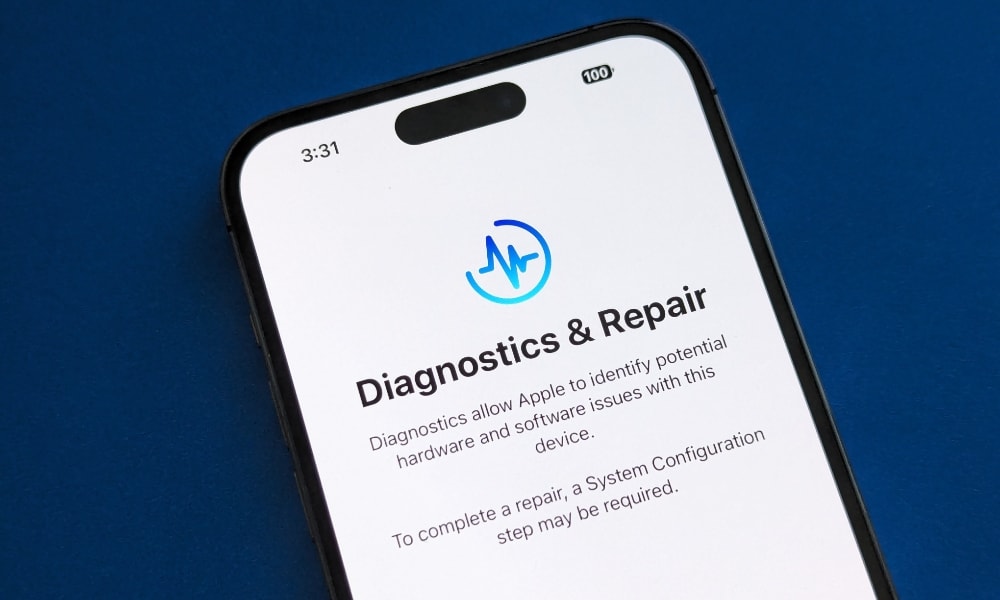
In addition, users should also ask the seller to run a hardware/software diagnostic and send you the results. This report will help you detect potential problems with the battery, camera, GPS, or touchscreen early on.
Most professional retailers have specialized testing tools, but if not, you can use free diagnostic apps on the app store to check the device yourself.
4. Check the exterior appearance and the screen.
After confirming that the phone is still working, the next step is to check its external appearance, especially the body and screen. With a used phone, a few scratches are normal.
However, you should still carefully observe for small cracks or signs of damage, as these can become more serious over time. A simple trick is to gently run your fingernail around the edge of the screen; if it gets stuck somewhere, there's a good chance there's a small crack that's hard to see with the naked eye.
In particular, users should carefully inspect areas such as the screen, charging port, headphone jack, and camera module for any obvious signs of damage. Pay attention to details such as a loose screen, mismatched screws, or any abnormalities that may indicate the device has been repaired.
A helpful way to check is to increase the screen brightness to maximum to easily spot scratches or irregularities.
When buying online, ask the seller to provide clear, high-quality images so you can zoom in and carefully inspect the device before making a decision. Upon receiving the device, take the time to check for common screen defects such as dead pixels or uneven color display, as these are signs that the screen may be damaged.
5. Don't forget to check the connection ports and battery quality.
Before making a purchase, take the time to check the ports and battery status, two crucial factors that directly affect the user experience. First, you have the right to ask the seller to show you the device while it's charging to ensure the charging port is working properly.
When charging, pay attention to whether any liquid warning messages appear on the screen, as this could be a sign that the device has been exposed to water.
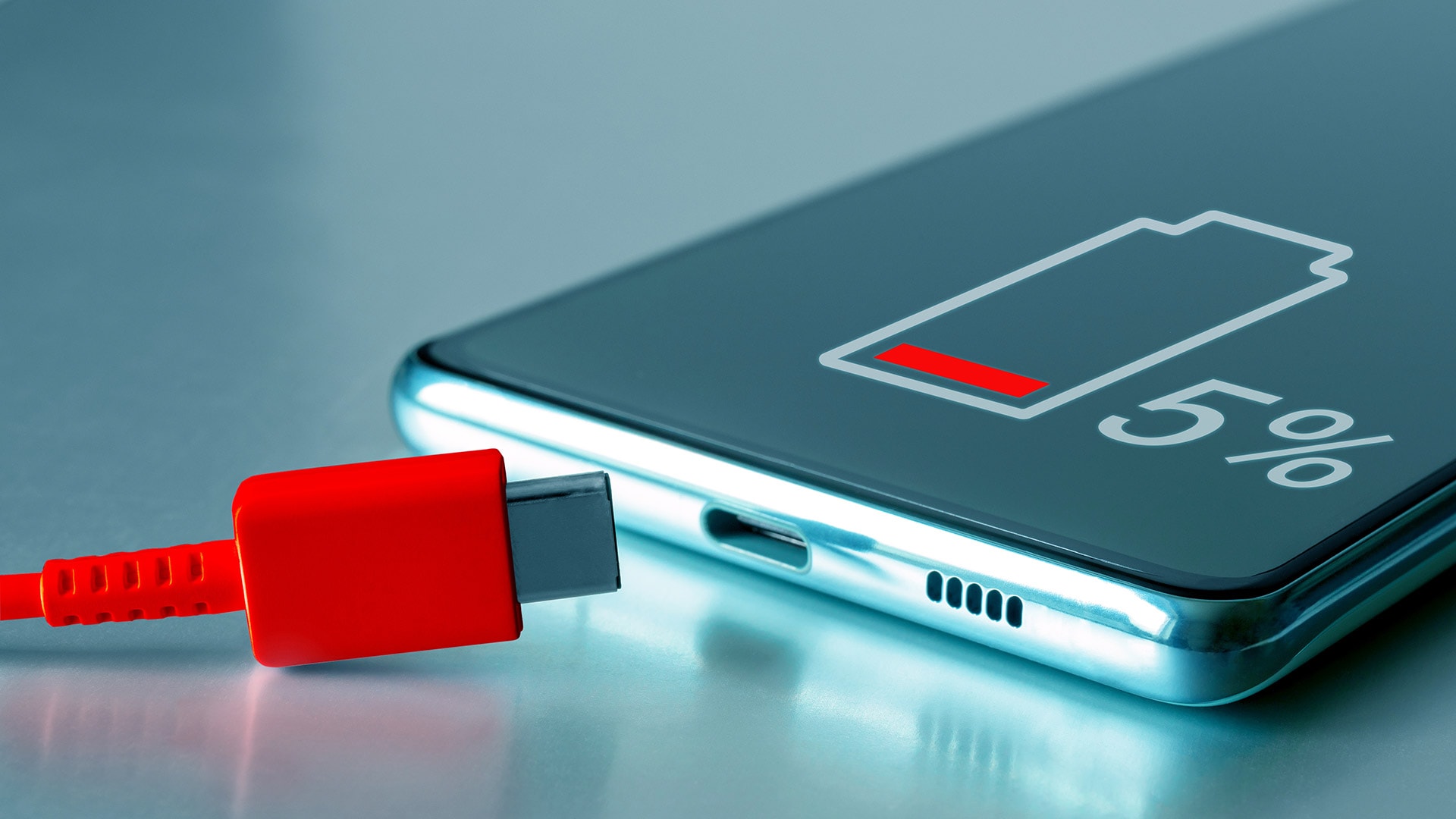
Another thing to check is whether the battery is swollen. A simple way to do this is to lay the device flat and look from the side to see if the back is unusually bulging. Also, carefully examine the charging port to ensure no contact pins are broken or if there is any accumulated dust or dirt.
Additionally, buyers should check for signs of corrosion around the headphone or charging port, as this could be a result of previous water exposure. Even if the initial damage is minor, water can silently affect the motherboard and cause the phone to fail completely after a while.
In particular, buyers should bring their charger and headphones to test the product directly. Check the charging and sound quality. If you're buying online, request videos or photos to prove these features are working.
Additionally, check the battery status in your device's settings. If the reading is between 90% and 100%, the battery is still good; 80% to 90% is acceptable, but if it's below 80%, you should consider replacing the battery.
In short, buying a used phone can be quite stressful, especially when you don't know where to start. But by keeping a few key points in mind, you can completely avoid common risks and make the purchasing process much simpler and safer.


