
5 incredibly useful new features in Android 16 you shouldn't miss.
Android 16 is set to launch this June, with a host of valuable improvements that promise to elevate the user experience. Among them, there are 5 of the most notable features that any Android enthusiast should know about.
Android 16 is fast approaching, and Google has begun revealing the first details about its latest operating system. From official announcements to leaked details revealed by Google itself, the overall picture of Android 16 is gradually becoming clearer.
In this article, we'll review five confirmed new features that, while not heavily promoted in the media, are significant, especially in the area of security, a top priority for Google in this update.
1.Automatically hide sensitive notifications on the lock screen.
One of the new, albeit small, but noteworthy security features in Android 16 is the ability to automatically hide sensitive notifications on the lock screen, especially one-time authentication codes (OTPs), which are often sent via text message or app to verify logins.
Instead of being displayed publicly as before, these types of notifications only appear when the device is unlocked, reducing the risk of information leakage if the phone falls into the wrong hands. This is a significant improvement in the context of increasingly sophisticated financial fraud and account hijacking.
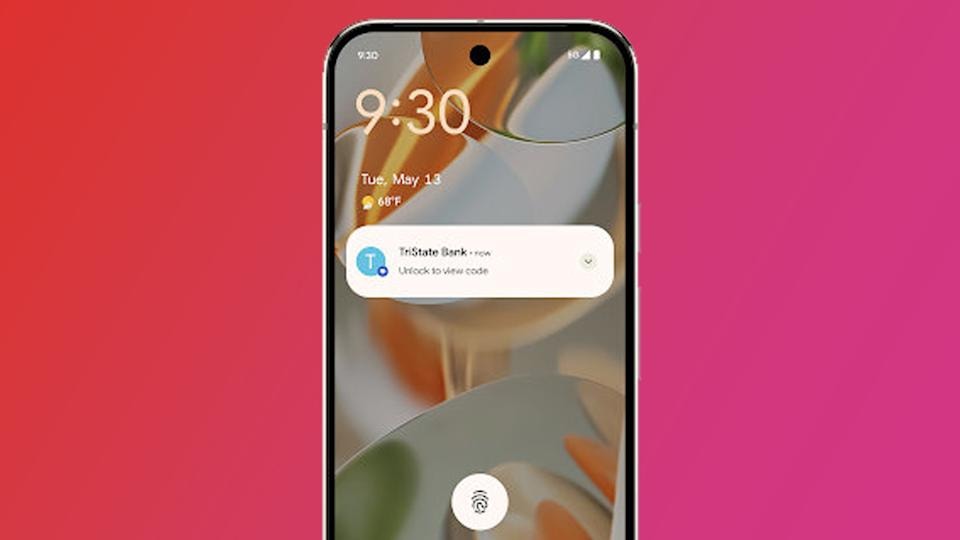
However, the system doesn't apply this feature rigidly. Android 16 uses intelligent contextual algorithms to determine when to hide notifications.
For example, if the device is not connected to Wi-Fi or has not been unlocked for a period of time, the system will assess this as a high-risk situation, possibly due to the device being lost or stolen, and automatically hide important notifications.
With this feature, Google is further affirming its commitment to prioritizing user privacy, not only through new security layers but also through enhanced contextual awareness within the operating system.
2.Enhance call security and block phishing attempts remotely.
In the context of increasingly sophisticated and unpredictable scams, Android 16 is adding an important layer of defense: call security. This is an effort to prevent scams that exploit users' gullibility to gain remote control of their devices.

Specifically, Android 16 will block any changes related to accessibility permissions or the installation of apps from unknown sources while on a call. These are two permissions that malicious actors often trick users into enabling, for example by impersonating technicians, requesting software installation, or granting device control permissions to "assist in troubleshooting."
Restricting access during sensitive times, such as while on a phone call, creates an additional technical barrier, helping users avoid being manipulated when they are off guard. This is seen as a practical step by Google to combat increasingly common forms of fraud, especially through impersonation calls.
3.Quick Settings Panel: More flexible, intuitive, and convenient
Beyond security, Android 16 also brings user interface improvements, most notably a redesigned Quick Settings panel to enhance the daily user experience.
In the new version, the Quick Settings tiles are more flexible with the ability to resize, and come with smoother animations when users interact with them. This is a step forward that brings Android closer to the "dynamic interface" experience that manufacturers are pursuing.
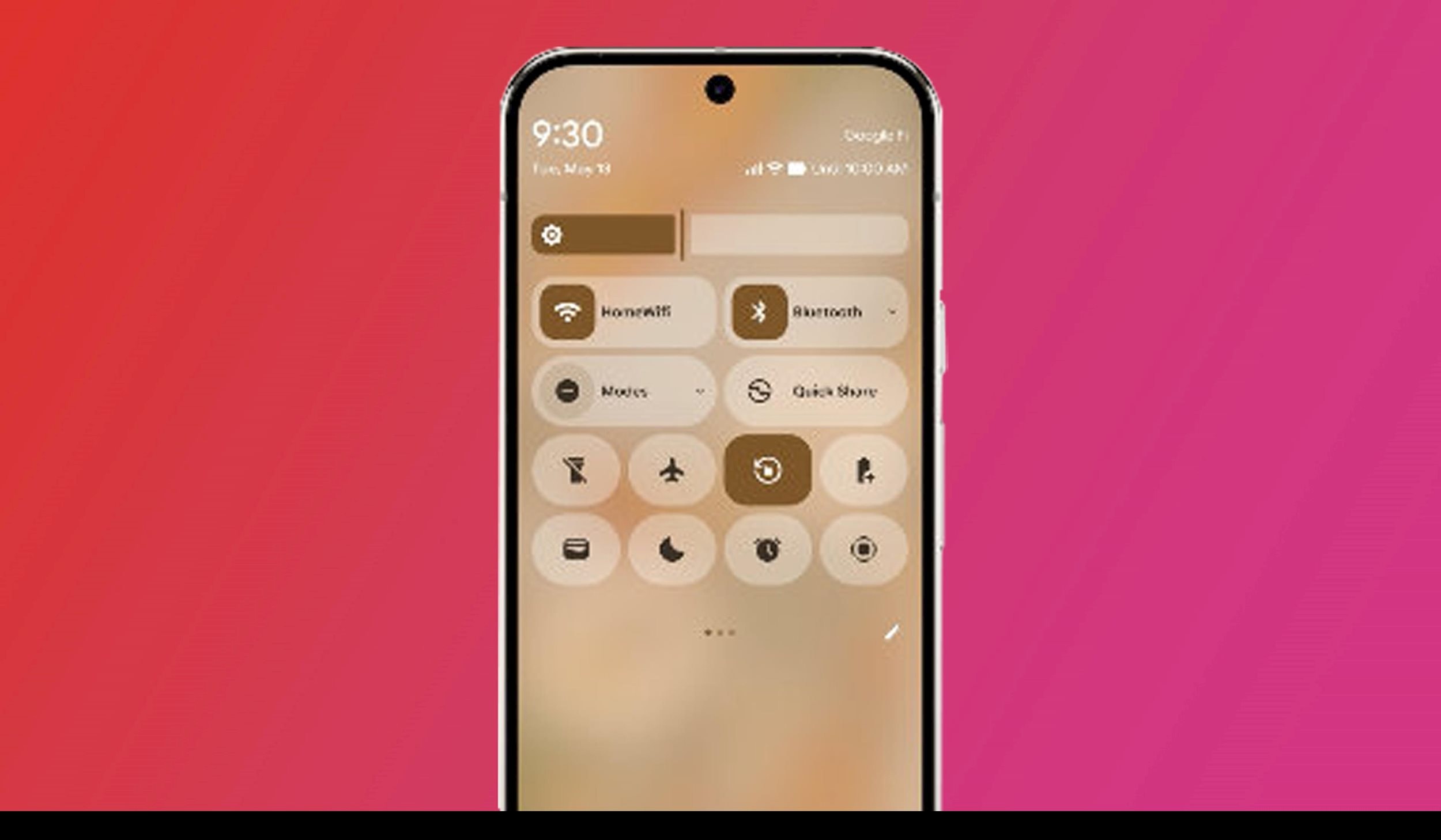
Although Google hasn't officially announced it, experts from Android Authority have discovered that in the beta version, users can turn Wi-Fi and Bluetooth on or off with just one tap, instead of having to open additional menus as before. This shows that Google is listening to feedback and prioritizing simplified operation for the most frequently used features.
Overall, the Quick Settings panel on Android 16 has been revamped to be more customizable, easier to use, and more intuitive, providing a modern and convenient feel for users, whether controlling connections, airplane mode, or adjusting screen brightness.
4.Enhance the ability to detect malicious applications directly on your device.
Android 16 further enhances the protection of users from potential malware threats, with a range of detection mechanisms handled directly on the device, without relying on cloud servers.
Specifically, the new operating system will integrate a set of intelligent rules that analyze text patterns and application binary code, thereby quickly identifying suspicious behavior or signs related to known malware families. If a risk is detected, the system will warn the user before installing the application, minimizing the risk of early intrusion.
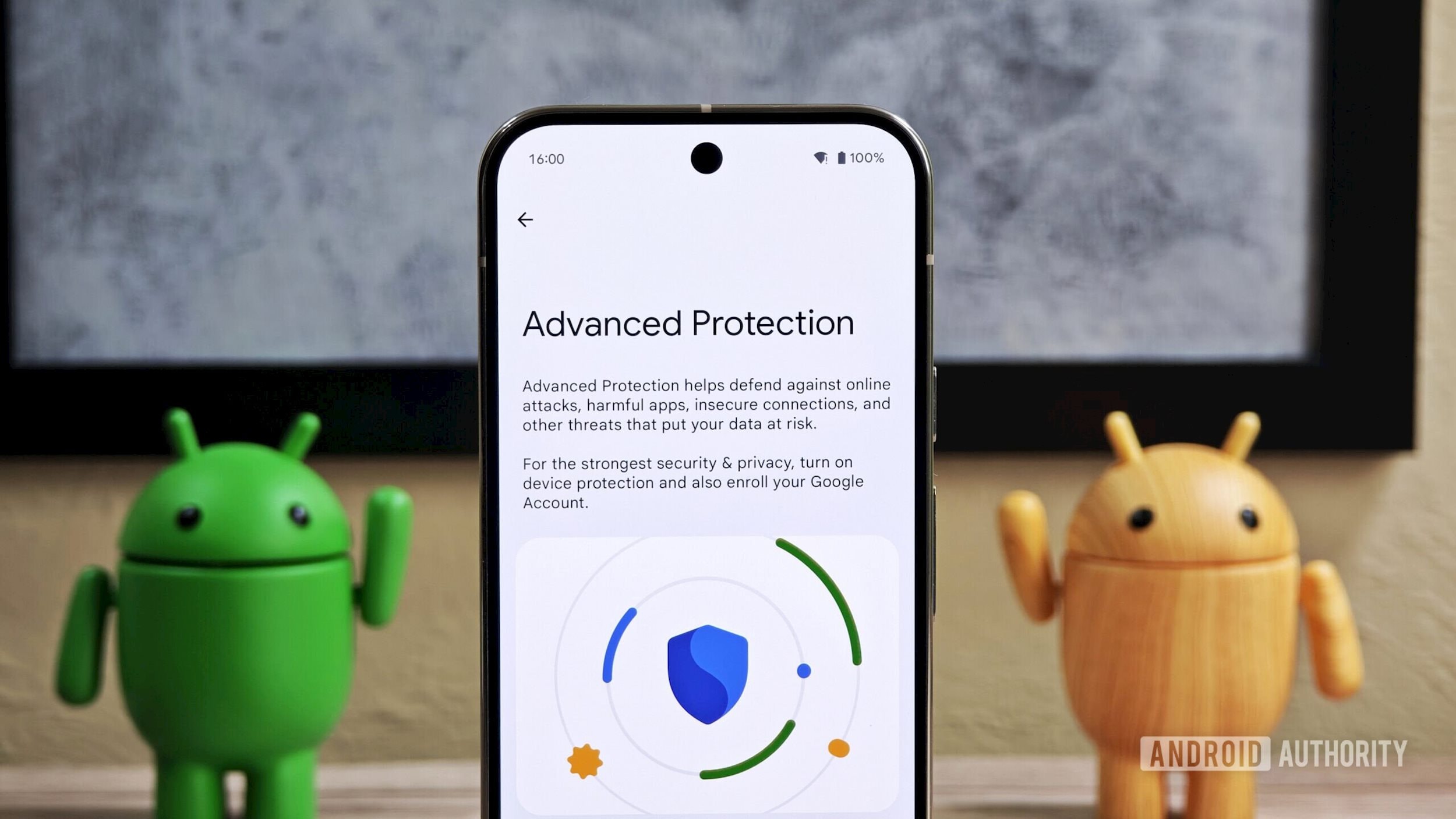
Furthermore, Android 16 adds a mechanism to detect apps that arbitrarily change their icons, a common tactic used by malware to hide itself after installation. Alerting users when app icons change unusually will help them easily monitor, identify, and remove dangerous apps.
These improvements clearly demonstrate Google's commitment to bringing security to the operating system level, using AI and contextual analysis directly on the device to protect users in real time.
5.Enhance the security of the Remote Lock feature with a new verification layer.
The Remote Lock feature, which allows users to remotely lock their devices via their Google account, will become more secure on Android 16 thanks to the addition of a security question option before locking the device.
Remote locking is a useful tool in case your phone is lost or stolen, helping users quickly prevent unauthorized access. However, in previous versions, if someone had access to a browser logged into your Google account, they could completely lock the phone simply by entering your phone number, a potential vulnerability if the account was compromised.
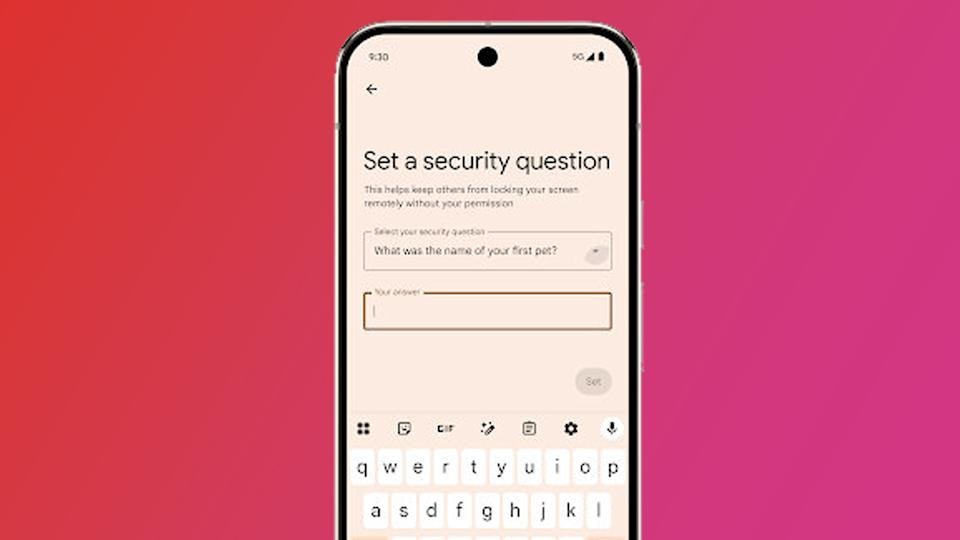
Android 16 addresses this risk by requiring an additional verification step via a security question, ensuring that only the true owner can use the remote locking feature.
Although exploitation is uncommon, adding this layer of authentication significantly reduces the risk of abuse, especially in situations where Google accounts are accessed without authorization.
This is a small but important step, demonstrating how Android 16 is strengthening user control over their devices, even when they're not holding them in their hands.


