
7 cách để bảo vệ smartphone an toàn khi đi du lịch
Smartphones are indispensable on every trip, from taking photos and checking maps to making payments. However, these devices are also easily targeted for theft, damage, or data leaks if not properly protected.
From looking up maps and booking museum tickets to making payments, taking group photos, and live-streaming from your hotel room, your smartphone is your constant companion for all your travel activities.
However, every time you take your phone out of your pocket, you face a host of risks such as dropping it on the floor or beach, using insecure Wi-Fi at a resort, or worse, having it snatched in a crowded street.
Here are 7 simple yet effective ways to protect your smartphone and personal data while traveling, making your trip safer and more enjoyable.
1. Don't neglect protecting your phone.
If you haven't already used a screen protector or phone case for your smartphone, then your vacation is the perfect time to change that habit, even if it's just a short trip. When traveling, you'll often be carrying many items, passing through crowded places or high-risk areas like beaches, pools, or airports, so dropping, bumping, or having your phone stolen is a big deal.
Invest in a phone case that fits well, perhaps even one with a ring holder for a more secure grip. Some models even include card slots, conveniently replacing a wallet. Whichever style you choose, the key principle is to provide an extra layer of protection for your most important device throughout your journey.
2. Equip yourself with mobile security solutions before you travel.
If you're using Android and haven't installed any security apps, consider choosing a reliable antivirus software, especially if your computer's protection program doesn't include mobile protection. For iOS users, even though the operating system is generally considered highly secure, you should still proactively check and disable any settings that pose potential security risks.
An ideal security app will alert you to threats, detect unsafe Wi-Fi networks, and ideally include a virtual private network (VPN) to protect your connection while on the go. Some even offer advanced features like privacy monitoring and scanning for malicious links in text messages, giving you greater peace of mind while using your phone throughout your journey.
3. Back up your data before you leave.
Before each trip, make sure all important data, from photos and contacts to notes and itineraries, is securely backed up. You can choose between reputable cloud storage services or manually backing up to your personal computer, depending on your needs and usage habits.
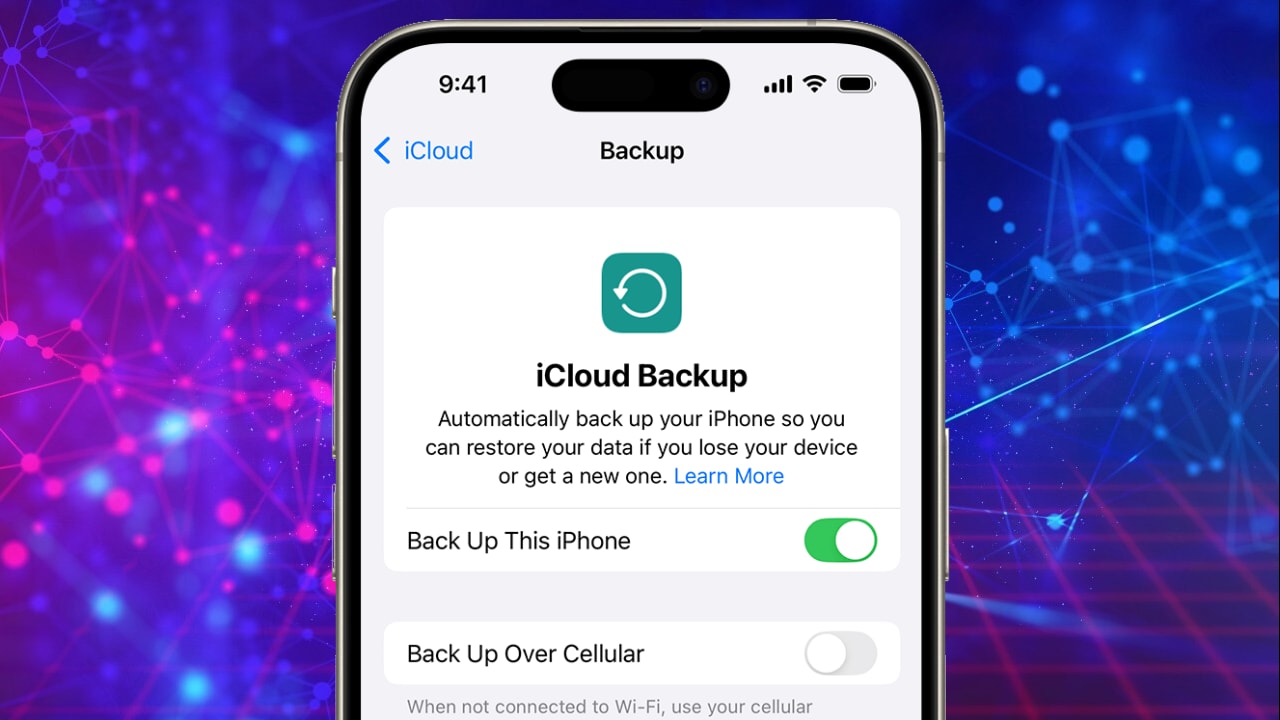
Backing up your data helps you avoid losing valuable information in case your phone is lost, stolen, or damaged, such as falling into a pool or on the beach.
However, be sure to back up your data over a secure network connection, avoid using public Wi-Fi, and maintain a regular backup routine for peace of mind on every journey.
4. Enable location tracking to remotely protect your device.
Before you leave, make sure you've activated the "Find My Phone" feature or a similar location tracking tool built into your device's operating system. This is not only an effective way to locate a lost phone, but it also allows you to remotely lock the device or erase data in case it's stolen.
Actively enabling this feature will help you react quickly if your device disappears, and also prevent malicious actors from accessing personal photos, bank accounts, or other sensitive information on your phone.
5. Be cautious with public Wi-Fi networks.
During your travels, you'll encounter countless public Wi-Fi hotspots, from airports and restaurants to cafes. While convenient, these free Wi-Fi networks also pose security risks such as data theft, man-in-the-middle attacks, or malware installation.
To minimize the risk, turn off the “Automatically connect to public Wi-Fi” option on your phone. This prevents the device from automatically connecting to any available network without your control.
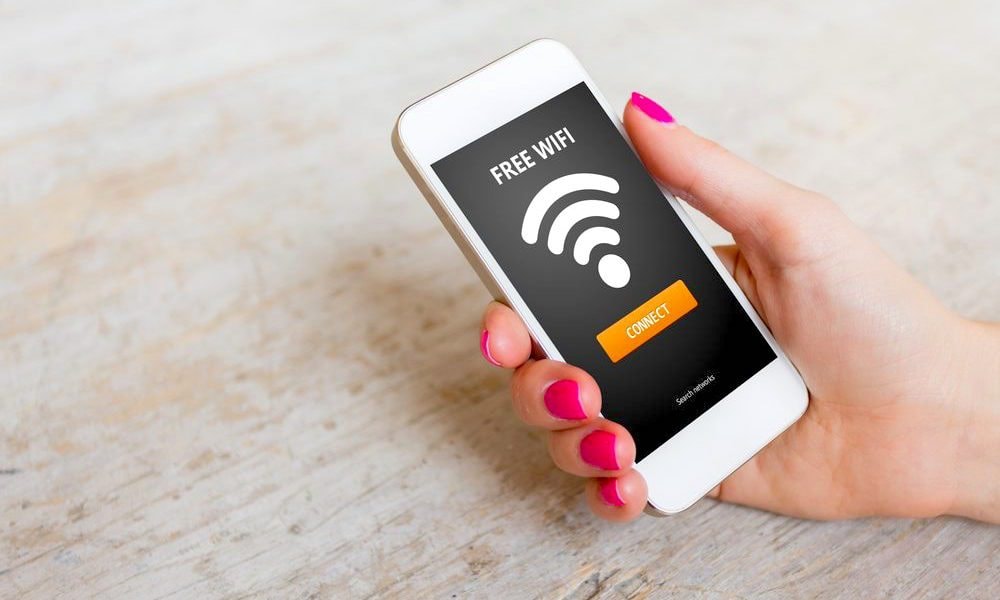
Instead, prioritize using mobile data or only connecting to Wi-Fi networks you trust and know the source of, especially when conducting transactions involving finances or personal information.
6. Always set a strong password to protect your device and data.
Passwords are the first and most important line of defense protecting your smartphone and personal data. If your device supports it, prioritize using biometric authentication such as fingerprint or facial recognition for increased security and convenience.
If these features are unavailable, set up a strong password that combines uppercase letters, lowercase letters, numbers, and special characters for your phone and important accounts.
Additionally, before traveling, you should consider installing a reliable password manager to store and track all your login information, avoiding situations where you forget your passwords or have to re-enter them multiple times while on the go.
7. Always update your operating system and applications before you travel.
Before you begin your journey, make sure that your phone's operating system and all apps, especially important ones like banking, email, and social media, are updated to the latest version.
Updates not only bring new features, but more importantly, they help patch security vulnerabilities that could be exploited. When traveling, you often connect to many unfamiliar networks, so timely updates will help your device fight against threats and provide maximum protection for your personal data, no matter where you are.


