
8 simple tips to protect your smartphone from hackers.
Smartphones have become indispensable to many people, containing a wealth of important personal information. However, along with convenience come cybersecurity risks. Hackers are becoming increasingly sophisticated, constantly seeking ways to infiltrate and steal data from your phone.
Having your phone hacked is nothing short of a terrible nightmare. Imagine, in just a split second, hackers can infiltrate every aspect of your digital life, from social media and email to shopping accounts and sensitive information like banking details.
The consequence was a long series of stressful days involving changing passwords, blocking credit cards, contacting banks and service providers, and constant worry about unforeseen losses.
Instead of waiting until it's too late, proactively build a strong defense for your phone. Don't wait until it's too late; act today to protect your privacy and data security.
This article will reveal 8 simple yet effective tips to help you become immune to sophisticated hacker attacks.
1. Use a keypad lock or facial or fingerprint recognition.
When people think about being hacked, many picture a hacker sitting somewhere far away, typing a series of complex codes to infiltrate their device. This is sometimes true, but reality is often much simpler and less dramatic.
A cyberattack is simply when someone gains unauthorized access to the data on your device. If someone gets hold of your phone and accesses your data without permission, you have essentially been hacked.
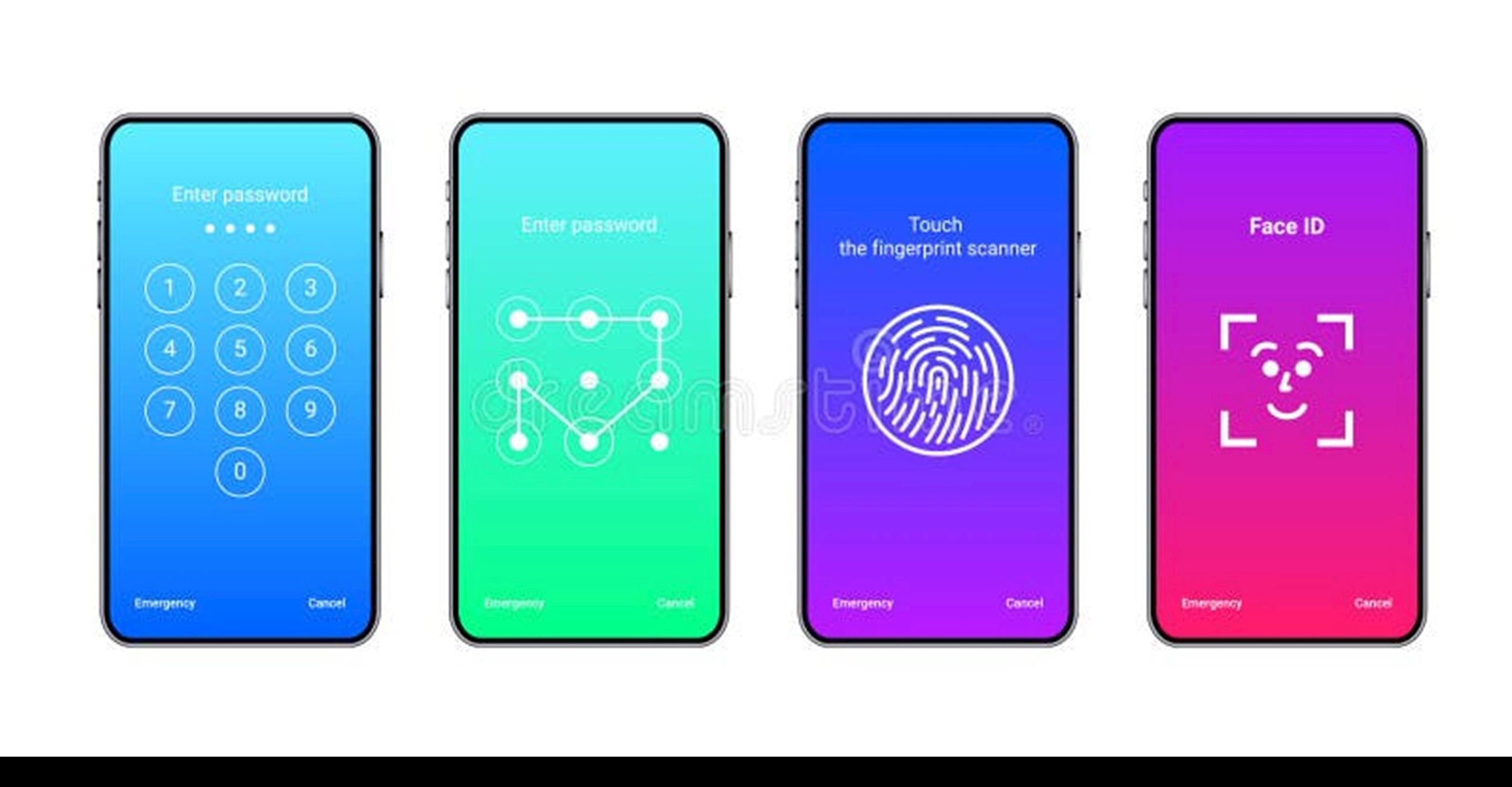
The first line of defense for your mobile device is a passcode, facial recognition, or fingerprint sensor.
While no technology is 100% secure, enabling screen lock or authentication will deter most malicious individuals if they accidentally (or intentionally) gain access to your phone.
Setting a password might be a bit inconvenient, but it's nothing compared to the trouble of being hacked.
2. Back up your phone regularly.
Regularly backing up your phone is an important habit with many benefits. Even if you don't lose or steal your phone, a full backup will make the transition to a new device easier and faster.
In the worst-case scenario, if your phone is lost or stolen, you can remotely erase your data and rest assured that all your important information will remain secure.
Remember, if you don't have at least three copies of your data, then in reality, that data isn't truly secure.
3. Do not store passwords or sensitive information on your phone.
Ideally, you shouldn't store passwords or sensitive information like credit card details or personal data directly on your phone.
If the device is compromised and the attacker gains access to this information, the consequences can be serious. Hackers could obtain your sensitive information or even empty your bank account.
If you need to store passwords on your phone, use a reliable password manager. Even on a tight budget, you can still find free options.
Password managers work by requiring a master password to unlock all your logins, so create a strong but easy-to-remember password. Most importantly, never store that master password on your phone.
4. Only download apps from the official app store.
This is especially important for Android users, as Apple's app review process is much stricter than Google's.
Furthermore, Android allows the installation of third-party apps, which also means a higher risk of downloading malicious applications.

Photo: Internet.
In addition, be cautious about the permissions you grant to apps. Many apps request access to your camera, microphone, photos, and other personal data. While some requests may be justified, this isn't always the case.
Don't readily accept every access request; you might inadvertently reveal more information than necessary.
5. Always keep your phone's operating system and apps updated.
While delaying updates might seem convenient, most updates contain critical security patches or performance improvements.
If there are vulnerabilities in your operating system or applications, hackers will certainly not miss the opportunity to exploit them. By regularly updating your phone and apps, you will always stay one step ahead of potential threats.
Additionally, if there are any apps you no longer use, it's best to delete them to minimize security risks and free up device space.
6. Always use two-factor authentication.
Two-factor authentication (2FA) is an extra layer of security that helps protect your account. Instead of just requiring a password, 2FA requires a second verification method to confirm your identity, minimizing the risk of compromise.
There are many different forms of 2FA, including SMS codes, app authentication, Bluetooth connections, and even physical security keys.
Each method offers a different level of security, so understanding how they work will help you choose the most suitable option. However, when it comes to phone security, a physical security lock remains the safest choice.
7. Use a Virtual Private Network (VPN).
When browsing the web on public Wi-Fi, always use a virtual private network (VPN). A VPN hides your IP address and encrypts all outgoing data, making it difficult for attackers to track or steal your information.
This not only makes you safer when shopping online but also protects your personal data from being leaked.
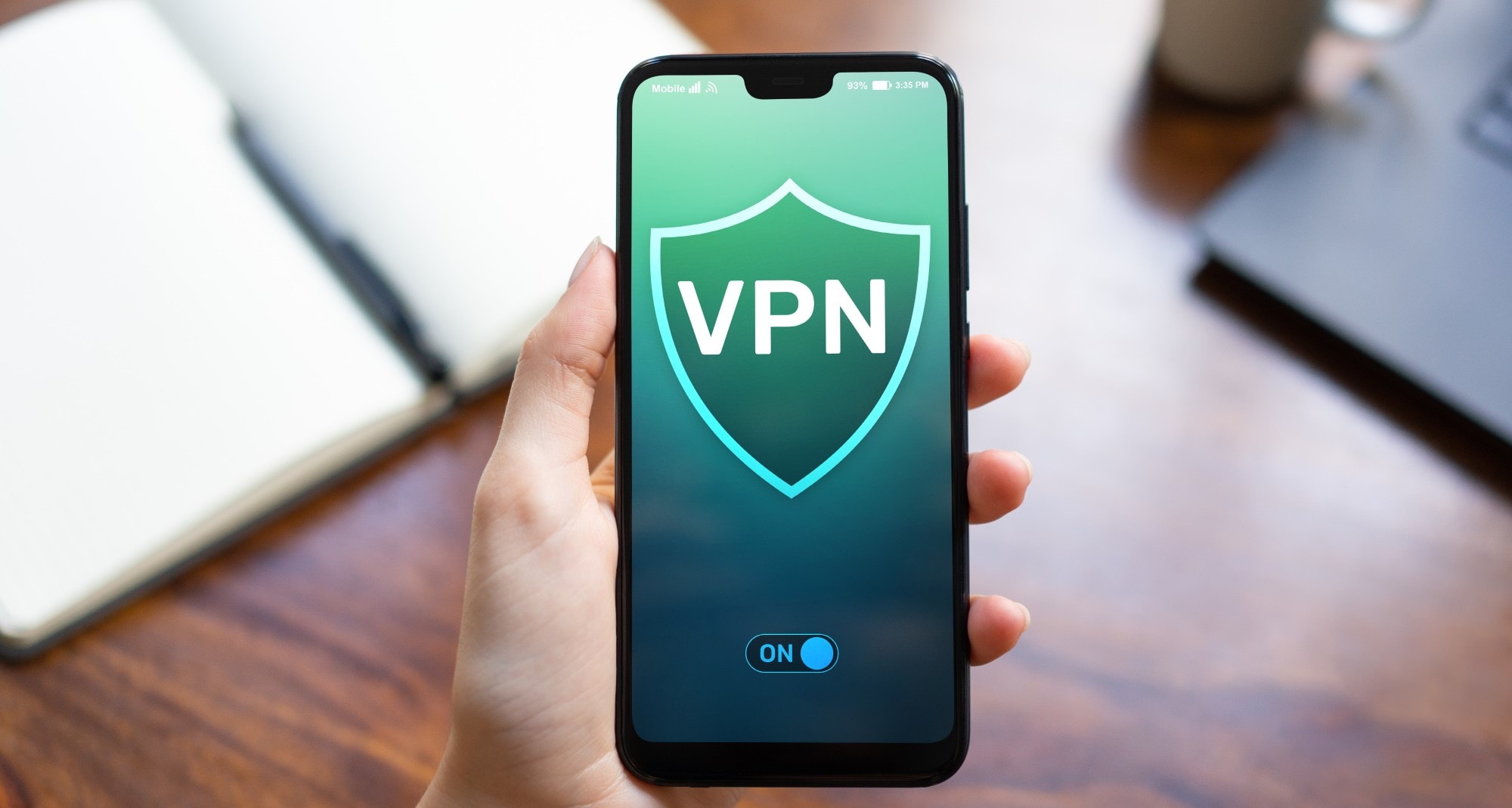
Photo: Internet.
Without a VPN, your IP address is exposed, creating opportunities for remote hacking. This is a method hackers can use to exploit your IP address to infiltrate your phone or other devices.
A VPN helps prevent this by replacing your real IP address with the VPN server's IP address, reducing the risk of remote attacks and enhancing the security of your device.
8. Have a plan B if your phone is stolen or hacked.
If your phone is unfortunately hacked or stolen, it's crucial to have an action plan to quickly limit the damage hackers can cause.
Delete data remotely immediately.
Don't wait until you lose your phone to look for ways to remotely erase data; learn about it beforehand and be ready to do it if needed. The faster you erase, the lower your risk of having your personal information exposed.
Locate your device
After erasing the data, try locating your phone using tools like Find My iPhone (iOS) or Google's Android Device Manager. Even if the device has been factory reset, you may still be able to track its location in some cases.
Protect your financial accounts.
If you suspect hackers have accessed personal information such as bank accounts or credit cards, immediately contact your bank to freeze your account and deactivate your card. At the same time, freeze or block your credit to prevent the attacker from opening new accounts in your name.


