
How to charge your iPhone battery faster
When your iPhone is running low on battery and you need to move quickly, without being near a power source, how can you charge it as fast as possible? This article will show you the best way to handle this situation.
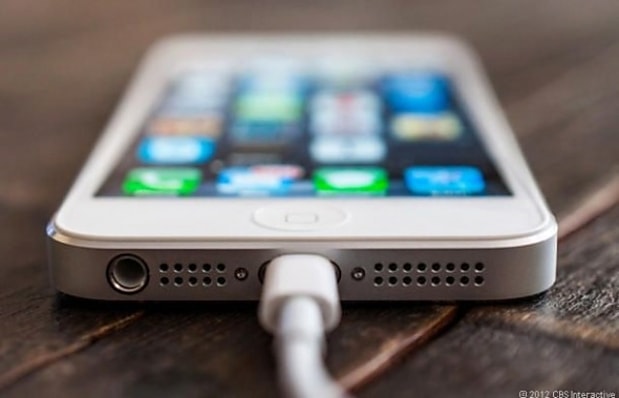 |
While iPhones aren't equipped with fast charging technology like some Android phones on the market, there's a "trick" you can use to make your iPhone charge a little faster. The less resources your iPhone has to divert to other tasks, the more it can "focus" on charging. This is why many people believe that switching your phone to "Airplane Mode" will help it charge faster because it cuts off the phone's ability to connect to the internet and access information.
If you still want to receive messages and calls while charging, there are some other settings you can adjust to minimize the impact on your iPhone's charging process. Turning off Wi-Fi, disabling Bluetooth, reducing screen brightness, and disabling app notifications might be the first solutions you should consider.
Apple also states that removing an iPhone case can help save battery life, especially when the phone overheats. Additionally, if you have an iPad charger, try using it to charge your iPhone; you'll find the charging speed is significantly faster because iPad charging provides power more quickly than iPhone charging.
According to XHTT


