
Warning about the potential risks of leaving Bluetooth always on on your iPhone.
Leaving Bluetooth always on on your iPhone might seem harmless, but it actually poses many security risks and the potential for data tracking and theft that users often overlook until it's too late.
Bluetooth has become an integral part of the iPhone ecosystem, offering users exceptional convenience. From quick connections to wireless headphones and smartwatches to support for locating devices via Apple's "Find My" feature, this technology is constantly expanding its applications. iPhones also use Bluetooth to synchronize data with wearable health trackers, providing a seamless user experience.
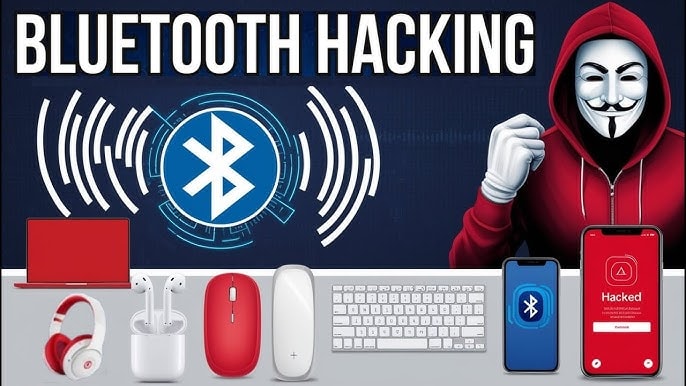
Over time, the list of Bluetooth-enabled utilities and features on the iOS operating system has grown increasingly extensive, and Apple has continuously improved them to enhance efficiency and functionality. However, the question remains: should Bluetooth always be left on an iPhone? The short answer is no, it's not entirely safe. This is because Bluetooth is a short-range wireless protocol, meaning it can become an "open door" for attackers if not properly protected.
This doesn't mean you have to turn Bluetooth off all the time, but being aware of the potential security risks will help you use this technology more intelligently and safely.
Potential risks of leaving Bluetooth on constantly.
Have you ever heard of bluejacking or bluesnarfing? The names sound like sophisticated fly-fishing tricks, but these are actually dangerous cyberattack methods, and unfortunately, your iPhone isn't completely immune.
Bluejacking occurs when hackers exploit Bluetooth connections to send unauthorized messages or data to your device, such as an iPhone. More serious is bluesnarfing, where an attacker secretly uses Bluetooth to access personal information, files, or data without your knowledge.
Furthermore, Bluetooth can also become a "track" that allows malicious actors to monitor your location or infiltrate apps and services on your iPhone to collect location data.
Additionally, Bluetooth signals operating on the 2.4 GHz band can also interfere with other devices such as computers, tablets, or smart home systems.
Although Bluetooth only operates within a relatively short range, this doesn't mean you're completely safe. A clear example is the 2017 BlueBorne incident – a serious security vulnerability affecting millions of Bluetooth devices worldwide, where attackers only needed to get close enough to the hardware to exploit and gain control.
Use Bluetooth safely and responsibly.
Device manufacturers are not standing idly by in the face of hacker threats. The BlueBorne incident, which rocked the tech community, forced Apple to release a security patch, ensuring that iPhone users running iOS 10 and above no longer have to worry about this vulnerability.
This also clearly demonstrates that regularly updating operating system software and applications, whether from Apple or third parties, not only brings new features but also acts as a shield protecting the device against cybersecurity risks.
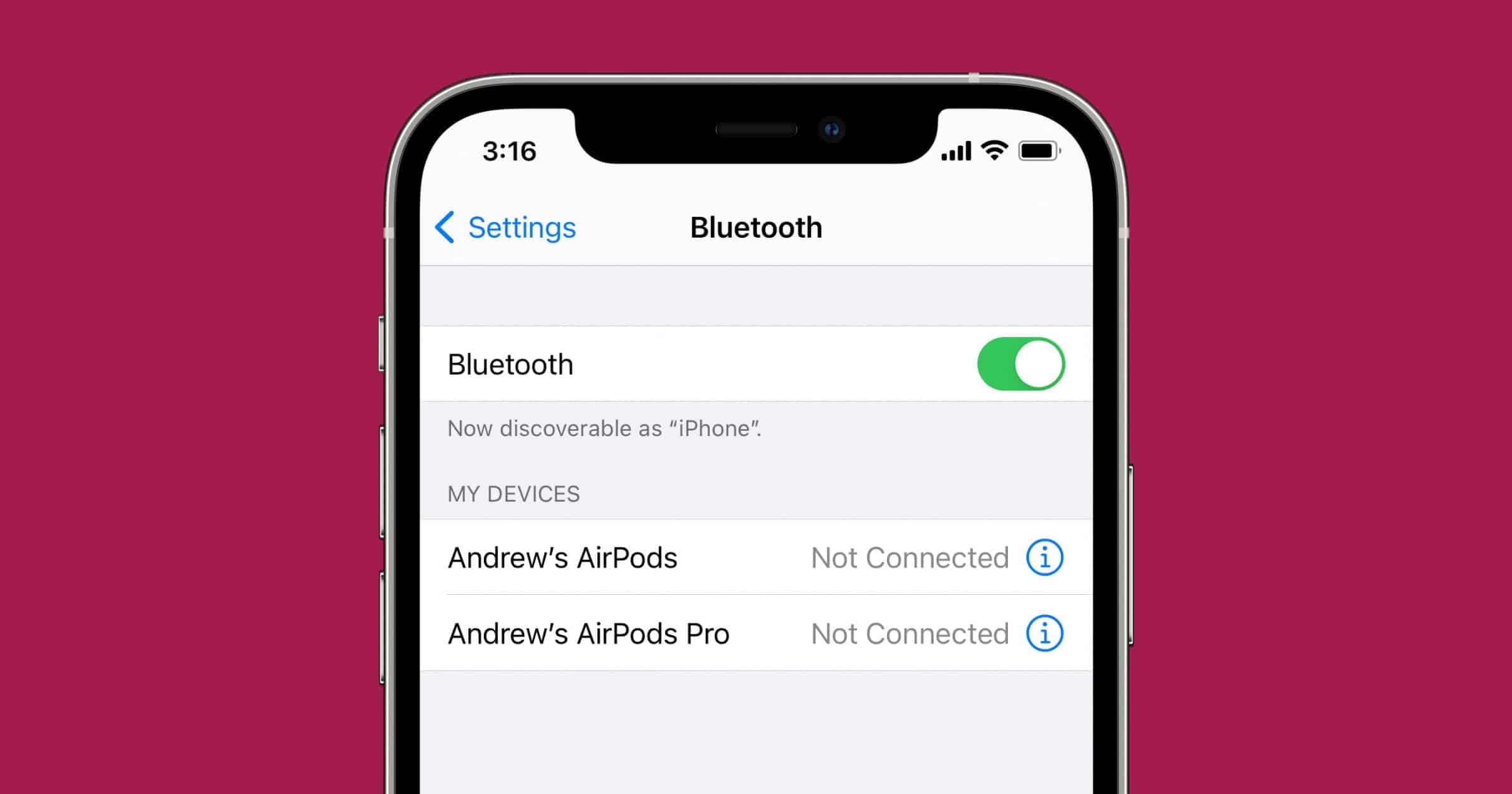
However, the safest measure with Bluetooth is still to turn it off when not needed.SettingnewsBluetoothand toggle the switch to turn it on or off; or swipe down from the top right corner of the screen to open Control Center and then tap the Bluetooth icon. Additionally, you should enable two-factor authentication (2FA) for any apps or services that support it, to add an extra layer of defense.
Managing Bluetooth connections can be a bit inconvenient, but it's still much easier than risking your personal or financial data. In the relentless fight against hackers, scammers, and cybercriminals, every precaution, however small, helps you stay ahead.


