
Beware of QR code scams: Sophisticated tactics and how to avoid them.
QR code phishing (also known as Quishing) is a sophisticated cybersecurity threat in which hackers hide malicious links inside QR codes to steal personal information or spread malware to your device.
QR codes (Quick Response Codes) are now everywhere, from restaurant menus and billboards to payment receipts and bus or train schedules.
Scanning QR codes has become a common habit, allowing users to quickly access information with a simple tap on their phones. However, this convenience has become a double-edged sword, as cybercriminals exploit the habit of indiscriminately scanning QR codes to launch a new form of fraud called Quishing.
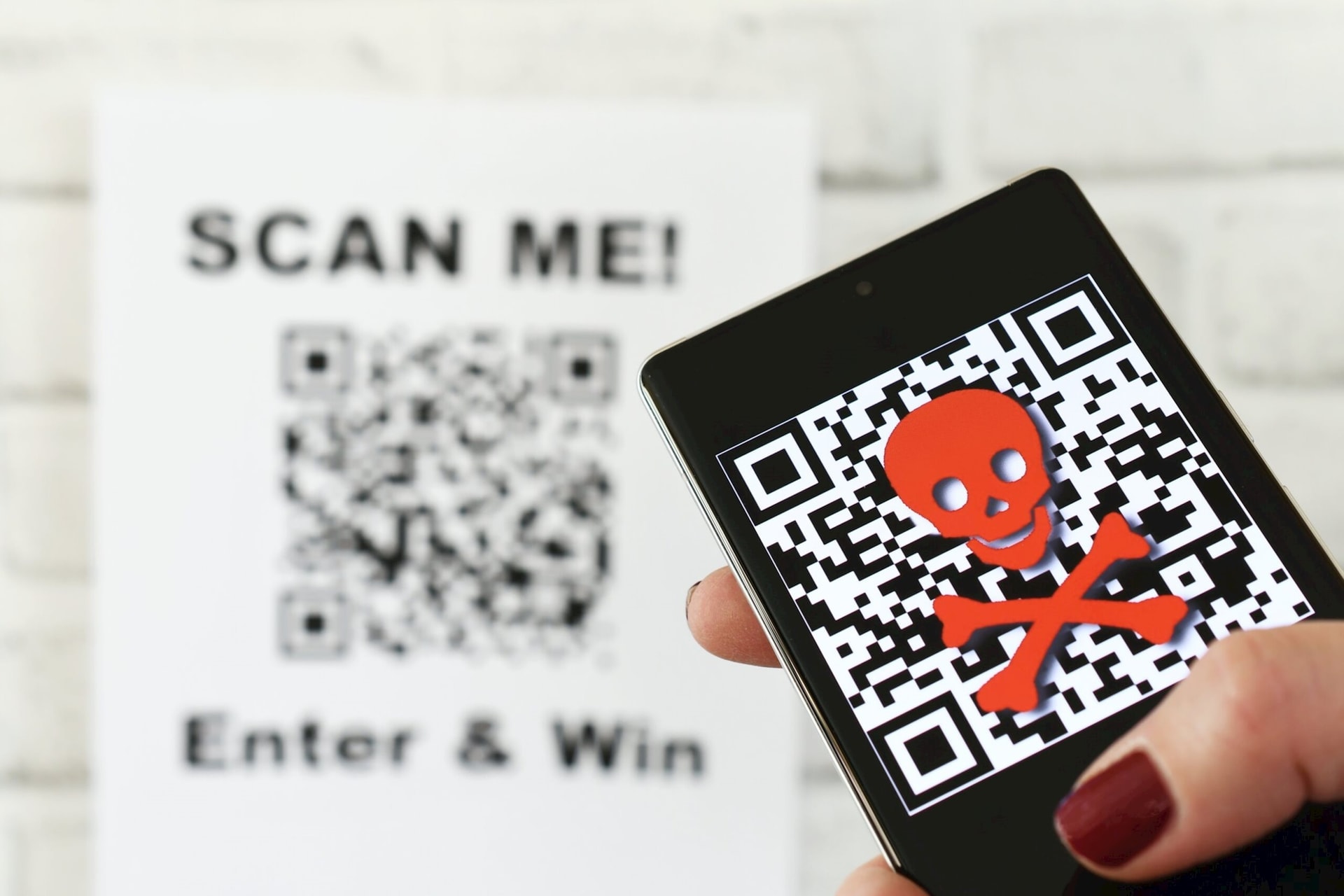
Criminals can embed malicious QR codes on familiar surfaces or send them via email or text message to trick victims into scanning the code and accessing fake websites, thereby stealing personal information or spreading malware to their devices.
What is quitting?
Quishing (QR code phishing) is a form of cyberattack in which malicious actors embed a malicious web URL into a QR code to trick users into visiting fake websites.
Instead of leading to a legitimate website, this QR code may redirect you to a phishing website designed to steal login credentials, passwords, and personal data.
Or they might secretly download malware onto your device, allowing hackers to take control, steal data, or redirect you to websites containing dangerous content.
It may sound simple, but quishing is a real danger. While browsing the web, you can check the URL before clicking, with QR codes, you can't know what's hidden inside. Just one scan can take you to a fake website or force you to download a dangerous file without your knowledge.
Furthermore, users are easily deceived by QR codes because they appear everywhere, from restaurants and cafes to event tickets and advertisements, causing people to scan them without suspicion.
In addition, many businesses use URL shorteners or third-party QR code generation platforms. This means that the links embedded in QR codes don't always lead directly to their official websites, making it more difficult to determine which QR codes are secure.
Quishing is not just a potential threat; it has actually occurred and proven to be highly effective in fraudulent activities.
Fake QR codes are being used for scams worldwide. Cybercriminals simply print a sticker containing a malicious QR code and stick it over a legitimate QR code in public places such as restaurants, parking lots, train stations, etc.
How can I protect myself from Quishing?
Quishing is an increasingly sophisticated threat, but you can protect yourself with some simple yet effective measures. Here are some important steps to help you avoid becoming a victim of this type of scam:
1. Use a secure QR code scanner.
Prioritize the default QR code scanner that comes with your phone (e.g., the camera on iOS and Android).
Avoid downloading third-party QR code scanning apps, as many of these have a poor history of security and privacy issues, and may collect data or even contain malware.
2. Check the URL before opening the link.
After scanning the code, preview the website address before clicking on it.
Avoid links that use URL shorteners (such as bit.ly, tinyurl, goo.gl), as malicious actors can hide the real address of the phishing website.
3. Limit the use of QR codes for payments.
If possible, avoid paying via QR code, especially when the code is displayed in public. If the payment link leads to an unclear web address or one that doesn't belong to the bank/official app, stop immediately.
Beware of fake websites, as cybercriminals often use domain names that closely resemble legitimate websites (e.g., paypall.com instead of paypal.com). Always double-check your spelling before entering sensitive information.
4. Do not scan random QR codes in public places.
Avoid scanning QR codes that appear on billboards, flyers, or are pasted on payment machines, as they may have been replaced with malicious code.
If you need to scan a QR code from a public place, ask a staff member to confirm that the code is legitimate.
5. Enhance security on your device.
Disable automatic downloads in your web browser to prevent malware from being downloaded when you visit phishing websites.
Enable privacy protection features, such as blocking unsafe websites or warning you when accessing suspicious websites.
6. Carefully check the physical QR code before scanning.
Carefully examine the QR code you are about to scan. If there are any signs of it being covered up, altered, or looking inconsistent with the surrounding design, avoid it.
If you see a QR code sticker on a payment terminal or in a public place, check for any signs of tampering and ask staff for verification.
In summary, cybercriminals are becoming increasingly sophisticated in creating quishing attacks. Always be vigilant, carefully check web addresses and URLs before clicking on them, and avoid scanning QR codes from untrusted sources to protect your personal and financial data.


