
How can I ensure my safety when scanning QR codes?
With the advancement of technology, QR codes are becoming increasingly popular and widely used in daily life. However, alongside their conveniences, QR codes also pose potential risks. This article will provide you with the necessary knowledge to use QR codes safely.
A QR code (short for "Quick Response Code") is a type of two-dimensional barcode developed by Denso Wave (Japan) in 1994. QR codes are designed to store information and can be quickly scanned using devices such as smartphones or dedicated QR code scanners.
QR codes are ubiquitous in our daily lives today. You can easily find them on restaurant menus, at bus stops, or on websites and online applications. With their compact yet effective design, QR codes provide a quick and convenient way to convey information without taking up much space on materials or display screens.
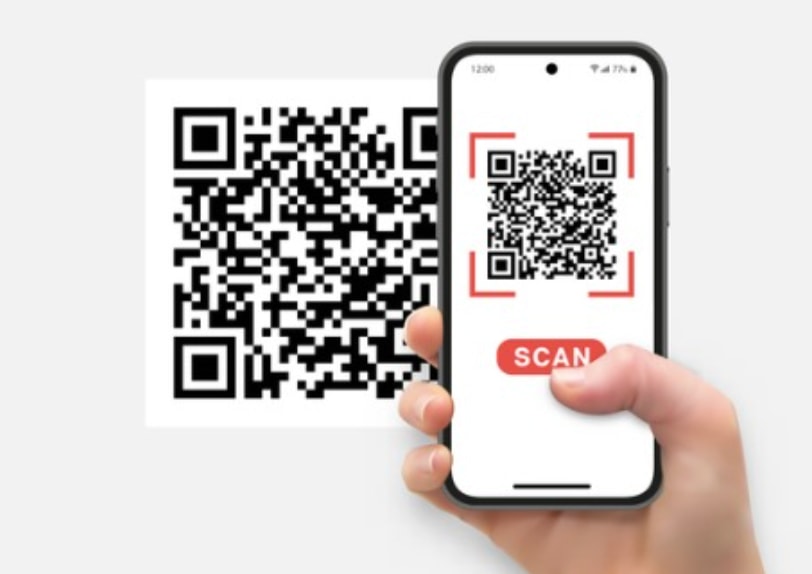
With their widespread popularity and user-friendly features, many people don't need to think twice before scanning a QR code. Using it only requires a smartphone with a QR code scanning app, allowing instant access to information ranging from menus and website links to contact information or even payments. This is why QR codes have become an indispensable tool in the digital age.
However, did you know that QR codes pose many security risks and are very easy to counterfeit? With just a few clicks, malicious actors can create a harmful QR code, leading you to phishing websites or websites containing malware. These websites can steal personal information, install spyware on your devices, or even hijack your bank accounts.
Because of this potential danger, we must always exercise extreme caution when scanning QR codes by applying several verification measures to ensure safety. Below are the steps we should take to protect ourselves when using QR codes, from checking the origin of the code to how to handle the information after scanning.
1. Check for signs of tampering.
Creating QR codes is extremely simple. Nowadays, there are many free online tools that allow anyone to create a QR code in just seconds. However, this convenience also means a significant risk: scammers can easily exploit this to create fake QR codes. They can replace valid QR codes with their own, leading you to malicious or fraudulent websites. So, how can you identify a fake QR code?
Always observe carefully to determine if the QR code shows signs of tampering. Specifically, check if the QR code is a sticker applied over the original code, or if it appears to have been printed separately and pasted onto a surface instead of being integrated directly into the original design. Overlaid codes are often a sign that they may have been replaced or modified by malicious actors.
Additionally, be cautious of QR codes in vulnerable locations, such as unattended parking lots, crowded restaurants, or high-traffic public places. In these situations, QR codes can easily be replaced without anyone noticing. Carefully checking for unusual signs such as exposed adhesive, misaligned edges, or an uneven surface can help you avoid scanning counterfeit QR codes.
2. Identify the source of the QR code.
When encountering QR codes in physical locations, such as restaurants, cafes, or shops, if you have any doubts about their authenticity, don't hesitate to ask staff for confirmation. They can verify whether it's an official QR code provided by the establishment, helping you avoid unnecessary risks.
However, the situation becomes more complicated when it comes to online QR codes. In the digital environment, there are no staff members you can ask to verify the code, and QR codes can be embedded in emails, websites, or even social media. This requires you to be much more cautious, knowing how to check the code's origin and ensuring you're not being led to malicious or fraudulent links.
Hackers often impersonate legitimate businesses by creating phishing websites or sending emails containing malicious QR codes. These codes are designed to trick you, making you trust them and click on dangerous links. So, if you come across a QR code online, don't scan it immediately. Instead, take a few minutes to carefully check its source, such as the sender's email or the website you're visiting.
Additionally, pay attention to any discrepancies, such as unofficial domain names, non-standard logos, or content with grammatical or spelling errors. These inconsistencies are often clear signs that something is amiss. If you have any doubts about authenticity, it's best to disengage and avoid that QR code to protect your personal information.
3. Verify the website address.
Scammers often exploit the habit of many people not carefully checking website addresses (URLs) before opening links led by QR codes. This creates an opportunity for them to embed malicious links into the code without your knowledge. Of course, the content of a QR code cannot be read with the naked eye, but that doesn't mean you can't verify it.
After scanning the QR code, take a few seconds to check the URL preview displayed on your device screen. Most QR code scanning apps offer this feature. Make sure the link looks trustworthy, such as the correct domain name and no strange or suspicious characters. If you see anything unusual, do not click the link to avoid the risk of being scammed or accessing a malicious website.
4. Be wary of requests for permission to access applications.
If you scan a QR code and receive a request to grant access to your contacts, messages, camera, or location without a clear reason, consider it a serious warning sign. These requests are often unnecessary for the basic functions of a QR code and could be a sign of malicious activity.
Unintentionally granting permissions can allow malicious actors to collect personal information, track your activity, or even gain partial control of your phone. This not only violates your privacy but also poses a risk of data theft or digital asset loss. Always think carefully before accepting any requests and refuse if you feel unsafe.
5. Pay attention to warnings from your web browser.
Many people have made the mistake of accidentally scanning a QR code without checking the URL preview first. However, in this case, your web browser will detect it and display a warning that the website is not safe.
If you scan a QR code and it attempts to redirect you to a website, always pay attention to any warnings your browser or device displays. These warnings are often designed to protect you from potential threats, such as phishing websites or those containing malware.
Stop immediately if you see messages like "This website is not trusted" or "Connection is not secure." It's crucial not to ignore these warning signs, as they could help you avoid the risk of losing personal information or important data.
In particular, if you haven't enabled automatic updates, activate them immediately. This ensures your smartphone is always protected with the latest security patches. Otherwise, make sure to manually update your operating system, apps, and related software regularly. Keeping your device updated is a crucial step in protecting your personal information and preventing threats from malware or security vulnerabilities.


