
Fake QR codes: A new scam trend and how to identify them.
To protect your personal data securely, understanding how to identify fake QR codes is crucial. This article will provide you with simple ways to recognize and avoid fraudulent QR codes, helping you stay safe in the digital world.
In this era of rapidly developing digital technology, QR codes (Quick Response) have become an indispensable part of our daily lives.
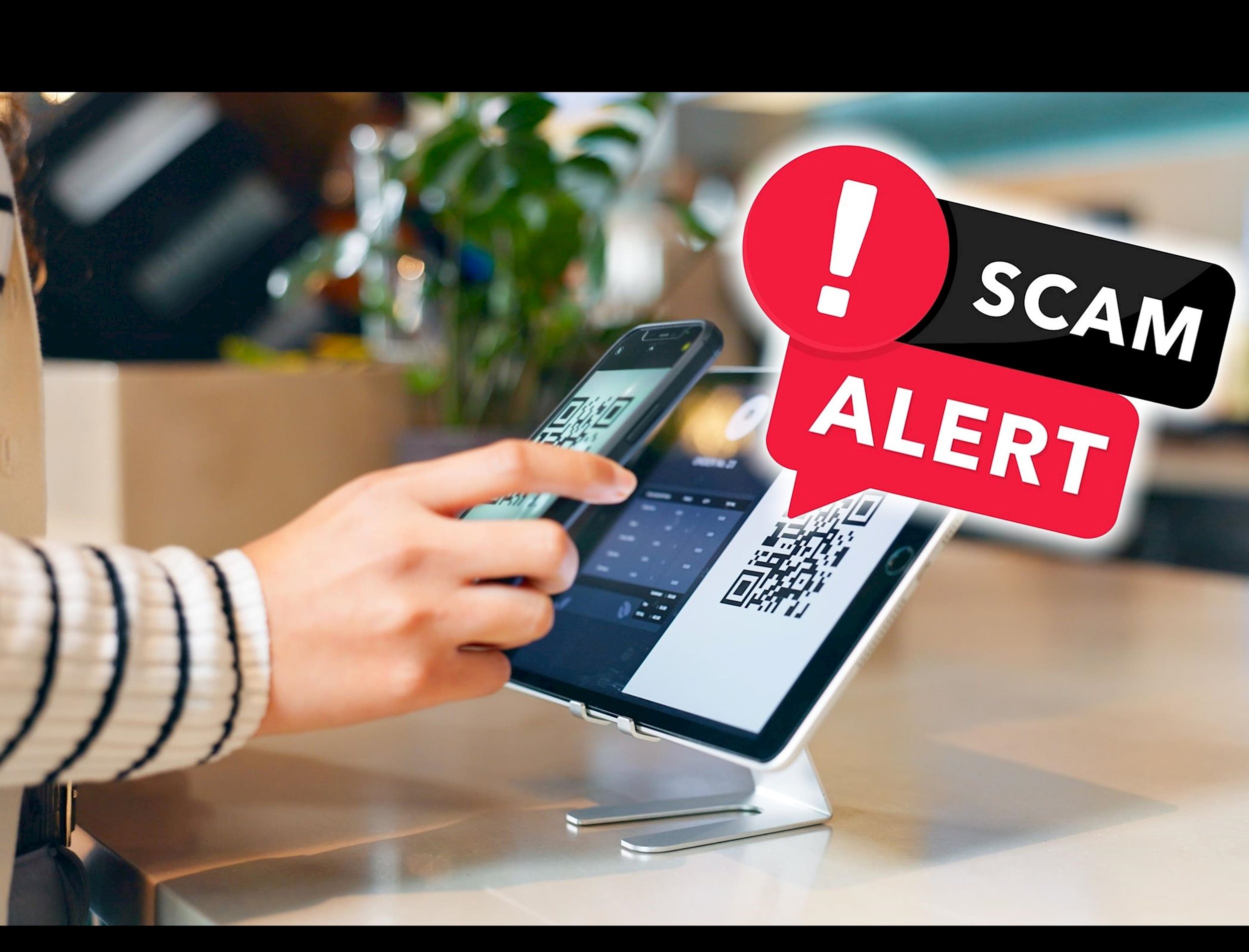
From paying bills and accessing product information to sharing contact details, QR codes are everywhere. However, this convenience also comes with risks, especially the risk of encountering fake QR codes.
QR code scams: Beware of invisible traps.
Creating fake QR codes is one of the increasingly sophisticated scams used by cybercriminals. These can be used to steal personal information, bank account details, and even install malware on your devices. Just one careless scan of a code can make you a victim of these scams.
Scammers may affix fake QR codes over genuine ones at payment points, parking lots, or ATMs. When users scan the code, they may be redirected to a fake website to steal personal information or be asked to transfer money to the scammer's account.
In addition, other scams such as QR codes containing malware, leading users to websites infected with viruses, or requesting the download of fake applications are also on the rise. Some scammers even send QR codes via email, text messages, and social media to trick users into providing bank account information or passwords.
How to identify fake QR codes to ensure safety when using them.
If you want to protect your phone and personal data from theft or fraud, be cautious when scanning QR codes. Here are some ways to identify fake QR codes and measures to avoid potential risks.
Before scanning, check if the QR code has been physically altered.
Today, QR codes have become an indispensable part of modern life, permeating almost every field, from business, education, and healthcare to entertainment and tourism. With just a simple scan, a QR code opens the door to a vast treasure trove of information, providing incredibly practical benefits for users.
However, scammers are becoming increasingly sophisticated, exploiting the popularity of QR codes to carry out fraudulent activities. They can overlay a fake QR code onto the original, leading users to fake websites set up to steal personal information, login credentials, or even install malware on the victim's device. Without careful verification, you could unknowingly scan these malicious websites.
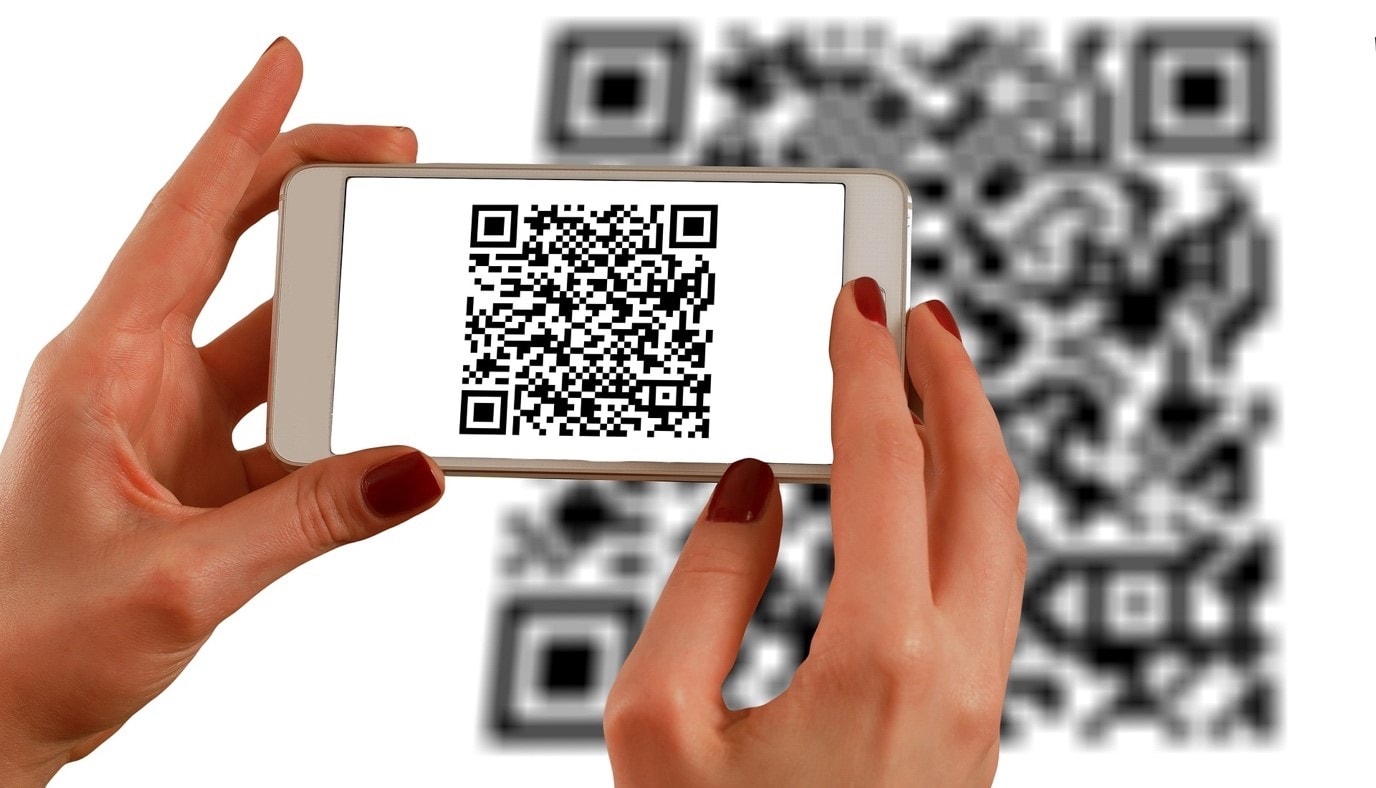
To avoid the risk of scanning a fake QR code, you should always check carefully before using it. One sign to watch out for is if the QR code looks like it's been pasted over the original code. This could be a sign of fraud.
However, not all of these cases are cause for concern, as some businesses, such as restaurants, may change the QR code when updating their menus. Even so, caution is always necessary to protect your personal information and devices.
Analyzing the context surrounding the QR code.
If you're examining a QR code and wondering whether it's trustworthy, pay attention to the context surrounding it. Sometimes, the environment in which the QR code appears can provide crucial clues to help you recognize whether it's a scam or not.
Observe the location and appearance of the QR code.
Before scanning a QR code, ask yourself if this QR code appears in a logical place. For example, you receive an email asking you to access a website, but instead of providing a clear website address, it asks you to scan a QR code.
This could be a scam designed to hide the real website address and redirect you to a fake site. Similarly, if an email or message includes a QR code but it's vague and doesn't clearly explain what you should scan it for, that could be a suspicious sign.
Check the content accompanying the QR code.
If a QR code appears on an email, flyer, or advertising poster, carefully read the accompanying content. If the text contains spelling errors, strange grammar, or seems ambiguous, it could indicate a scam.
In particular, be cautious if the content asks you to scan a QR code to receive a reward, verify your account, or provide personal information. Many phishing attacks often use this method to steal user information.
Be careful with QR codes in public places.
Some QR codes appearing in unconventional locations may be traps. For example, if you see a QR code pasted on a bus stop, a shopping mall wall, or any public place without any indication of a trusted organization, think twice before scanning it. Scammers may have pasted these QR codes over common locations to trick users into accessing malicious websites.
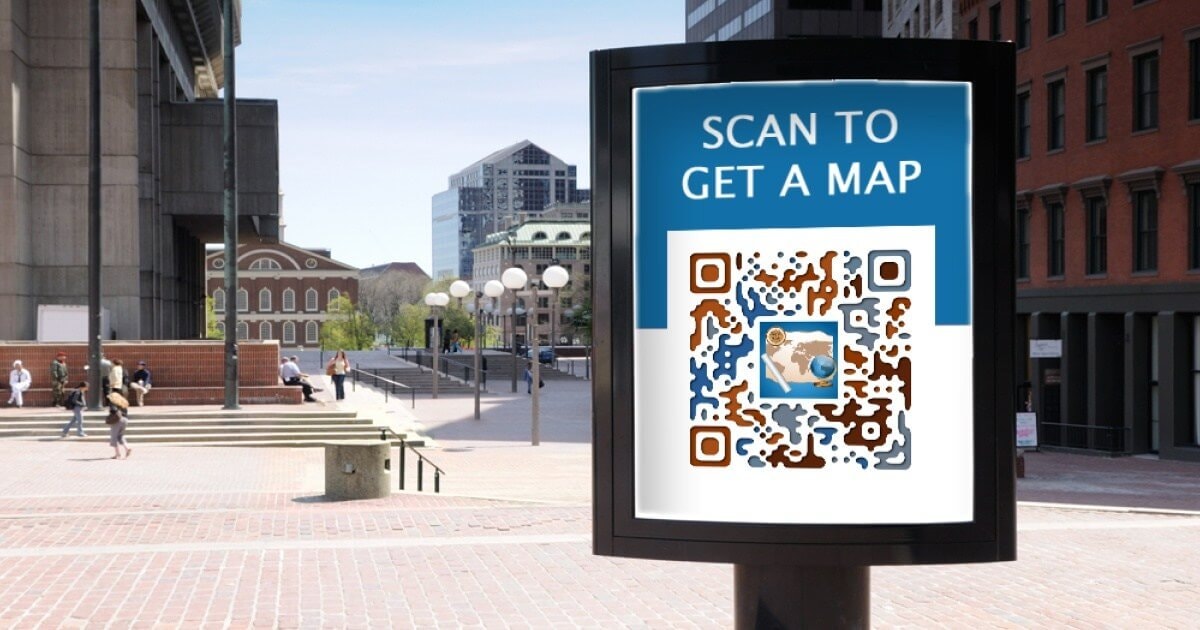
In summary, if a QR code looks unusual, appears in a suspicious context, or comes with unclear information, you should think twice before scanning it. Always check the source and content before taking any action to ensure the safety of your data and device.
Double-check the website address that the QR code leads to.
Fortunately, scanning a malicious QR code doesn't mean your phone will immediately get infected with a virus or your personal data will be stolen. You still have the opportunity to check and analyze where the QR code is leading you before taking any action.
Many QR code scanning apps will display the website address that the code is trying to redirect you to beforehand. This is an opportunity for you to check the legitimacy of that link.
.jpg)
Carefully examine the web address. Does it contain unusual spelling errors, strange domain names, or suspicious characters? If so, it could be a phishing website designed to steal login credentials or install malware.
Additionally, if the QR code indicates that it will lead you to an app, make sure it actually takes you to the official app store, such as the Google Play Store or Apple App Store.
Scammers often create fake websites that look very similar to real app stores, but actually contain malware installation files. If in doubt, remember the name of the app suggested by the QR code, then open the app store on your phone and search for it manually.
By always being cautious and checking carefully before clicking on any links, you can protect your phone and personal data from the potential risks of malicious QR codes.
Use a secure QR code scanning app.
If you're concerned that you might accidentally access a malicious website or download a dangerous app, consider using safe QR code scanning apps.
Unlike regular QR code scanners, these apps can analyze the content of a QR code and check for any signs of malicious activity. If they detect anything suspicious, they will warn you before you proceed.
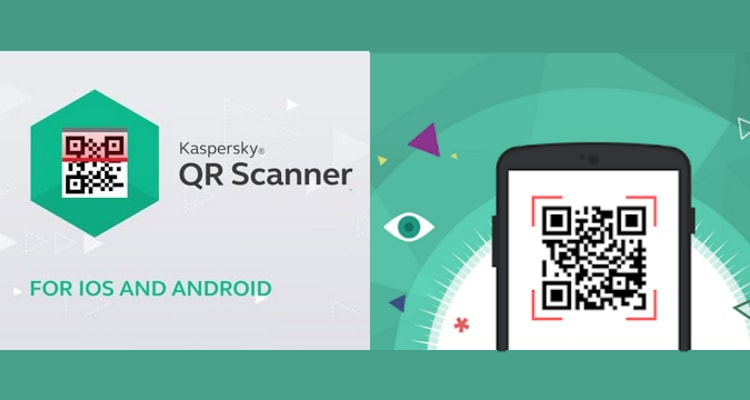
Some popular QR code scanning applications such as Kaspersky's QR Code Reader and Scanner and Trend Micro's QR Scanner can check any website address or linked file to ensure you are not redirected to phishing websites or infected with malware.
In summary, while QR codes may pose potential risks, you can protect yourself with some simple measures before scanning them. Check for signs of tampering or overlays on the original QR code, assess the surrounding context to see if it appears legitimate, and always verify the destination address the QR code is leading to beforehand.
In particular, do not enter any personal information or download files from a website whose trustworthiness you have not verified. With a little caution, you can safely use QR codes without worrying about scams or data breaches.


