
Cloud backup in 2025: What is the best option for protecting your data?
This detailed analysis of leading cloud backup services like iDrive, pCloud, and Backblaze will help you find the best solution based on security, price, and features.
Cloud backup services allow users to store and copy data to remote servers, providing protection against risks such as accidental deletion, ransomware attacks, and other incidents. An effective backup strategy typically follows the 3-2-1 rule: keep three copies of your data, on at least two different storage media, and have at least one copy stored in a different location.
It's important to distinguish between cloud backup and cloud storage. Cloud backup services not only store data but also continuously synchronize files, ensuring the latest versions are always up-to-date and ready for immediate recovery when needed. Below is a detailed review of the leading cloud backup platforms currently available.
iDrive: The most comprehensive backup solution
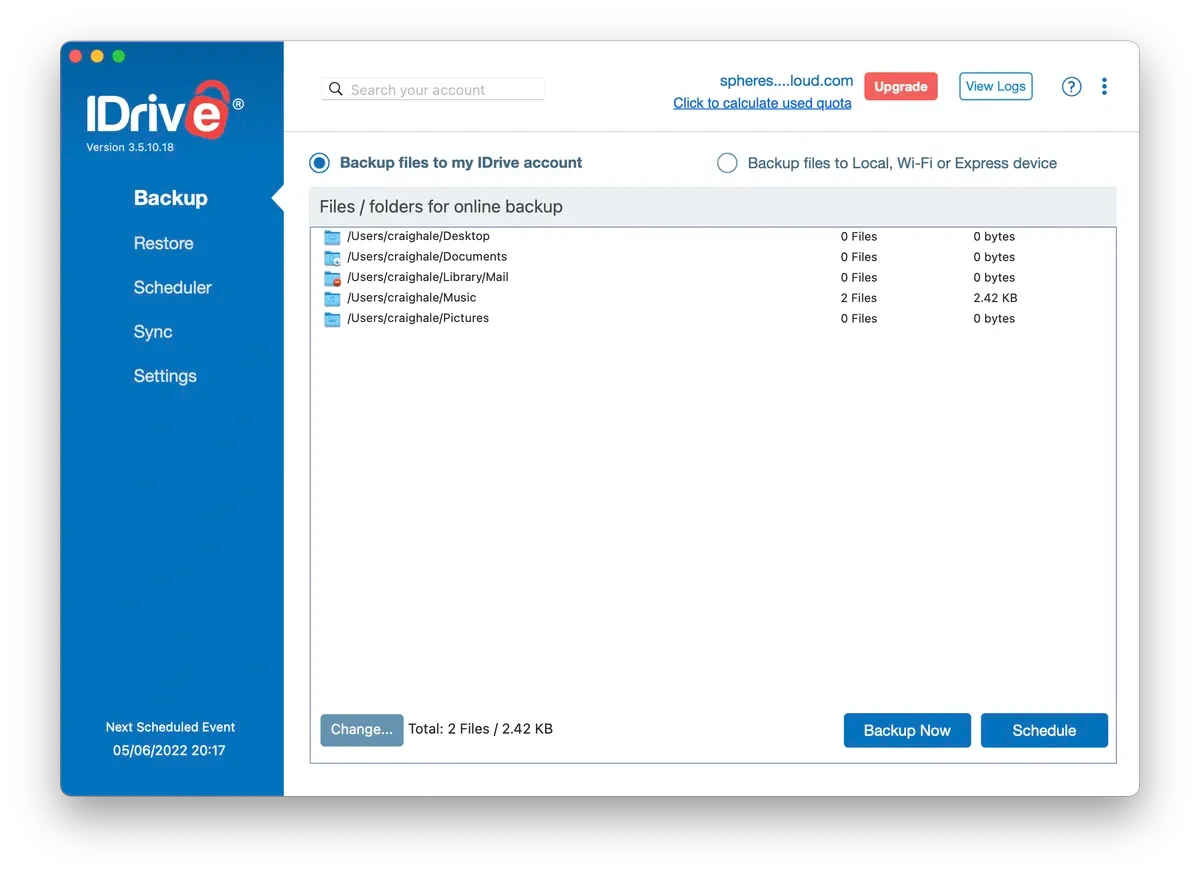
iDrive is highly regarded for its flexibility, suitable for both personal and business needs. The service can handle a wide range of tasks, from backing up photos on mobile devices to protecting SQL, Exchange, and SharePoint servers.
Outstanding advantages
- Cross-platform compatibility:It works on Windows, Mac, Android, iOS, Linux (via scripting), and network attached storage (NAS) devices such as QNAP and Synology. One account can protect an unlimited number of devices.
- Strong security:Provides end-to-end encryption options to protect user data.
- Diverse features:It supports backing up files, folders, photos, videos, calendars, and contacts. It also includes a disk image creation feature for system recovery after a disaster.
- iDrive Express service:Allows sending and receiving large amounts of data via physical hard drives, useful when internet connections are not fast enough.
Points to consider
- Software interface:Some options and features are hidden deep within the settings, which can be confusing for new users.
- Expense:The price for the first year is quite attractive, but it will increase significantly from the second year onwards.
pCloud: The top choice with a lifetime plan.
pCloud is a versatile backup tool with useful features such as advanced file sharing and block-level sync, which optimizes upload speeds. A key feature of pCloud is its lifetime subscription plans.
Outstanding advantages
- Lifetime package:With just a one-time payment, users can own storage space permanently, making it a worthwhile long-term investment.
- Social media integration:Allows direct backup of content from Facebook, Instagram, and other platforms.
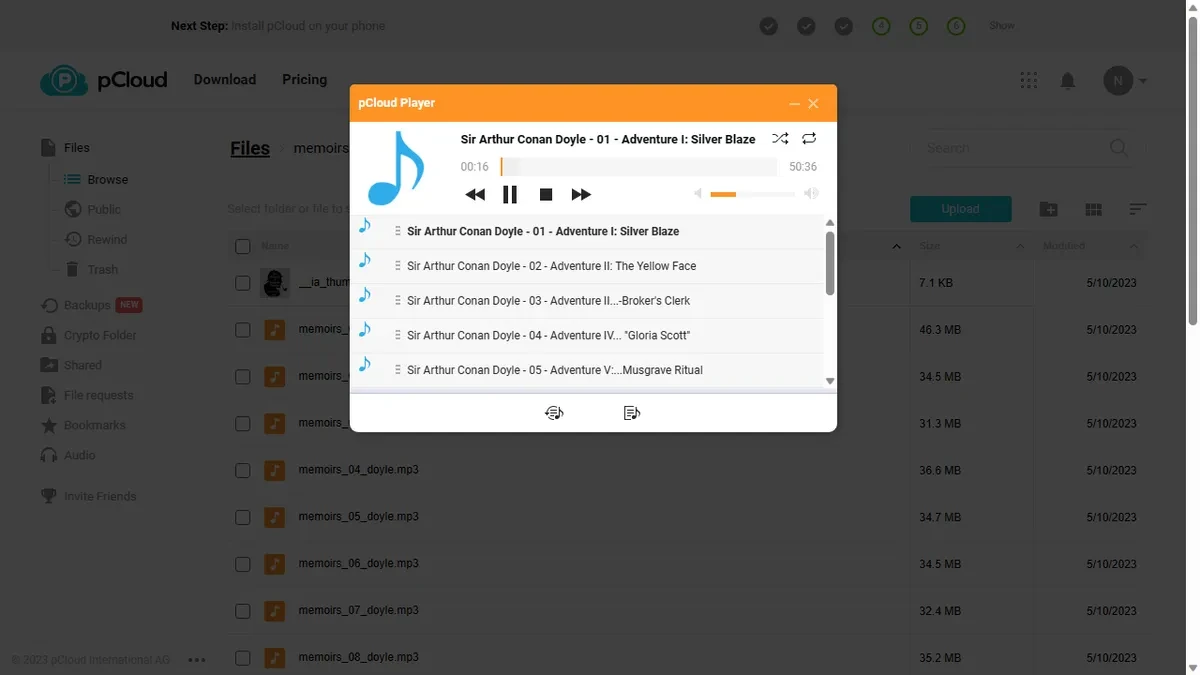
- Built-in media player:Users can stream media files directly from their own storage space.
Points to consider
- Application interface:The design of the desktop application is somewhat outdated.
- Feature limitations:It lacks a built-in document editor and additional services compared to its competitors.
Dropbox Backup: Optimized for simplicity and efficiency
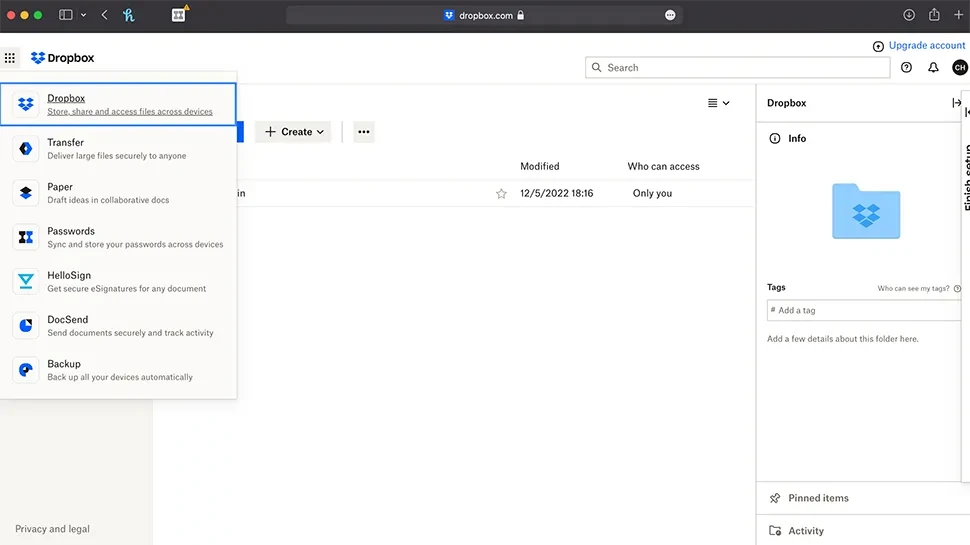
As an extension of the familiar Dropbox cloud storage service, Dropbox Backup focuses on simplicity and smoothness. This service is only available to users who are using the Dropbox desktop application.
Outstanding advantages
- Incremental backup:Subsequent backups only record changes from the last one, saving space and time.
- The 'Rewind' feature:Easily recover deleted files or revert to a previous version of a document.
- Fast synchronization speed:Upload performance is stable and reliable.
Points to consider
- Do not back up the entire device:The service focuses on selected folders instead of creating a full system disk image.
- Expense:It's not the cheapest option, and the free plan only offers 2GB of data.
Sync.com: Focusing on security and teamwork.
Sync.com focuses on security and simplicity, making it a good choice for small teams and businesses that need to comply with international data security standards such as HIPAA, GDPR, and PIPEDA.
Outstanding advantages
- High security:Provides robust security features suitable for businesses.
- Reasonable prices for groups:We offer packages with large data capacities and competitive costs per user.
Points to consider
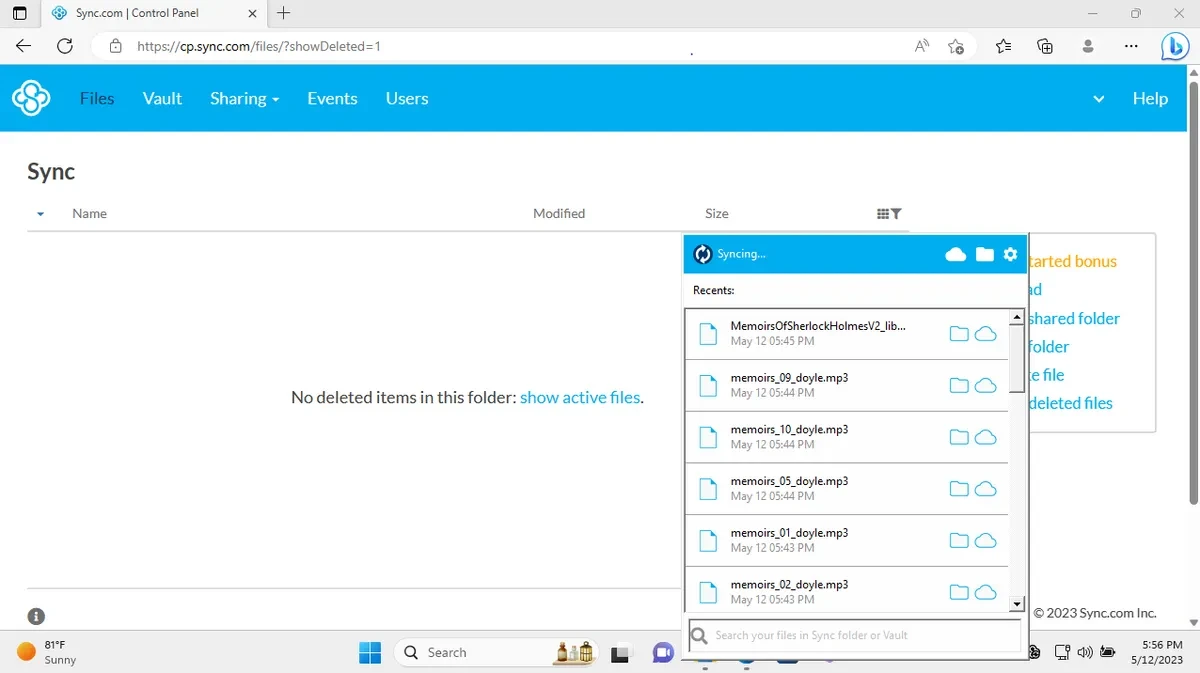
- Synchronization limit:Only allowing syncing one main folder can be inconvenient. However, the 'Vault' feature allows you to store files without syncing.
- Customer support:Support is only available via email.
Internxt: A secure option with end-to-end encryption
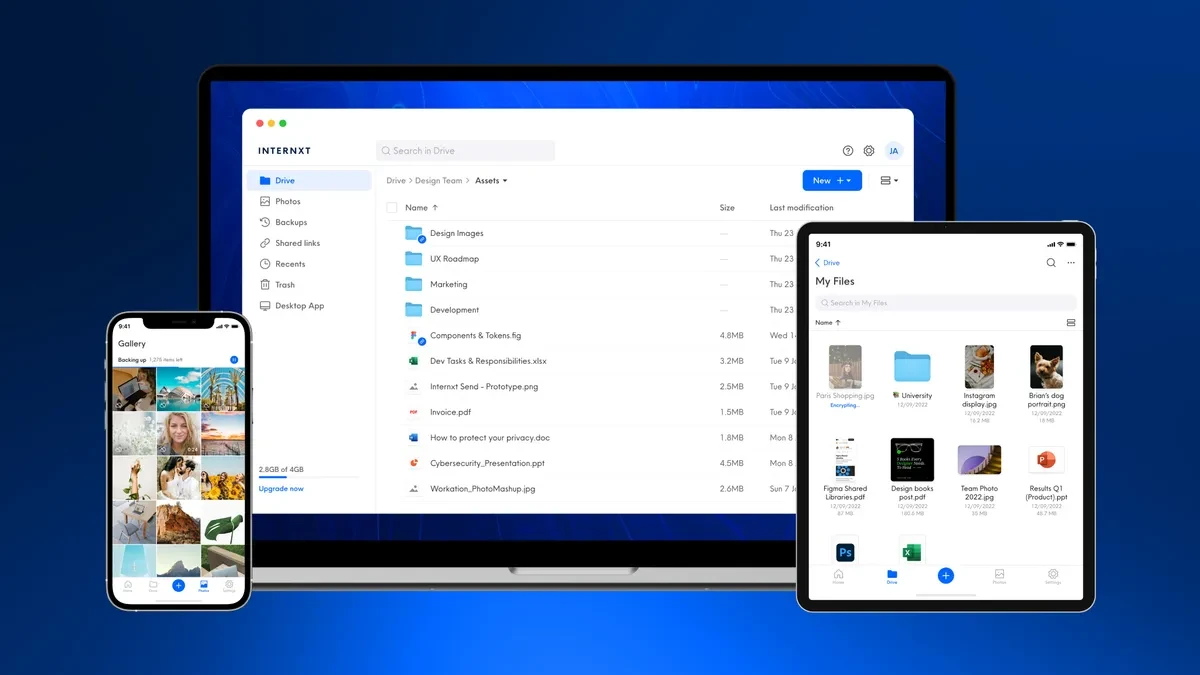
Internxt places a strong emphasis on privacy with a commitment to end-to-end encryption, ensuring only the user can access their data. The service frequently offers attractive discounts on lifetime packages.
Outstanding advantages
- Absolute security:End-to-end encryption keeps files completely secure.
- User-friendly interface:Easy to use, and directly competes with other popular services.
Points to consider
- Limited features:Lack of advanced collaboration and editing tools.
- The free storage space is limited:They only offer 1GB of free data, which is significantly less than their competitors.
CrashPlan: Unlimited backup for businesses
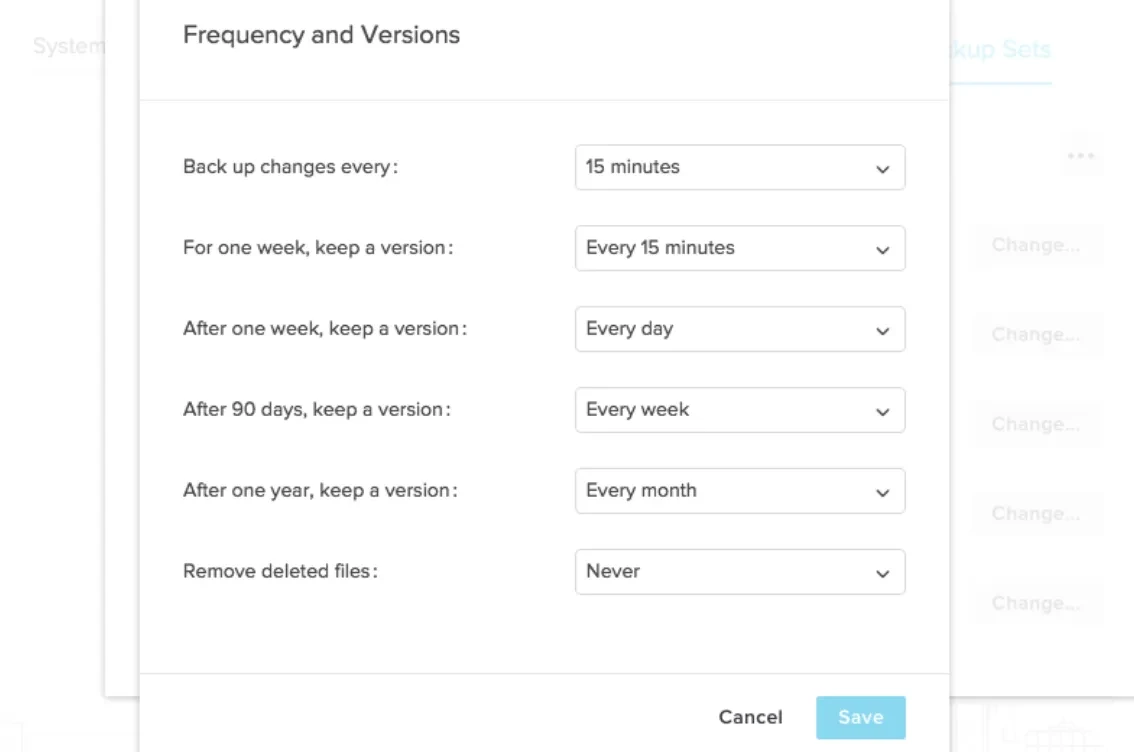
CrashPlan is a dedicated enterprise backup service that offers unlimited storage and unlimited file versions, allowing data recovery from any point in the past.
Outstanding advantages
- Unlimited storage:There are no limits on data capacity or file size.
- Unlimited file versions:Retain older versions of the file for years.
Points to consider
- No mobile app available:The service focuses only on Windows, Mac, and Linux computers.
- User interface:Some operations, such as tagging folders for backups, may not be intuitive.
Backblaze Business: Simplicity and Exceptional Value
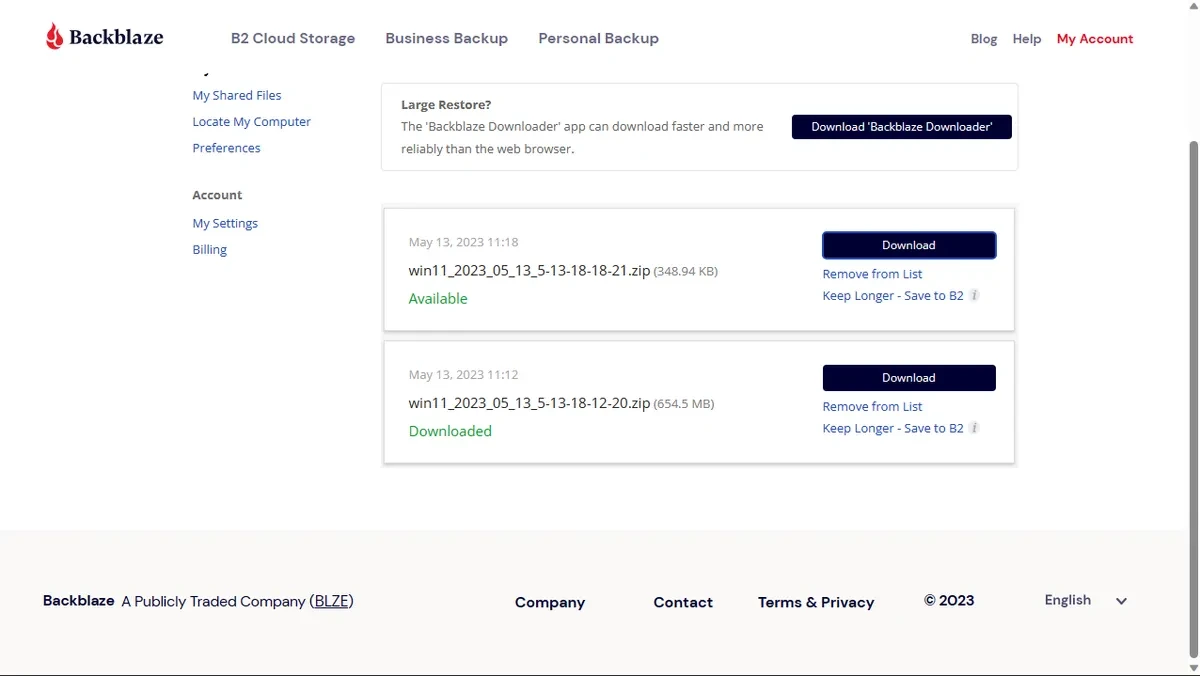
Backblaze stands out for its absolute simplicity and competitive pricing. After installation, the application will automatically back up all data on the hard drive and connected external drives.
Outstanding advantages
- Unlimited backups:Provides unlimited storage for a computer at an affordable price.
- Automatic operation:Simply install the app and it will automatically run in the background.
Points to consider
- Computer-based license:Each license is valid for only one computer.
- Feature limitations:It doesn't support file synchronization between computers, and the web interface is quite basic.
Microsoft OneDrive: Deep integration with the Microsoft ecosystem
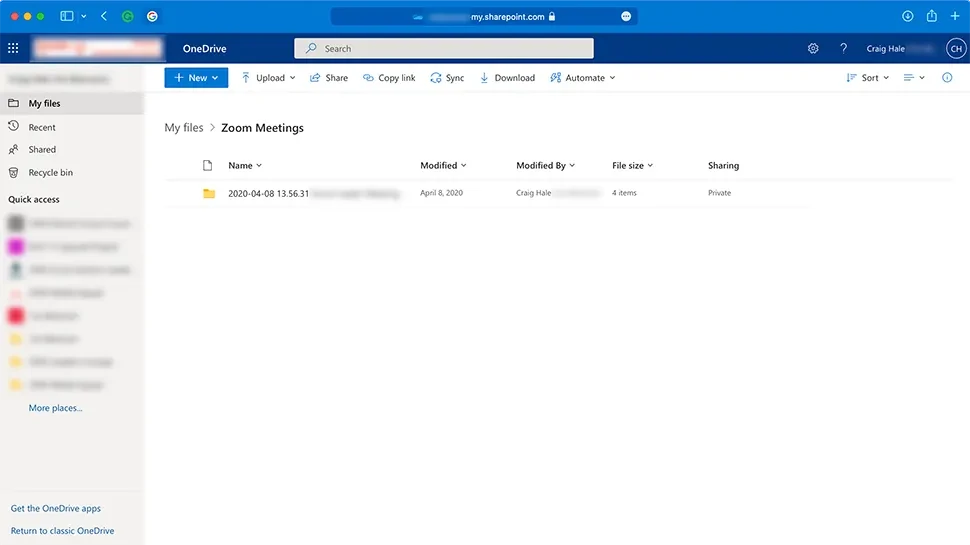
Although it leans more towards cloud storage than a dedicated backup service, OneDrive remains a strong option for Windows and Microsoft 365 users thanks to its seamless integration.
Outstanding advantages
- Closely integrated:Built into Windows and works seamlessly with Microsoft 365 applications.
- Additional value:Signing up for Microsoft 365 will get you 1TB of OneDrive storage and the Office suite.
Points to consider
- Limited backup features:Complex backup tasks such as creating system disk images cannot be performed.
- Most effective for Microsoft users:The value of the service will decrease if you don't use other Microsoft products.
Choosing a cloud backup service depends on individual needs. iDrive is the most comprehensive option, pCloud and Internxt offer long-term value with lifetime packages, while Backblaze is the optimal solution for those who prioritize simplicity and unlimited storage. Data protection is a necessary investment to ensure the safety of your digital assets.


