
Why should you set up a dedicated Wi-Fi network for guests?
Wi-Fi connectivity is convenient, but it also poses security risks if you share your main network with guests. Therefore, setting up a separate Wi-Fi network for guests is not only safer but also helps the system operate more stably.
A guest Wi-Fi network is a separate sub-network created directly within your router, allowing guests to connect to the internet without using the main Wi-Fi network.
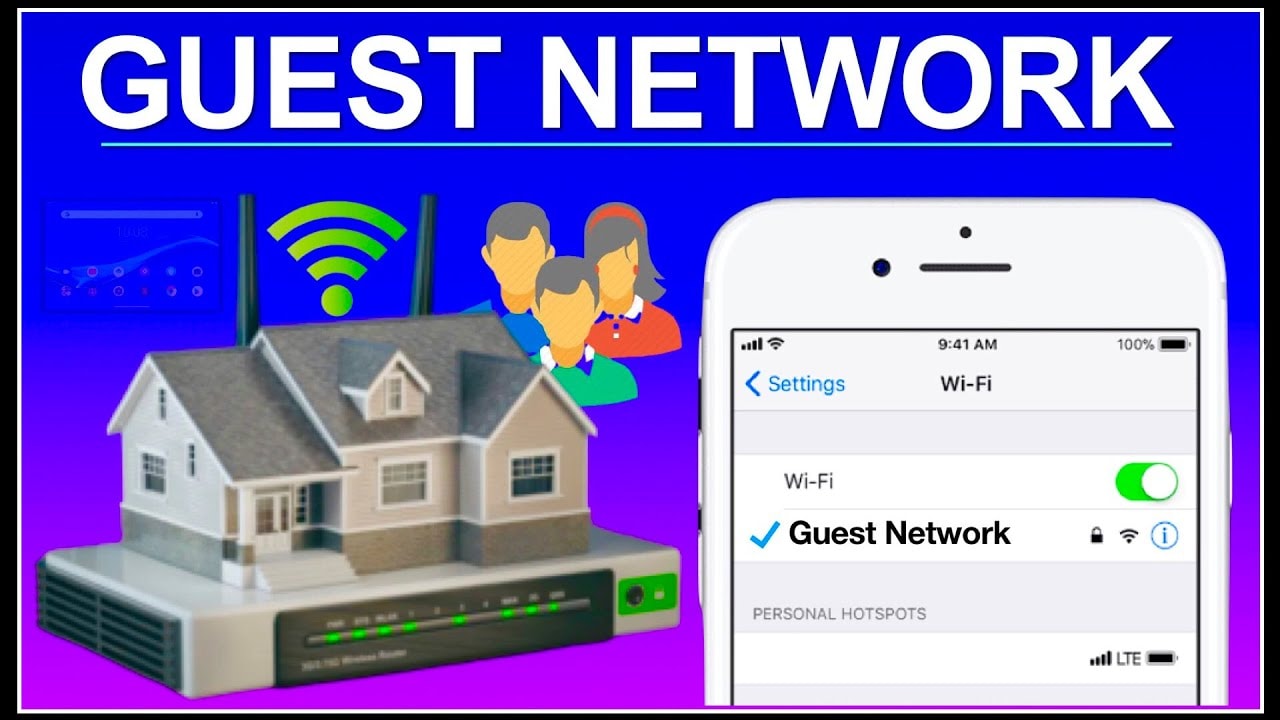
In reality, the more people connect to and access your main Wi-Fi network, the higher the security risk. Guest Wi-Fi networks address this problem by providing a separate access point, completely isolated from your home's systems and personal devices.
The benefits of setting up dedicated Wi-Fi for guests: It's all about security.
Creating a separate Wi-Fi network for guests isn't just a matter of technological courtesy; it's also a protective shield for your home network. When guests are given your main network password, they can, unintentionally or unintentionally, access all connected devices, from computers and phones to your home security cameras.
In reality, threats don't always come from intentional actions. A device infected with malware or accidentally accessing a website containing malicious code while connected to the main network is enough to expose your entire system to external actors. Guest Wi-Fi networks completely isolate these devices, limiting access and minimizing the risk of malware spread.
It's not just people; even the smart devices in your home can become backdoors for hackers. Internet of Things (IoT) devices like smart TVs, smart plugs, or security cameras often have lower security levels than computers or smartphones.
Therefore, placing these devices on a guest Wi-Fi network is an effective way to isolate risks and protect the digital control center in your home.
Setting up a dedicated guest Wi-Fi network: Easier than you think.
The phrase "setting up a Wi-Fi network" might sound complicated, but in reality, creating a guest Wi-Fi network is very easy. Once completed, you'll have a separate sub-network that can serve multiple people and devices without affecting the main system.
There are two common ways to set up a guest Wi-Fi network, depending on the router you use and your Internet service provider (ISP):
1. Set it up via your carrier's app or router.
Most modern routers come with a management app. These apps allow you to monitor connected devices, set access permissions, and, most importantly, create guest Wi-Fi networks with just a few taps.
The process is usually as follows: open the app, find the "Guest Network" section, name the network (SSID), create a unique password, and then save it. Your guest Wi-Fi network is now ready.
Guests can connect to the new network just like any other Wi-Fi network by selecting the network, entering the password, and accessing the internet. For added convenience, some apps even allow you to create a QR code to print out or stick on the refrigerator; guests simply scan it, eliminating the need to ask for the password each time.
2. Set up directly through the router interface.
If your router doesn't support the app or your ISP doesn't offer this utility, you can still create a guest network through your browser.
The steps are as follows:
Step 1:Open your browser and enter your router's IP address (usually 192.168.0.1 or 192.168.1.1). You can also find the IP address in your computer's or phone's network settings.
Step 2:Log in to the admin panel. The default login information is usually printed on the underside of the router.
Step 3:Locate the guest network settings; this section may be found under tabs such as Wireless Settings, Guest Network, or Advanced Settings.
Step 4:Enable the guest network feature, set a unique name and password, and then save the settings.
However, not all routers support guest networks. If you don't see this option in the management interface, whether via app or browser, your device may not support this feature.
Either way, don't forget to use a strong password for your guest network to ensure security. A simple but effective backup network can give you peace of mind whenever you have guests over, offering both convenience and security.


