
8 reasons why your iPhone is overheating and how to fix it.
An overheating iPhone is not only inconvenient to use but also affects performance and lifespan. This article will help you understand the reasons why your iPhone overheats and how to effectively handle each situation.
The phenomenon of iPhones overheating, like any other electronic device using a lithium-ion rechargeable battery, should not be taken lightly.
When the device's temperature rises continuously, it not only reduces performance but also poses a risk of sudden shutdowns, damage to internal components, and, most importantly, degrades battery capacity over time. In some serious cases, the battery may swell or become unsafe to use.
Many factors can lead to overheating on an iPhone, from the usage environment and software to the hardware. This article will analyze the eight most common causes of abnormal iPhone overheating and provide practical solutions to help users effectively fix and mitigate this problem.
1. Overuse
Continuously using an iPhone for high-performance tasks such as playing graphically intensive games, streaming high-resolution videos, performing intensive image or video editing, or shooting 4K video for extended periods can push the processor (CPU and GPU) to its limits. When these components continuously generate heat without rest, the device's temperature will rise rapidly, easily leading to overheating.
Additionally, running multiple background applications simultaneously or switching between demanding tasks can cause iPhones to overheat abnormally quickly, especially in high-temperature environments or while charging.
Solution:To mitigate this, users should allocate their usage time wisely, avoiding performing multiple heavy tasks continuously for extended periods. Allow the device to rest for a few minutes after each high-intensity usage session. If shooting 4K video or playing demanding games, ensure the device is placed in a well-ventilated area, away from direct sunlight or heat-retaining surfaces like blankets or pillows.
2. Software Update
Every time an iPhone receives a new iOS operating system update, the device not only installs system files but also performs a series of background tasks after the update process is complete.
One of the most resource-intensive processes is re-indexing data, especially photos, videos, and search results. This optimizes the iPhone's search capabilities and improves overall performance, but it causes the CPU and memory to work continuously for hours, or even days, depending on the amount of data on the device.
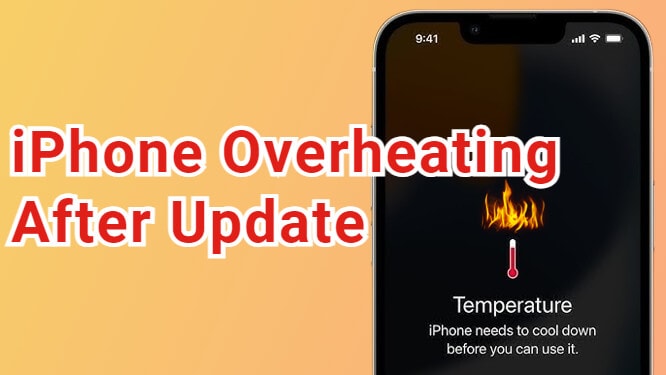
As a result, the iPhone may overheat unusually shortly after the update, especially if the user continues to use the device for other tasks during this time. This is normal and will disappear on its own once the background processes are complete.
Solution:Allow your iPhone time to process after the update, usually a few hours to one or two days, depending on usage and the amount of personal data. If the device is still unusually hot after this time, the cause may be a bug in the iOS update. In that case, users should check Apple's support page or wait for the next patch to be released to fix the problem.
3. The application is malfunctioning.
Not all apps are perfectly optimized for every version of iOS. Some apps may encounter errors during operation, such as consuming unusually large amounts of system resources or running continuously in the background for no apparent reason.
This causes the CPU and other components to work harder than necessary, making the device overheat even when you're not actively using the app.
In particular, applications related to location services (GPS) or real-time data updates are often the cause of overheating if they malfunction or are incompatible with the current operating system. A malfunctioning application may not show obvious signs, but it will significantly affect device performance and temperature.
Solution:Identifying the application causing the problem is the first step. You can check the section.SettingnewsBatteryto see which apps are consuming an unusually high amount of energy.
In addition, intoSetting> General Settings >Refresh apps in the background.To temporarily disable this feature for suspected apps, try uninstalling and reinstalling an app if it continues to cause overheating. If the problem persists, consider completely removing the app and waiting for a fix from the developer.
4. Weak mobile signal and high data usage.
The iPhone is not just an information processing device, but also a tool for constant connection to the mobile network and the Internet. When you are in an area with weak mobile signal, such as in an elevator, basement, or remote area, the iPhone will automatically boost its antenna power to maintain a connection with the cell tower.
This process causes the related components, including the modem and CPU, to work harder, thereby generating heat and causing the device to overheat quickly.
Additionally, continuous high-level data usage, such as streaming 4K video, downloading large files, or performing iCloud backups/restores, can also temporarily overload the iPhone and lead to overheating, especially if these tasks occur simultaneously or in a high-temperature environment.
Solution:If you're in an area with weak signal, consider switching to airplane mode or moving to an area with stronger signal to reduce the load on your device. If you're using a lot of data, prioritize playing content at a lower resolution, such as 1080p instead of 4K, and avoid running multiple demanding tasks simultaneously.
Additionally, if you don't really need high-speed mobile data, switching to a stable Wi-Fi network can also help keep your device cooler and save significant battery power.
5. Problems during battery charging
The charging process is one of the common causes of overheating on iPhones, especially when users are charging and using the device for demanding tasks simultaneously.
This causes the battery and processor to work simultaneously, leading to a rapid increase in temperature. Additionally, using non-genuine chargers or those that don't meet Apple's safety standards also poses a risk of abnormal iPhone overheating, as the internal components may not control the current correctly.
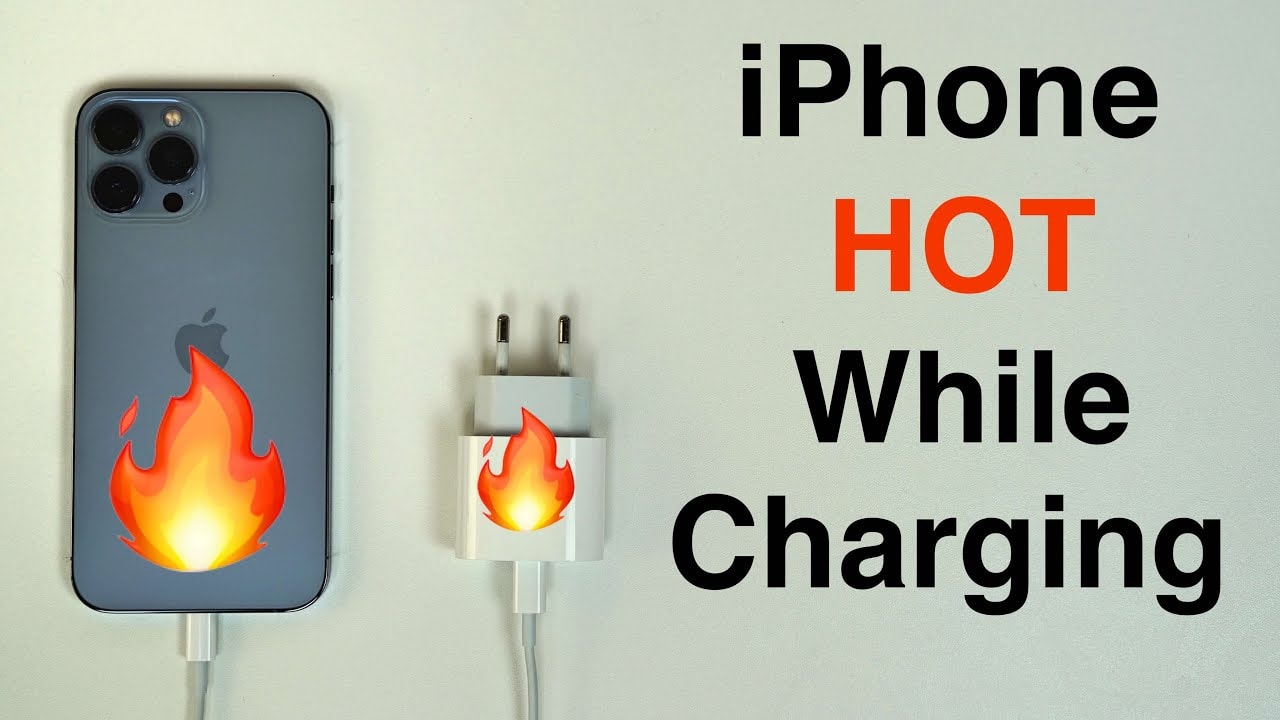
Notably, wireless charging typically generates more heat than wired charging due to lower energy transfer efficiency, especially if the device is placed in a thick case or lacks a heat dissipation system.
Solution:Use quality chargers and cables, preferably Apple-certified (MFi) accessories. Avoid using your iPhone while charging, remove the case when necessary, and consider switching to a lower-wattage charger or one with built-in cooling if using wireless charging.
6. Harsh physical environment
Ambient temperature directly affects the performance and durability of iPhones. Apple recommends that users operate their devices only within a temperature range of 0°C to 35°C. When using an iPhone outside this range, especially in extremely hot or cold weather, internal components such as the battery, processor, and screen may malfunction, causing overheating or even complete shutdown.
One common situation is leaving an iPhone in a car parked in the sun. The temperature inside the car can quickly exceed 50°C, far exceeding the safe limit and damaging the device if this happens frequently.
Solution:Always try to keep your iPhone within its ideal operating temperature range. Avoid leaving the device in a car or in direct sunlight for extended periods. If you notice the device getting hot due to the environment, stop using it and move to a cooler location.
7.Use a phone case.
iPhones dissipate heat primarily through the back cover, where heat-generating components like the battery and processor are located near the surface. When you use a case, especially thick ones or those made from heat-insulating materials like hard plastic or rubber, heat dissipation is significantly restricted.
This causes the internal temperature of the device to rise higher than normal, making the iPhone more prone to overheating, affecting performance and battery life.
Solution:To help your device cool down when it gets hot, remove the case when necessary, especially when charging or performing demanding tasks.
8. The battery is damaged or degraded.
The lithium-ion batteries in iPhones will gradually degrade over time due to continuous charging and discharging cycles, leading to reduced capacity and performance. When the battery starts to fail or shows signs of swelling, its ability to regulate heat will decrease, making the device more prone to overheating during operation or charging.
Furthermore, faulty batteries pose potential safety risks such as leakage or explosion if not handled promptly.
Solution:If you notice your iPhone frequently overheating or the battery showing signs of swelling, limit its use and take the device to an authorized Apple service center or a reputable, authorized repair shop.
Replacing the battery in a timely manner will help restore performance, increase device lifespan, and ensure user safety.
One of the most effective and safest ways to cool down an iPhone when it overheats is to turn it off completely and allow the temperature to return to normal naturally.
Forcing rapid cooling by placing an iPhone in a refrigerator, ice box, or other suddenly cold environments is not only ineffective but can also cause serious damage to the battery and internal components.
Instead, be patient and allow the device to cool down gradually, while also taking appropriate precautions to keep your iPhone running smoothly and reliably.


