
Why does my phone get hot while charging, and how can I fix it?
Phones getting hot while charging is a common phenomenon, but it often causes users concern. Is this dangerous? In this article, we will explore the causes of overheating and how to effectively and safely fix it.
Have you ever noticed your phone getting unusually hot while charging? This is a fairly common phenomenon that almost every smartphone user has experienced. However, few people understand why this happens, whether it can harm the device, and how to deal with it.
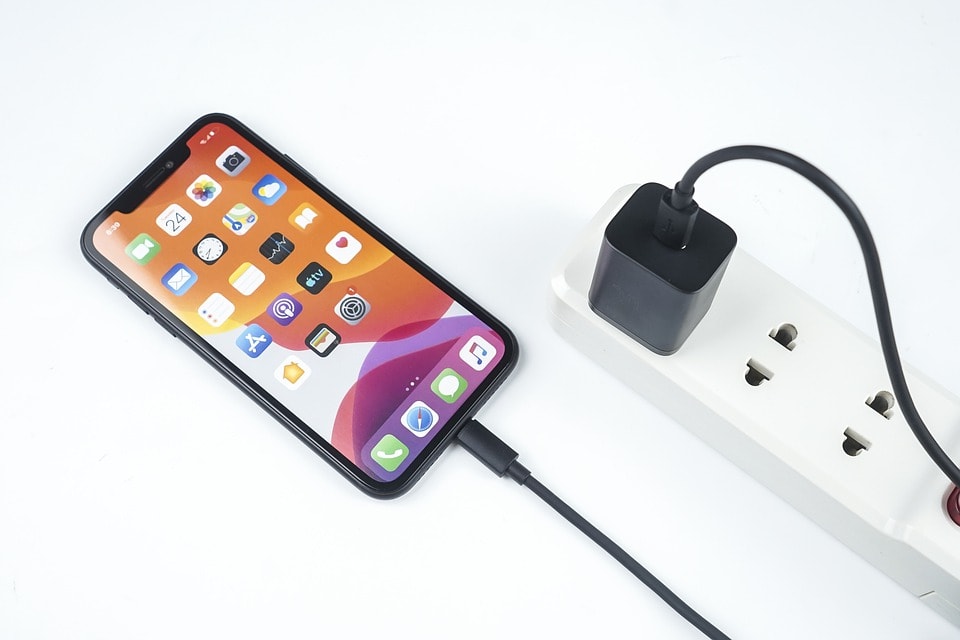
In this article, we will analyze in detail the most common reasons why phones overheat while charging, clarify the potential risks associated with overheating, and provide effective solutions to cool down the device and minimize the risk of long-term damage.
Why is my phone getting hot?Does it turn on when charging?
The phenomenon of phones getting hot while charging is common, especially with newer devices that support fast charging. Although this is quite common, if it persists, it can affect battery life and device performance.
Here are the most common reasons why your phone gets hot while charging:
Overcharging:When the battery reaches 100%, some phones continue to draw power from the charger. This excess power, if not used properly, can be converted into heat, causing the device to warm up, especially if you leave it charging overnight.
Fast charging technology:Fast charging saves time but generates a large current, increasing the temperature during the charging process. If not properly managed, the heat generated can cause the device to become noticeably hot.
Poor heat dissipation:If the phone is placed on a heat-retaining surface (such as a blanket, pillow, or non-ventilated table) while charging, the device's ability to dissipate heat is significantly reduced. The internal components cannot release heat effectively, causing overheating.
Using a non-genuine charger or cable:Using low-quality or incompatible chargers can cause the phone to receive an unstable current, easily leading to overheating. Some cheap accessories also lack a safe power cut-off mechanism when the battery is full.
Using the phone while charging:Activities such as watching videos, playing games, or making video calls while charging force the device to process multiple tasks simultaneously while also charging the battery. This causes both the CPU and the battery to generate heat, resulting in noticeable overheating.
.jpg)
The battery is degraded:After a period of use, lithium-ion batteries in phones will experience a decrease in performance and heat resistance. Older batteries are more prone to generating heat during charging, especially when combined with fast charging technology.
Understanding these causes not only helps users feel more at ease when their device heats up during charging, but also contributes to extending the lifespan of the battery and the phone if handled correctly.
What are the potential consequences of an overheating phone?
It's normal for a phone to heat up while charging. However, if the device constantly overheats, this not only affects immediate performance but also has serious long-term consequences for the hardware and the device's lifespan.
Here are four notable consequences if this situation is not rectified:
Reduces battery lifespan and damages the battery:Lithium-ion batteries are very sensitive to high temperatures. When subjected to continuous heat, the battery's capacity will degrade more quickly, it will no longer hold a charge for as long, and there is a risk of permanent damage.
Components degrade quickly:Inside a phone are a multitude of intricate microchips and electronic components. Prolonged high temperatures can bend, brittle, or damage these parts, significantly reducing the device's lifespan.
Charging efficiency decreases:When the battery temperature exceeds safe limits, the device's power management software will automatically slow down the charging speed to protect the hardware. This results in longer charging times and less stable charging cycles.
Performance degradation:Overheating directly impacts phone performance. The processor may be limited by clock speed to prevent further overheating, causing lag, freezing, or reduced responsiveness during use.
Prolonged overheating not only causes inconvenience during use but also leads users to face the cost of repairing or replacing the equipment sooner than expected.
Quick fixes to cool down your phone while charging
If your phone gets too hot while charging, it's important to take prompt action to protect the device and extend battery life.
Here are some simple yet effective solutions to help prevent overheating and ensure a safer charging process:
1. Disconnect the charger immediately if it gets too hot.
If your phone feels unusually hot, unplug it immediately. Continuing to charge while it's overheating can damage the battery and internal components. Wait for the device to cool down completely before plugging it back in.
2. Remove the phone case when charging.
Many phone cases, especially thick ones or those made from insulating materials, can trap heat inside the phone. Removing the case will help the device dissipate heat better during charging.
3. Place the device in a well-ventilated area.
Avoid placing your phone in direct sunlight or near heat sources such as stoves, laptops, or other electrical appliances. Ideally, charge your device in a cool, well-ventilated area.
4. Use a fan or heat sink.
If you frequently charge your device for extended periods, you can use a mini fan or a dedicated cooling pad to help cool the device quickly and efficiently.
5. Switch to airplane mode while charging.
Activating airplane mode disables wireless connections such as Wi-Fi, Bluetooth, and cellular networks, which consume a lot of energy and generate heat while charging.
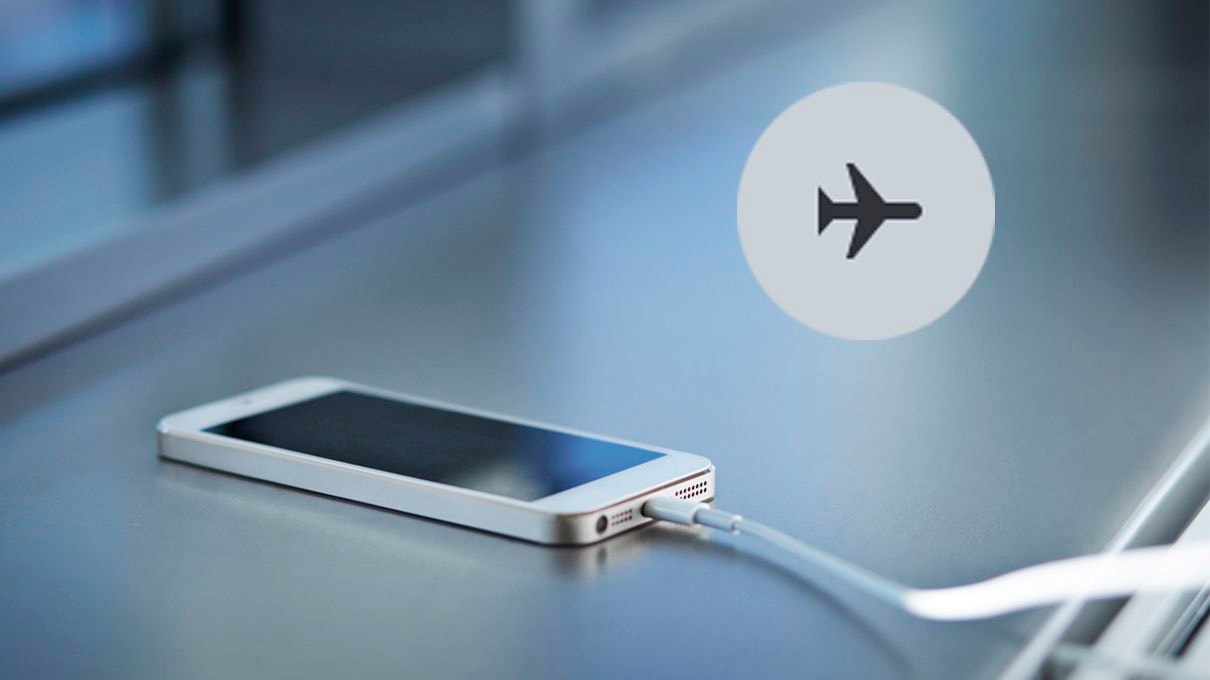
Photo: Internet.
6. Close background applications.
Before charging, close any running or background applications to reduce the load on the CPU and save energy, thus preventing the phone from overheating.
7. Prioritize using wall sockets.
Charging via a computer's USB port or other unstable power sources can easily cause voltage fluctuations, leading to device overheating. Using a standard household power outlet and an original charger will ensure a more stable and safer power supply.
By applying these simple tips, users can improve battery charging efficiency, minimize the risk of overheating, and provide more comprehensive protection for their devices during daily use.
6 tips to prevent your phone from overheating while charging.
A phone overheating while charging is not only annoying but also poses a risk of damaging components and reducing battery life. To avoid this, you should proactively apply the following simple but effective measures:
1. Avoid overcharging.
Overcharging your phone after it's already full can cause unnecessary heat generation. Unplug the charger as soon as the device reaches 100%, especially at night or when you won't be using it immediately afterward.
2. Use high-quality chargers and cables.
Using low-quality or incompatible charging accessories can lead to overheating due to unstable current. Choose a charger from a reputable brand that is safety certified.
3. Turn off unnecessary connections while charging.
Connections like Wi-Fi, Bluetooth, and GPS continue to consume power even when not in use, causing the device to overheat while charging. Turn these connections off if you don't really need them.
4. Always keep your operating system and applications updated.
Operating system and app updates often come with performance optimizations and reduced power consumption. Regular updates help devices run more stably and cooler.
For iPhone:SettingnewsGeneral settingsnewsUpdate the software.
For Android:SettingnewsIntroduction to the phonenewsUpdate the software.
5. Uninstall applications that are malfunctioning.
Some applications may malfunction or consume excessive resources, causing the CPU to work harder and generate more heat. Check and uninstall any applications that are causing freezes or unusually high battery drain.
6. Monitor and maintain battery condition regularly.
Batteries that are worn out or degrade over time are more likely to overheat during charging. Regularly check your battery status in your device's settings, or through apps like AccuBattery (Android) or Battery Health (iOS). If necessary, replace your battery early to avoid the risk of overheating or reduced performance.
In summary, phone overheating while charging is a common phenomenon, stemming from various causes such as fast charging, using an unsuitable charger, the habit of using the phone while charging, or a degraded battery.
While slight device warming is normal, consistently high temperatures can lead to reduced performance, battery degradation, and even damage to internal components.
Identifying the correct cause and applying simple measures such as using genuine chargers, limiting usage while charging, and ensuring good ventilation will help you control the temperature more effectively.
Proactively protecting your device not only provides a safer charging experience but also contributes to extending the lifespan of your phone throughout its use.


