
7 warning signs that your computer has been hacked.
Your computer may have been targeted by hackers without your knowledge. Unusual signs such as slow or frozen performance, strange emails, or the webcam light turning on when not in use, could be warnings that your device has been compromised.
Antivirus software is the first line of defense against many cyber threats, but no solution is absolutely foolproof. Even if you're using a reputable security suite with an excellent track record, your computer can still be compromised by hackers.
When we say a computer has been "hacked," it's not an exaggeration; it's a real threat. Cybercriminals may have broken into your system and gained control in various ways.
It could be a criminal organization deploying malware on millions of devices to steal data, or a private hacker silently monitoring you through remote access software (RAT), or even via webcam.
If you suspect something unusual, start by scanning your system with antivirus software, preferably one that has received high ratings in independent tests.
Even if the scan finds nothing, but you still feel something is amiss, don't hesitate to seek the advice of a security expert or use additional testing tools.
And most importantly, pay attention to the following real-world signs; they could be indicators of a stealthy attack from spyware, ransomware, or other dangerous types of attacks.
1. Warning from antivirus software
Notifications from antivirus software, whether it's the default Windows Defender or a third-party security solution, can be the first warning sign that your system is being compromised.
If you're constantly receiving warnings about viruses or malware, don't be fooled just because the software says it's finished. Repeated warnings are a clear sign that something unusual is happening in your system.
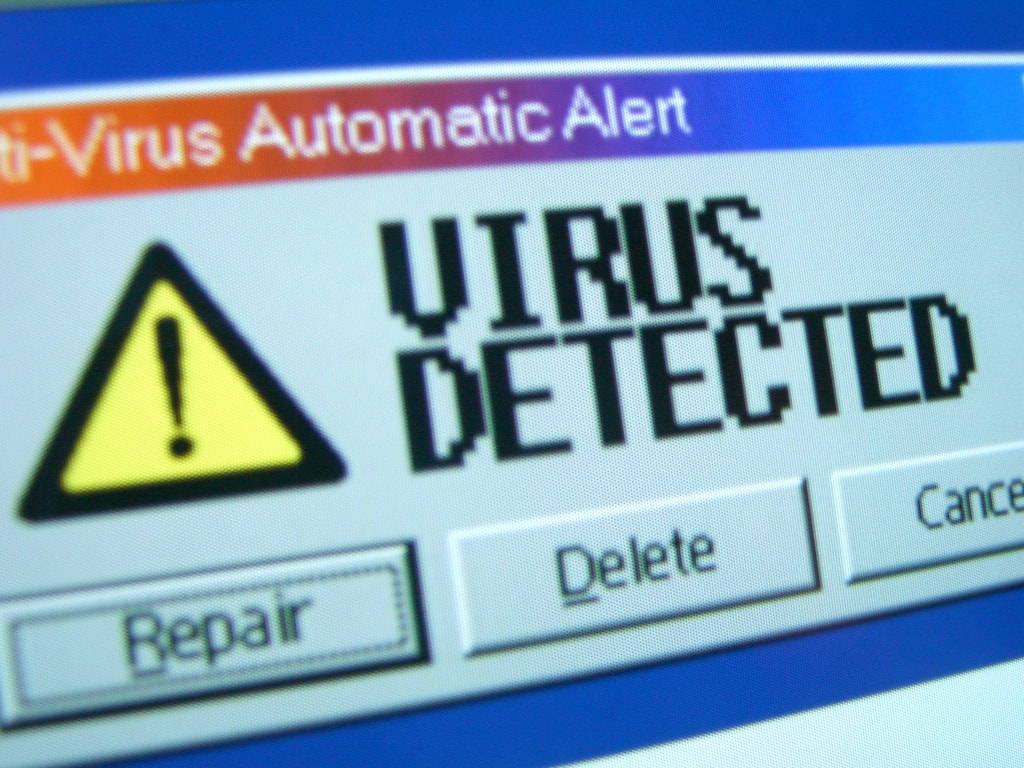
In many cases, security software can only remove the tip of the iceberg. Hackers may have established deep control within the system, using techniques to hide themselves from conventional protection tools.
Another worrying sign is when your antivirus software is suddenly disabled for no apparent reason. This could be a deliberate act by an attacker to remove your last line of defense.
If you encounter these issues, you shouldn't take them lightly. Take immediate action to protect your data and privacy.
2. The webcam light mysteriously turns on.
If the webcam indicator light on your computer suddenly turns on when you haven't opened any video calling applications or used the camera, it could be a serious sign that your system has been compromised. In many cases, hackers may have installed spyware, such as a Remote Access Trojan (RAT), to secretly monitor you through your webcam.
On some computers, the webcam indicator light automatically turns on when the camera is active, but users don't always know why. Some devices don't have a light, but you can still check the webcam's usage status via the icon in the system tray or in the "Privacy" section of the Settings app. However, the worrying thing is that sophisticated malware can completely hide its activity from common monitoring tools.
It's also possible you simply forgot to close a background conferencing app like Zoom or Teams. But whatever the reason, if your webcam is working for no apparent reason, don't take it lightly. It could be a warning sign of unwanted surveillance underway.
3. The computer is unusually slow.
If your computer suddenly runs slower than usual, applications take longer to open, your browser loads pages slowly, or the entire system is sluggish, something is likely going on behind the scenes. One of the most serious causes is that your computer has been infected with malware or has been compromised by hackers.
Some types of malware, especially cryptocurrency mining software (cryptojacking), can consume all of the system's CPU and GPU resources to mine digital assets for the attacker. As a result, the machine's performance is severely degraded, even when you are not running any demanding programs.
You can open Task Manager in Windows to see which processes are consuming resources. However, be aware that many legitimate operating system processes can also temporarily use a lot of resources, such as during updates.
While a slow computer isn't always due to a hack, if it persists unusually long, it's a sign you should thoroughly check your system and consider taking necessary security measures.
4. The computer freezes, and applications constantly crash.
If your computer frequently freezes, displays the Blue Screen of Death (BSOD), or applications constantly crash, it could be a sign that your system is experiencing a serious problem.
One of the potential causes is that malware has deeply infiltrated the operating system, installing malicious drivers or interfering with the system kernel, causing widespread instability.
Malware can also disrupt the operation of applications, causing them to malfunction or crash unexpectedly. However, not all incidents are caused by hackers; hardware malfunctions or software errors can also be the cause.
However, if you cannot pinpoint the exact cause, or if the problem occurs along with other unusual symptoms, you should immediately check for malware.
5. Strange applications and unusual pop-up windows
If you encounter strange pop-up windows, applications from unknown sources appearing unexpectedly, or your browser constantly displaying unwanted ads, it's very likely your system is being compromised by malware. This could be a sign that your computer has been remotely accessed by an attacker or has been infected with malware that installs junk software and ads.
However, not all pop-up windows are a threat. Some computers come pre-installed with manufacturer-installed applications, and many legitimate software programs can also generate similar notifications. Even command prompt windows that briefly appear and disappear can be part of a legitimate update process.
However, if you cannot identify the source of these windows or applications, you should seriously check your system and rule out the possibility of a hack.
6. Unusual changes in web browsers and extensions.
One of the clearest signs that your computer may have been compromised is unusual changes in your web browser, such as a sudden change in your homepage, a different default search engine, or the appearance of extensions you've never installed. This is typical behavior of adware, spyware, and other types of "junk software."
These programs are often bundled with free software and operate silently to redirect your traffic to websites that profit from the attackers' efforts. Worse, they can secretly collect browsing data, install tracking code, or insert intrusive ads into every page you open.
If you experience such unexplained changes, be cautious. Restoring your browser to its factory settings is only the first step. More importantly, you need to run antivirus or anti-spyware software to scan your entire system and completely eliminate any potential threats.
7. Unusual emails appear, passwords are changed.
Hackers aren't just targeting computers; they're also aiming for online accounts linked to your digital identity. And in many cases, the "hacking" doesn't start on your device, but from passwords leaked elsewhere.
When an online service is hacked and user databases are compromised, information such as email addresses and passwords are often sold or shared publicly. If you use the same password for multiple accounts, hackers can easily access a range of services with a single successful guess. This is why password reuse is extremely risky, and two-factor authentication (2FA) is becoming increasingly necessary.
Signs such as strange emails sent from your address, unexpected password resets, or login alerts from unknown locations all indicate that your account may have been compromised. Even if your computer passes malware scans without detecting any problems, you should still take action.
Changing your password immediately, especially on important accounts like email, social media, or banking, is a necessary step to protect your personal information and prevent more serious consequences.
Always be vigilant and trust your intuition.
It's important to emphasize that the list of warning signs of a computer hack is never exhaustive. Even the most sophisticated attacks can leave absolutely no obvious trace.
A sophisticated attacker will avoid attracting attention and instead silently infiltrate, monitor, and steal critical data without affecting system performance or creating unusual patterns to avoid detection. This is a clear difference from typical malware, which can waste system resources such as cryptocurrency mining.
Therefore, the most important factor is trusting your intuition. If something makes you suspicious, proactively run a scan with reliable antivirus software. If nothing unusual is detected but you are still worried, consider resetting your computer to its default settings.
This process is similar to reinstalling Windows, helping to remove any malware or attack tools hidden in the system. Although you will have to reconfigure applications and settings, this is a small price to pay for peace of mind and optimal data protection.


