
7 bad habits that are ruining your computer.
In fact, there are many bad habits we unknowingly develop while using computers, and these habits are silently "destroying" your computer over time.
Nothing lasts forever, especially technology, but with proper use and maintenance, your computer can last for many years.
However, if your computer frequently malfunctions sooner than expected, it's very likely that your unintentional habits are contributing to shortening its lifespan.
.jpg)
Below are some common mistakes that can silently "kill" your computer without you even knowing it.
1. Ignore the overheating issue.
Heat is the sworn enemy of computers. When it gets too hot, the processor may automatically reduce performance to control the temperature or even shut down abruptly to protect the hardware.
Operating at high temperatures for extended periods can reduce the lifespan of the processor, fans, and battery, not to mention making the computer noisy and hot to the touch.
How to prevent your computer from overheating:
- For desktop computers:Ensure adequate airflow to the computer case by making sure vents are not blocked and that the fan system is operating efficiently. Avoid placing the computer in enclosed spaces where heat can build up.
If you're overclocking, carefully monitor voltage and temperature to avoid putting too much strain on the hardware. Regularly monitoring your CPU temperature is a good habit to ensure your machine runs smoothly.
.jpg)
- For laptops:Laptops require more careful handling due to their portability, which can easily lead to bad habits. Avoid leaving them in places with high temperatures, such as in a car in the sun, or placing them on soft surfaces like blankets or pillows, which can block airflow for cooling.
Instead, place your laptop on a flat surface where the rubber feet can slightly elevate it for better heat dissipation. If you frequently use your laptop in bed or on the sofa, a cooling stand will help ensure the system stays cool.
2. Allow dirt and liquids to freely penetrate.
Over time, all computers accumulate dust, which increases component temperatures and causes fans to overwork. Regular cleaning helps, but it's more important to prevent dust from accumulating in the first place.
Factors that cause your computer to get dirty faster:
- Cigarette smoke and pet dander can cause dirt to build up more densely, making the cooling system less efficient.
- Placing a desktop computer directly on the floor causes it to attract a lot of dust, hair, and small debris inside. If the floor is carpeted, you might even accidentally block the power supply's fan.
Therefore, you should place your computer on a desk or a suitable stand, and use a dust filter on the exhaust fan to minimize dust ingress.
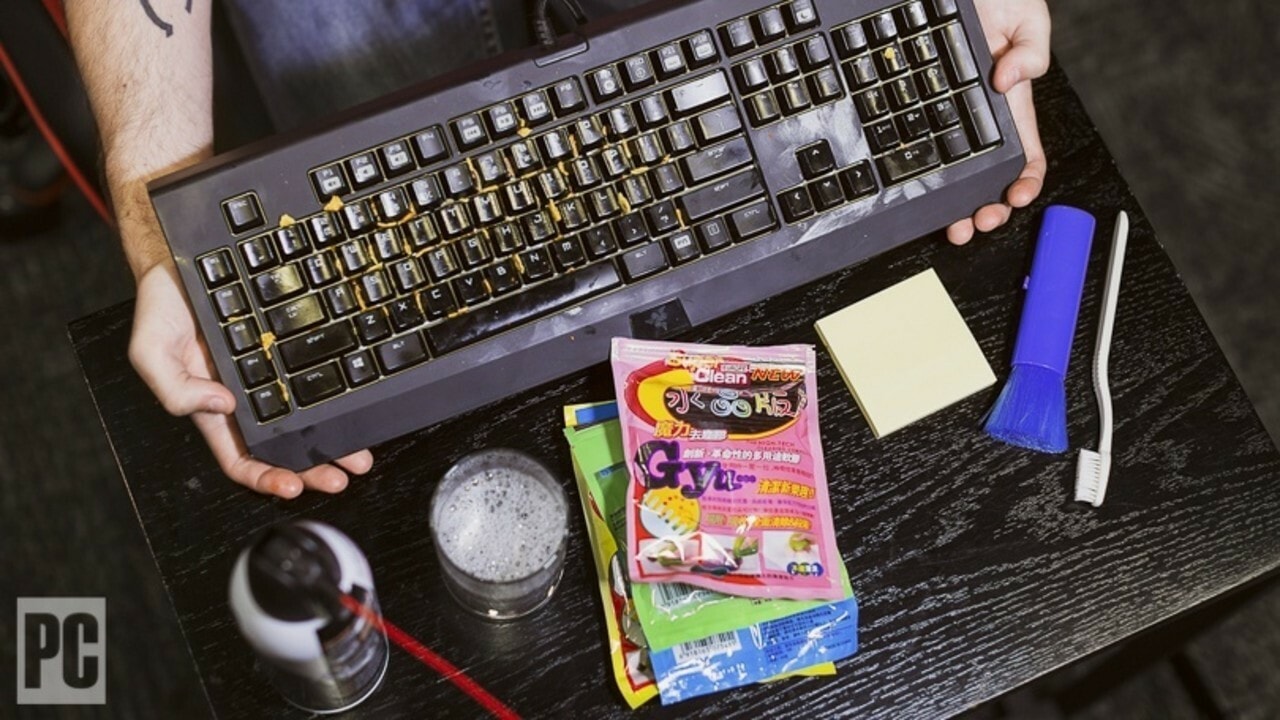
In addition, you should also avoid eating and drinking near your computer, or at least be careful when doing so. Bread crumbs stuck under the keyboard are not only unhygienic but can also jam keys or damage switches. And you've probably heard many unfortunate stories about laptops being ruined just because a cup of coffee spilled on the keyboard.
Even seemingly harmless actions like wiping a screen can pose risks. Never spray cleaning solution directly onto the screen; the liquid can seep into the crevices and cause damage.
In particular, using overly strong cleaning solutions can damage the protective coating on the screen. Instead, use a microfiber cloth, spray a sufficient amount of cleaning solution onto it, and gently wipe.
3.Careless use of laptops
Unlike desktop computers, which can remain safely in an office, laptops are subject to all sorts of bumps, vibrations, and careless use. The more carelessly you use them, the greater your risk of damaging a critical component.
In reality, many people lift their laptops by the screen, open the hinges from one side with too much force, or even throw the machine onto the sofa as if it were a pillow.
.jpg)
Some people even use the back of their laptop as a coaster for drinks. These habits can cause hinges to wear out quickly, the casing to crack, or internal components to become loose over time.
If your laptop still uses an HDD instead of an SSD, physical shocks such as strong vibrations or impacts while the drive is running can misalign the read/write head or even cause it to touch the disk surface, resulting in data corruption. While this isn't very common, if it does happen, the consequences can be serious, especially if you haven't backed up important data.
4. Improper use and maintenance of old batteries.
Over time, laptop batteries will gradually degrade after a few years of use. While this degradation is inevitable, if you frequently let the battery drain to 0% before recharging, the battery degradation process will occur significantly faster.
To extend battery life, charge and discharge your battery regularly instead of letting it completely drain before plugging it in. You can check your battery status on Windows to track your charging history and adjust your usage habits accordingly.
However, don't worry too much; letting the battery drain completely, such as when you're working on an airplane, won't have a major impact. But in the long run, regularly charging the battery will help maintain its lifespan better.
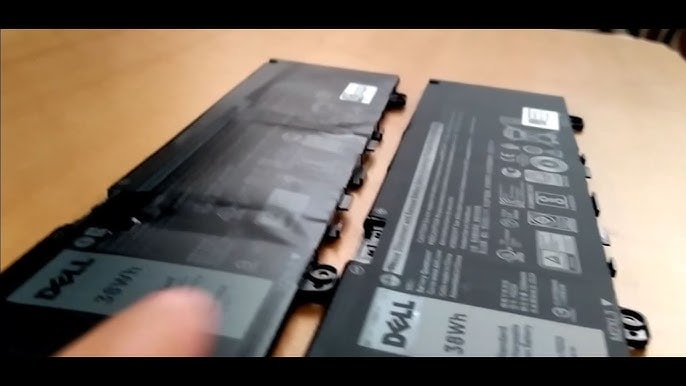
If your battery begins to swell, creating gaps between the battery cells or pushing against the laptop casing, stop using it immediately and replace it safely. Continued use of a swollen battery can lead to a serious fire and explosion risk.
When it's time to replace your battery, don't be tempted by cheap, counterfeit batteries sold on eBay or other unreliable sources. Choose genuine batteries from the manufacturer or from reputable stores.
Poor quality batteries can not only be weak but also pose a fire hazard. The same applies to chargers; use genuine chargers or, if your laptop charges via USB-C, make sure to use a certified charger to avoid damaging the device.
5. Neglecting electrical safety.
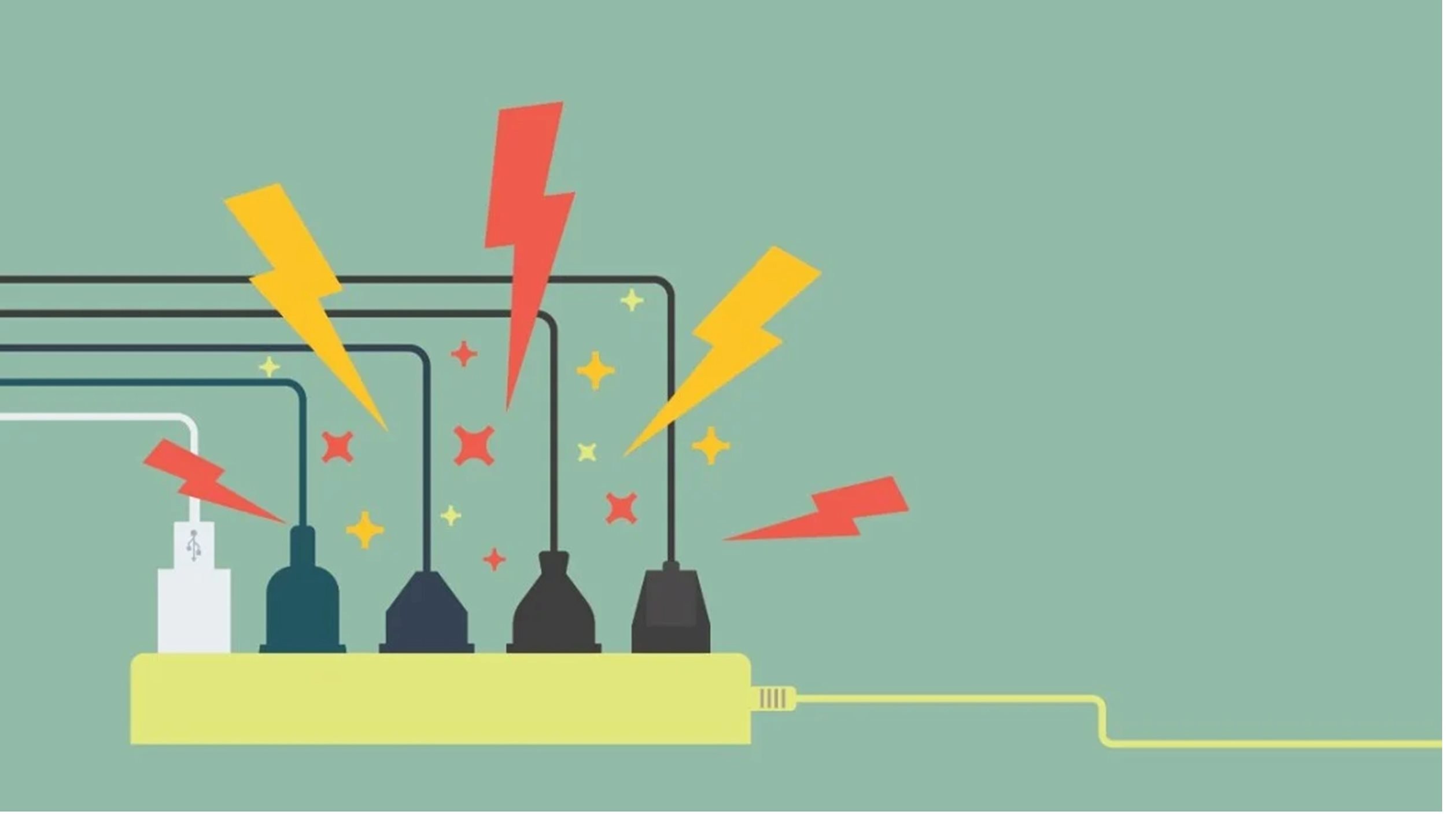
Computers consume a large amount of electricity and are easily damaged by overvoltage issues, which can occur after a power outage, when other high-power devices in the house are switched on, or due to an unstable power grid.
Computer power supplies have some basic protection measures, but for longer-term protection, you should invest in a UPS, with a backup battery that protects your computer from sudden power outages and can help minimize small voltage spikes and extend the lifespan of your computer.
Laptops require even more careful handling due to their portability. Desktop power cables are typically fixed in place, but laptop power cables are subjected to significant stress during transport, navigating tight spaces, being pulled forcefully out of outlets, or even getting twisted during use.
This not only makes the cable less durable but also creates a fire hazard. Therefore, always unplug the charger from the outlet instead of pulling the cable forcefully. If you notice the cable is frayed or the internal wires are exposed, replace it immediately to avoid potential hazards.
6. Tightenpower charging cable and cableconnect
While damaging a USB port or cable isn't as dangerous as mishandling a power adapter, it can still cause serious and unnecessary damage to your computer.
If you're using external devices like USB drives or portable hard drives, be careful not to bend or forcefully impact them. With the high-end USB-C ports on today's laptops, you certainly don't want to accidentally damage an important port.

Charging cables and connecting wires also need to be stored properly. Constantly bending or forcefully folding cables can break internal connections, causing the cable to become unreliable or unusable.
Additionally, keep cables away from small children and pets; a pet bite can damage the insulation and even create a safety hazard. When storing, do not wrap the cable too tightly to avoid breaking the inner core.
7. Browsing the web without protection.
Many people believe that simply being careful while browsing the web is enough to avoid malware, but that's not the case. Even legitimate websites can be infected with malicious code and spread viruses without your knowledge.
Here are some basic security principles you should follow when browsing the web:
- Regularly update your operating system and software to patch security vulnerabilities.
- Use a password manager and avoid using the same password for multiple websites.
- Learn how to identify phishing websites and avoid clicking on suspicious links.
- Do not download pirated software, as this is a common source of virus infection.
- Secure your home Wi-Fi with a password using the WPA2 or WPA3 security protocol to prevent unauthorized access.


