
Should you turn off your computer at night?
Every night before bed, do you ever ask yourself: Should I turn off my computer or leave it running all night? This is a controversial question, and even seasoned tech users have differing opinions on it.
According to a survey by cybersecurity company Panda Security (USA), only about 37% of the 1,000 Americans surveyed said they turn off their computers every night.
Many people believe that it's best to turn off your computer at the end of the day, just as we need a good night's sleep to recharge. However, in reality, it's not always necessary to completely shut down your computer after every use.
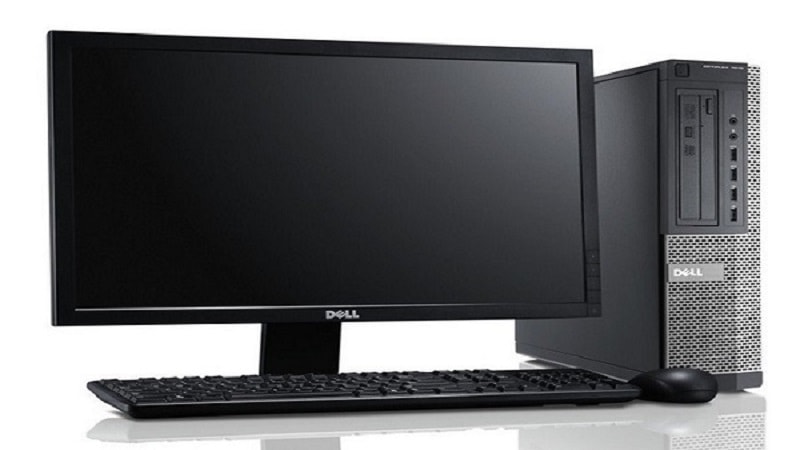
Without user intervention, most computers will automatically enter "sleep mode" after a period of inactivity. For laptops, simply closing the screen is enough to activate this mode, although you can change the settings if you wish.
Sleep mode is an effective energy-saving feature that uses very little power while keeping open files, programs, and data ready. This allows the computer to quickly resume operation when you press a key or move the mouse, without needing to restart from scratch.
Additionally, sleep mode is useful when you want to let your computer run background tasks such as software updates or virus scans without having to keep it fully running.
However, sleep mode also has some drawbacks. If you're connected to a public and insecure Wi-Fi network, leaving your computer in sleep mode can make it more vulnerable to cyberattacks.
Furthermore, although it consumes very little electricity, this mode still uses a certain amount of energy, which may be worth noting if you want to minimize your electricity bill.
If you're concerned about the safety of your equipment, investing in a surge protector is also a good idea, helping to protect your computer from sudden voltage surges that could damage the hardware.
Additionally, sometimes completely shutting down the computer can be beneficial. This frees up RAM, helps the system run more smoothly, and reduces the risk of software errors caused by continuous operation.
However, one thing to consider is that the computer startup process consumes a significant amount of power, and some argue that this can put strain on the hardware, reducing its lifespan over time.
For this reason, many experts recommend that if you use your computer frequently, it's best to turn it on and off only once a day. Only if the computer is not used for an extended period should it be completely shut down.
Steven Leslie, an expert at the technology services company Geek Squad (USA), shared: “It all depends on how often you use your computer. If you use it multiple times a day, leave it on all the time. If you only use it for one or two hours a day or less, turn it off after use.”
He also noted: "Leaving the computer on constantly puts less stress on it than repeatedly turning it on and off throughout the day, but it's still a form of sustained stress on the system."
In short, whether or not to turn off your computer depends on your individual needs. If you use your laptop frequently, leaving it on for several days straight won't cause any harm.
However, you should still completely shut down the machine at least once a week and take necessary precautions to ensure the longevity and performance of the device.


