Vietnamese
Vietnamese
English
French
Русский
Listen to An News
Nghe An Daily
Nghe An Weekend
Log in
Nghe An Newspaper:
Nghe An Television:
Latest
Current Affairs
Forum
Human Resources
New policy
Party building
Protecting the ideological foundation
Putting the resolution into practice.
Economy
Industrial
Agriculture
Market
Real estate
Car
International
Comment
News
Society
Bridge of Compassion
Religion - Beliefs
Culture
National Defense
Tourism
Poetry - Stories
Education
Law
Security and Order
Advise
Case file
Sport
SLNA
Domestic
Nghe An Newspaper and Radio Cup
International
Business networking
Classified ads
Health
Advise
Medicine & Nutrition
Health & Beauty
News
Labor
Job
Entertainment
Showbiz
Short Video
Reflection
Digital transformation
Technology
Windows tips and tricks
News and updates related to Windows tips and tricks.
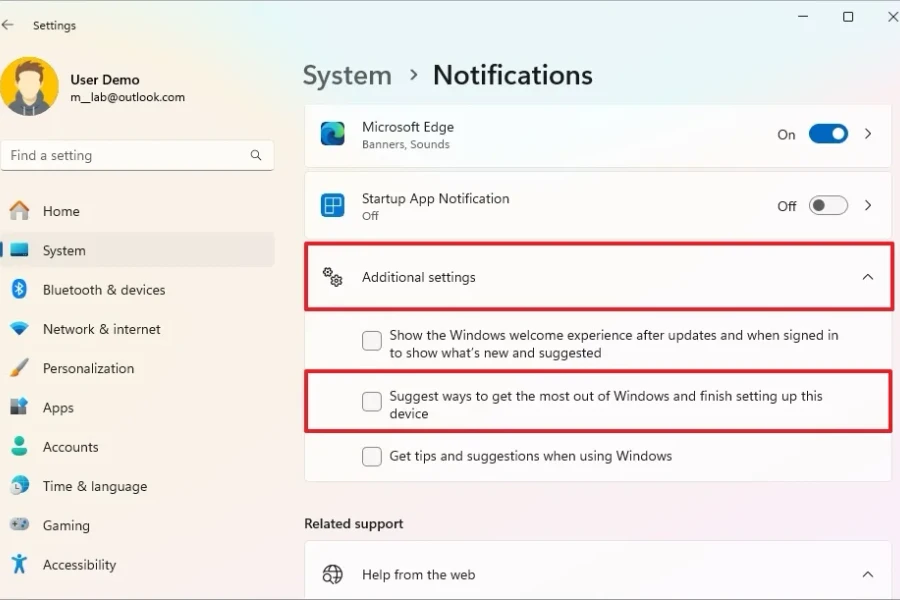
How to turn off the 'Setup Complete' notification on Windows 11
Detailed instructions on 2 methods to permanently remove the 'Complete your device setup' reminder, ending the annoying 'Remind me in 3 days' notification loop.
Technology
Windows 11: Performance-Optimizing Features You Should Know
Discover how to leverage Copilot AI, manage windows with Snap Layouts, and personalize your workspace to boost productivity on Microsoft's latest operating system.
Instructions on how to disable all annoying ads on Windows 11.
Are ads appearing on your Start Menu, File Explorer, and lock screen? Discover settings that will help you get back a clean, undisturbed Windows 11 experience.
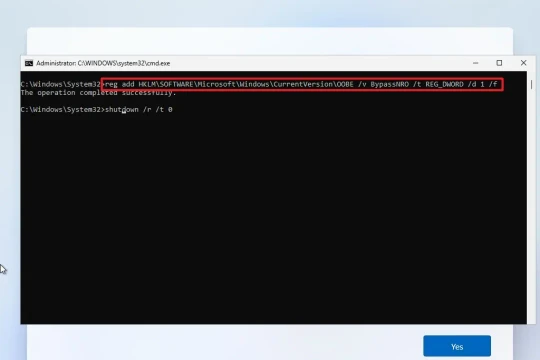
4 ways to create a local account when installing the latest Windows 11.
Microsoft has removed the familiar OOBE\BYPASSNRO command, but users can still create local accounts. This guide details four effective alternative methods.
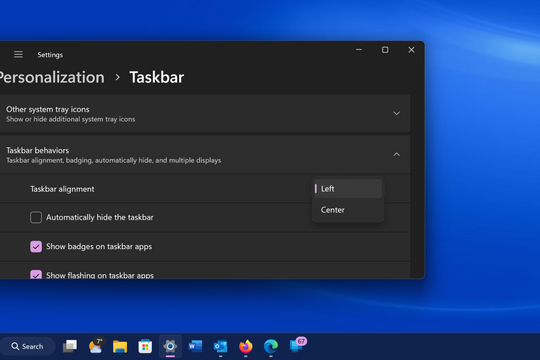
How to bring the familiar Windows 10 interface to Windows 11
If you're not yet familiar with the new interface, you can customize Windows 11 to bring back the Taskbar, Start menu, and many other familiar elements from Windows 10.
Mastering Windows environment variables: Optimizing command line efficiency
Discover how to edit environment variables and Path variables on Windows 10/11 to shorten commands, run applications faster, and personalize your system.
Windows 11 File Explorer: 6 upgrades change how files are managed.
From its browser-like tabbed interface and photo gallery view to native RAR/7Z support, File Explorer on Windows 11 has been comprehensively upgraded by Microsoft, making file management faster and more intuitive.
POWERED BY
FREE
CMS
- A PRODUCT OF
NEKO
×
Log in
Log in with Google